
Withdrawals
Withdraw assets
Withdrawals fall under vault policies and both administrators and members who have been added to a vault can initiate and approve withdrawals.
You may initiate withdrawals in the iOS app and on the web dashboard. If initiated on the web dashboard, users are required to submit biometric approval in the iOS app.
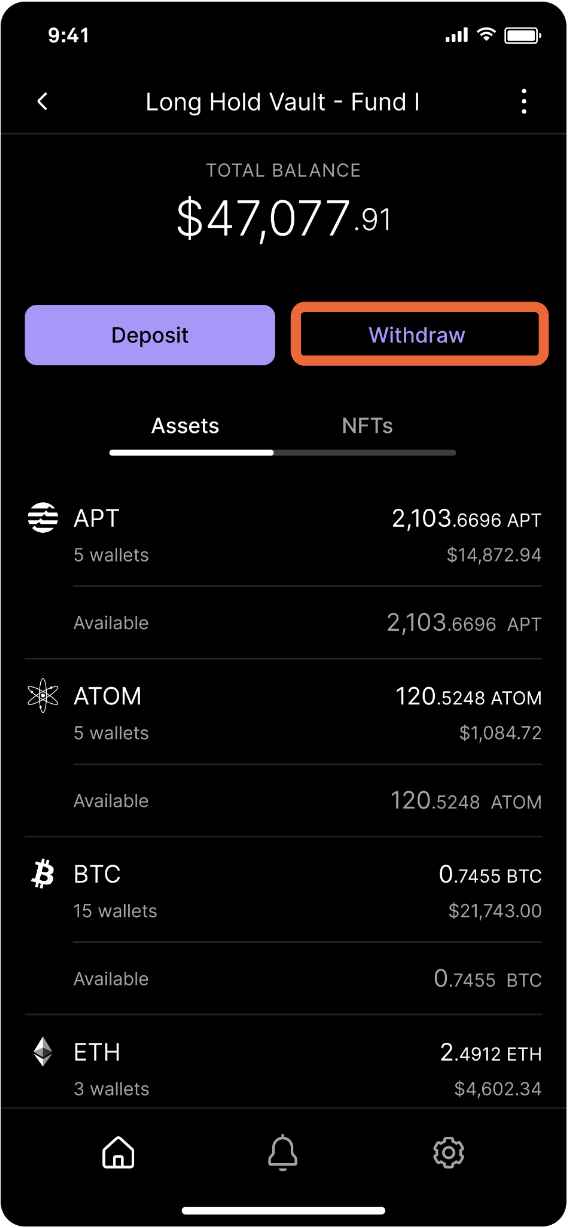
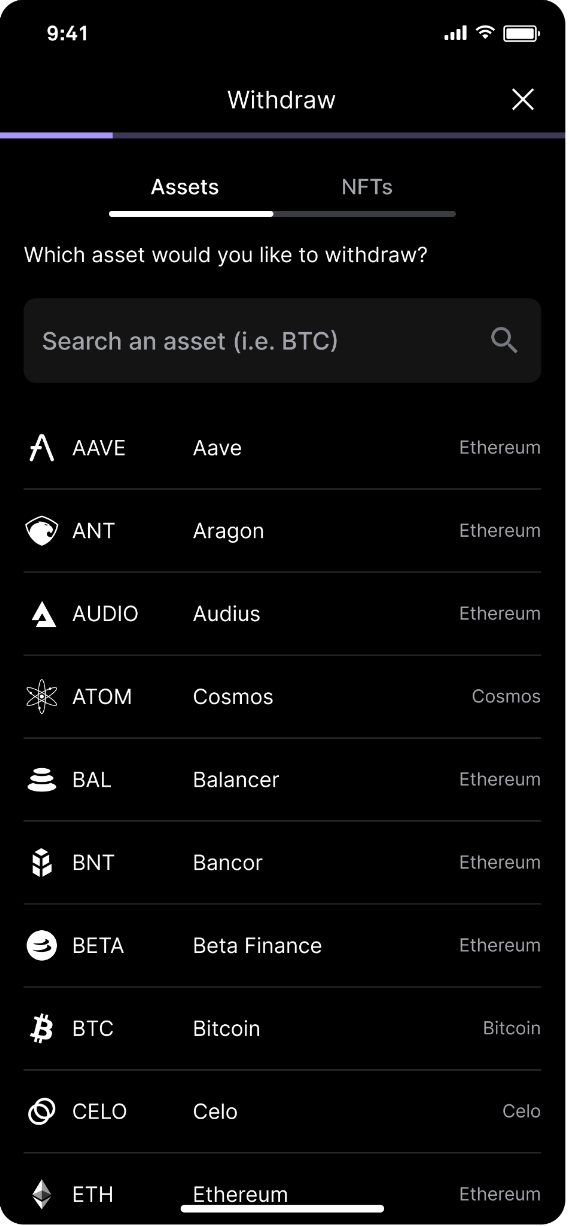
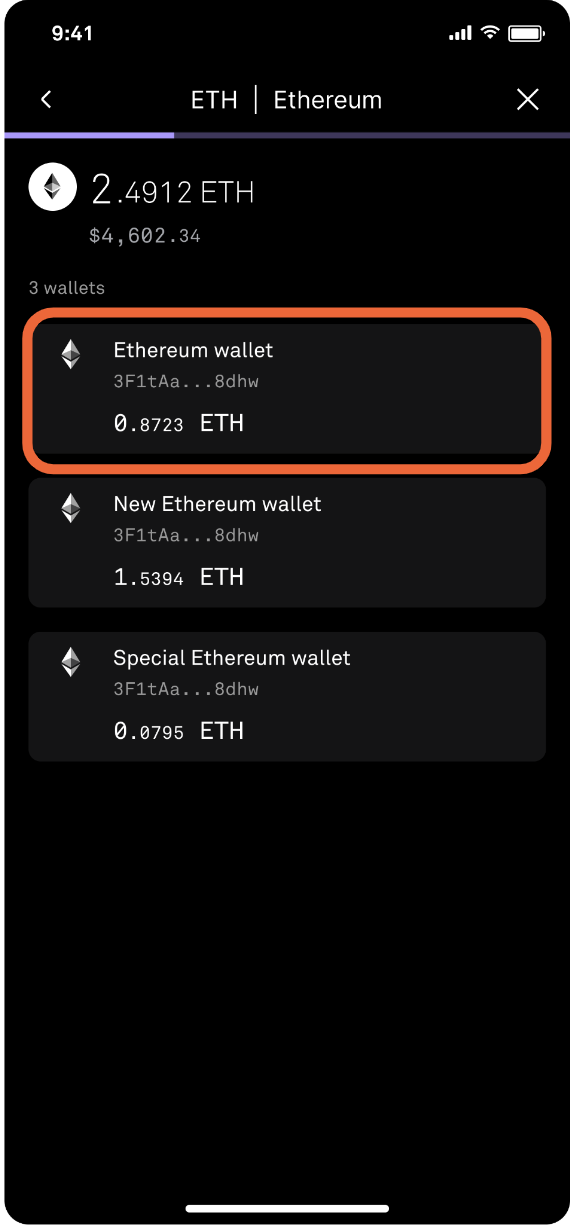
Go to the desired vault and tap Withdraw. Search and tap the asset you would like to withdraw. Select the wallet from which you would like to withdraw.
Continue the withdrawing process by entering the amount and the destination.
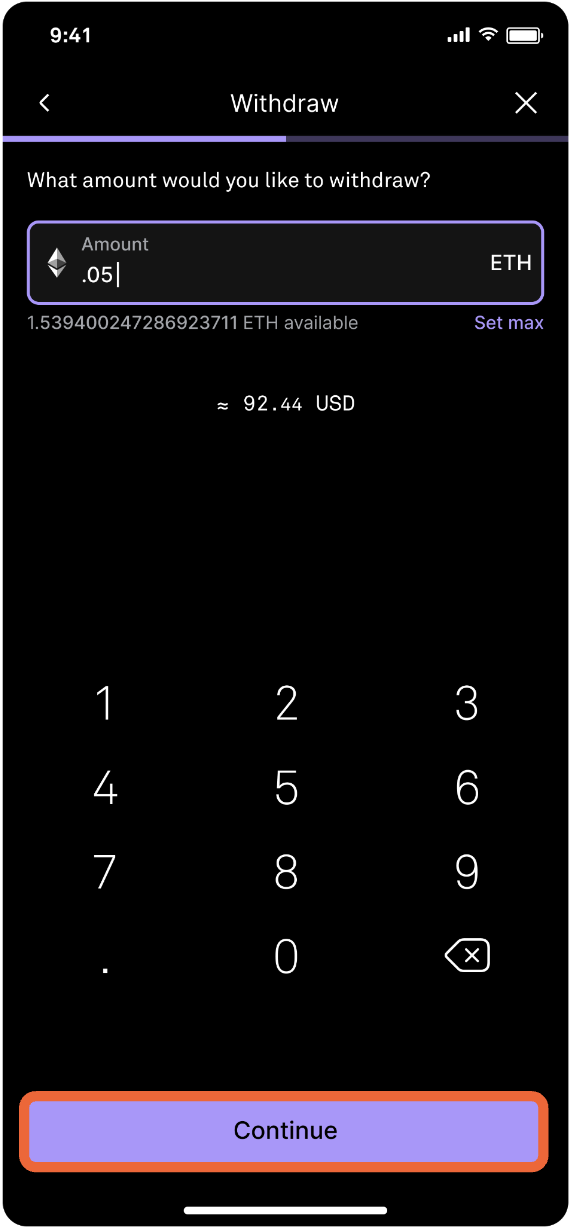
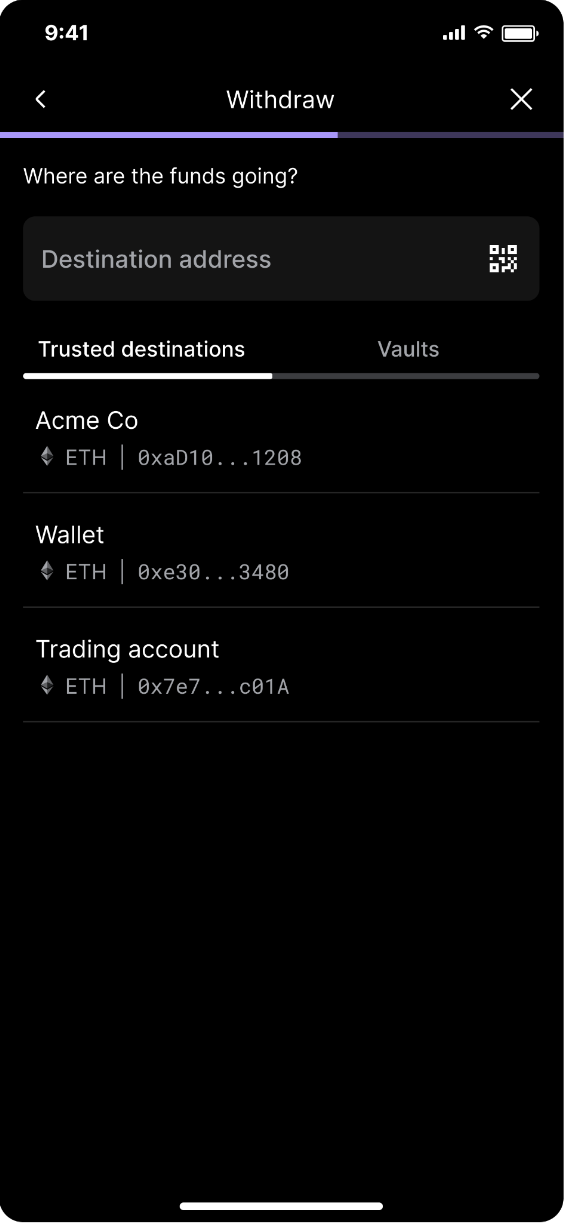
Enter the amount and tap Continue. Enter the destination address, scan it, or choose one of your trusted destinations or vaults.
Quorum approvals
Vault members and administrators will get a notification to approve the asset withdrawal via quorum.
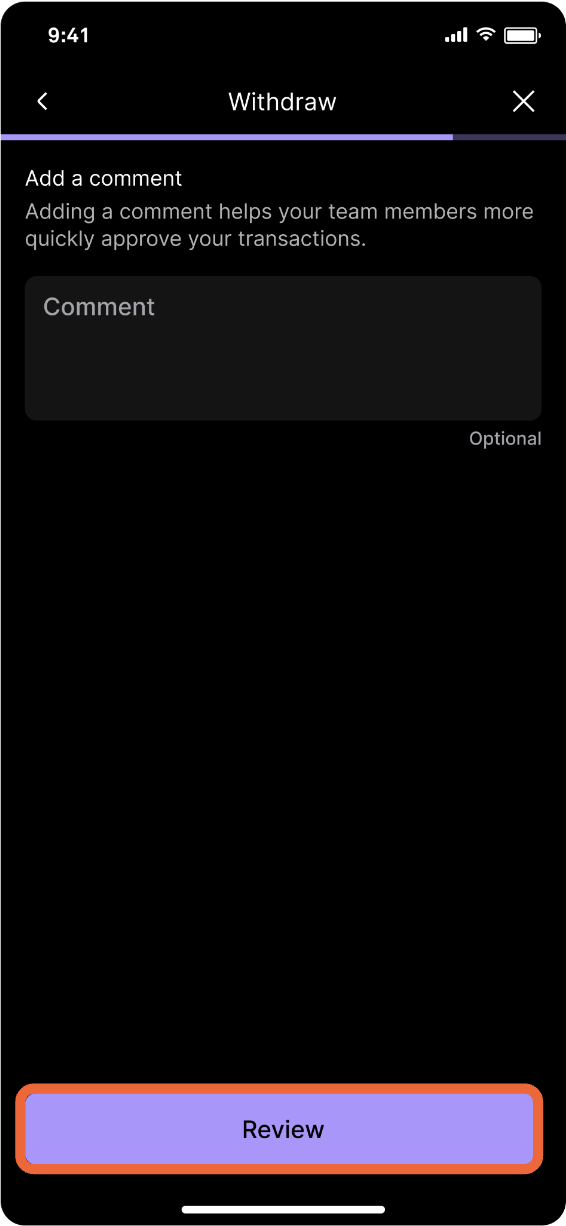
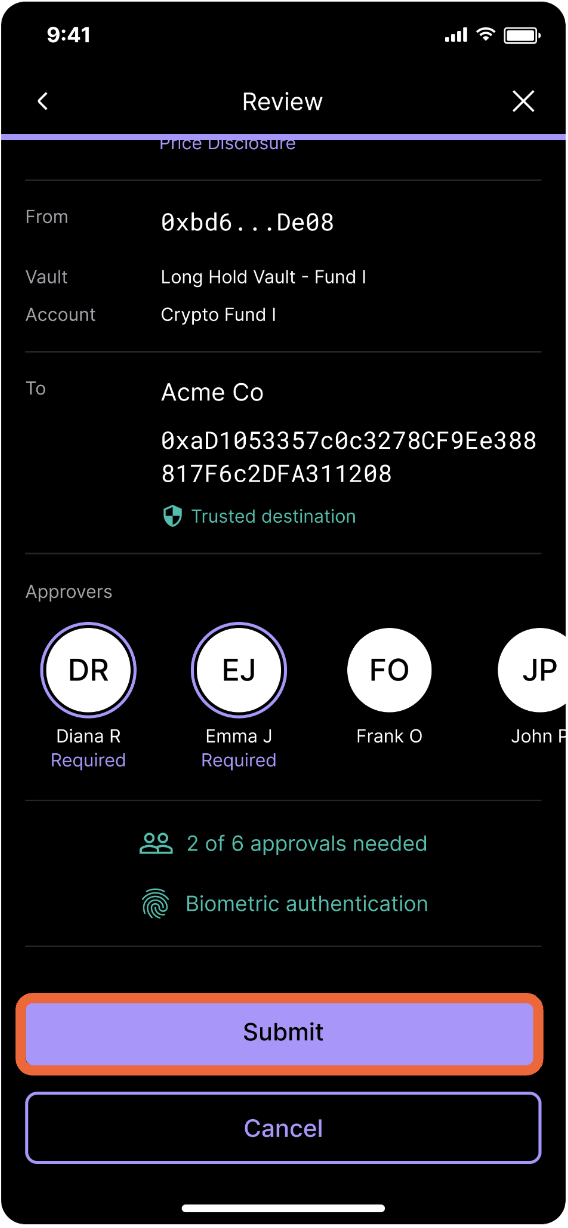
Add a comment (optional). Review the withdrawal details and tap Submit for approval.
Updated about 1 year ago