
Set up your participants
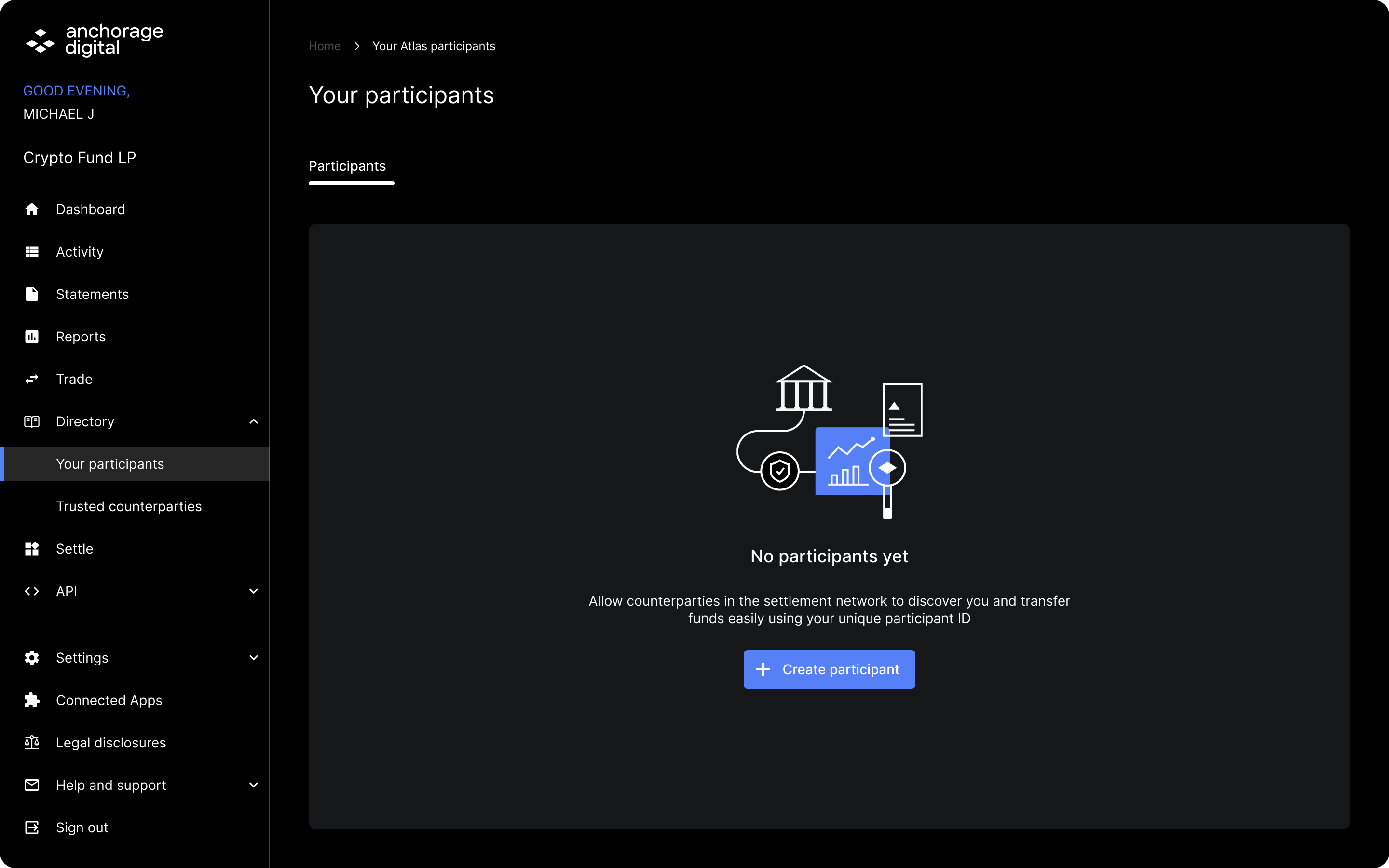
Head to Your participants in Directory and click Create participant
Select the account you would like to create a participant for.
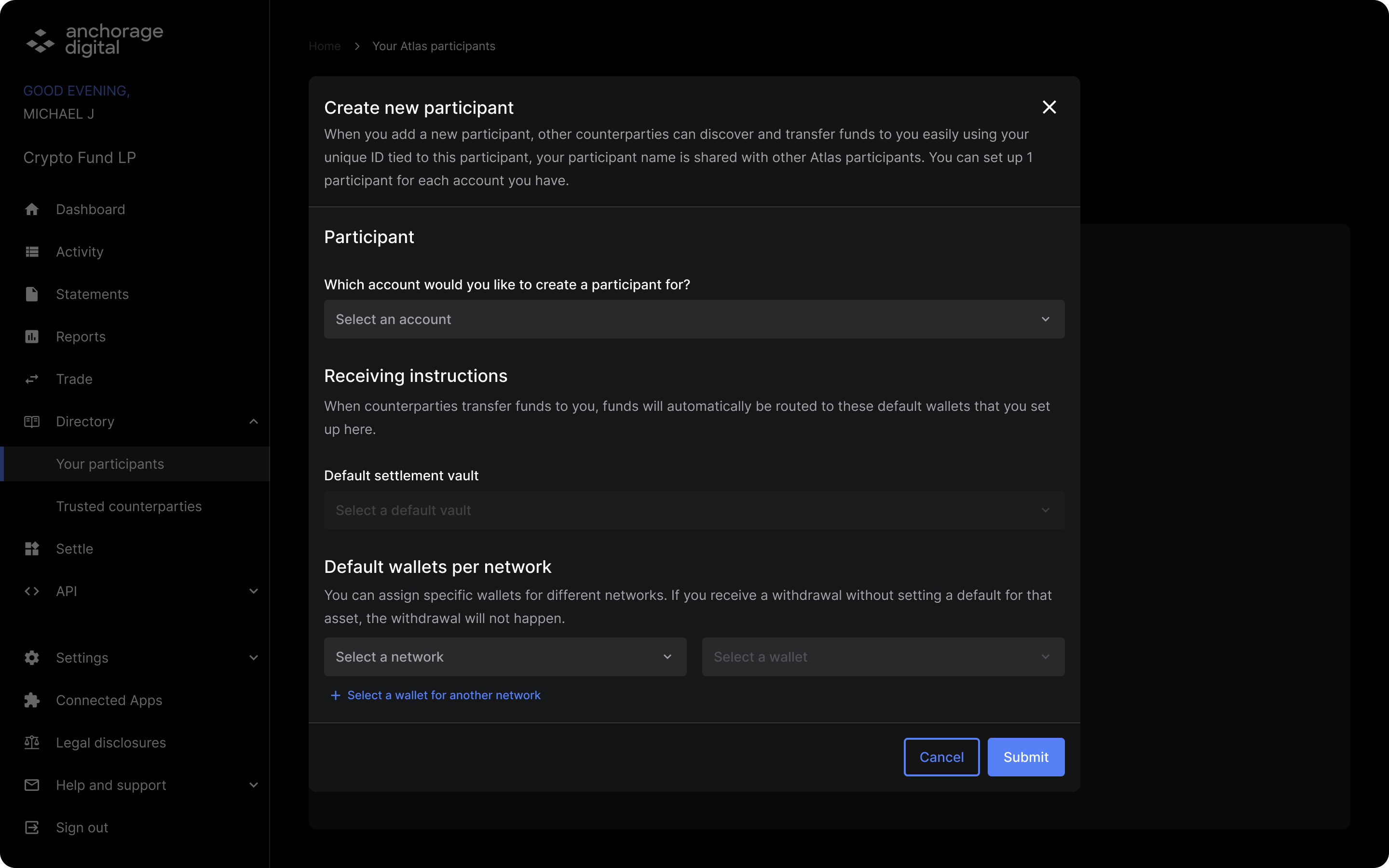
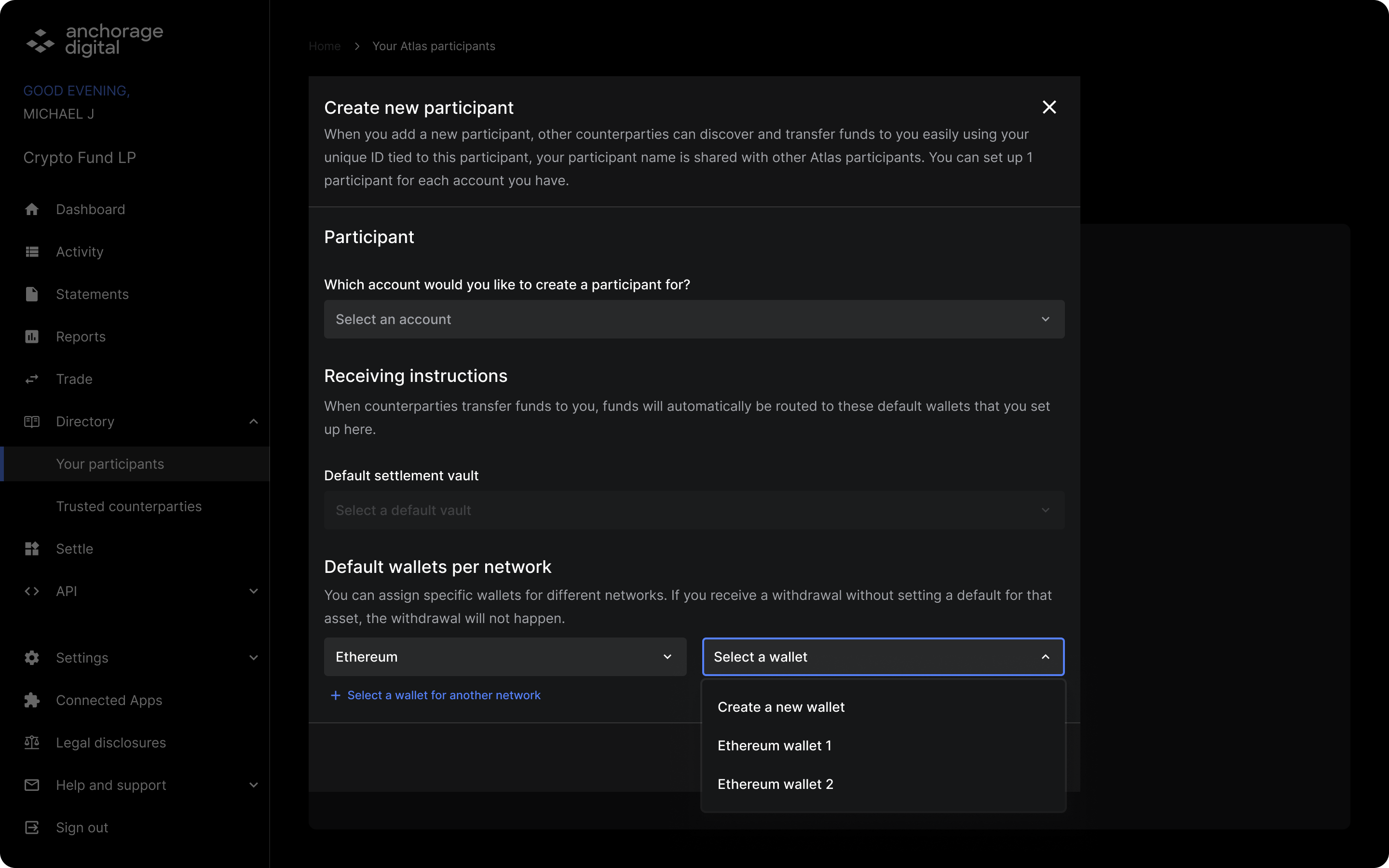
Specify the default settlement vault and wallets per network type and click Submit.
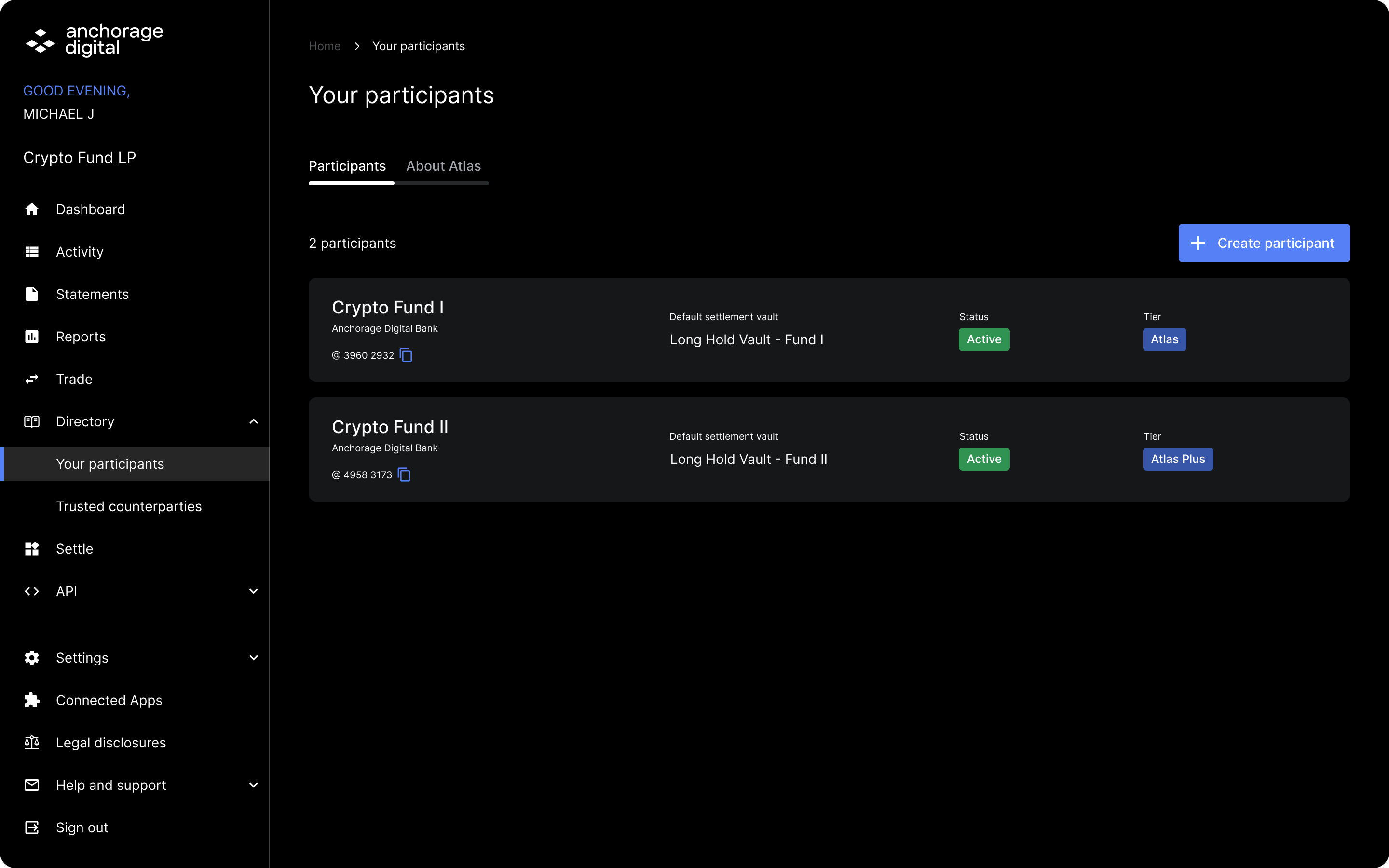
Participant IDs
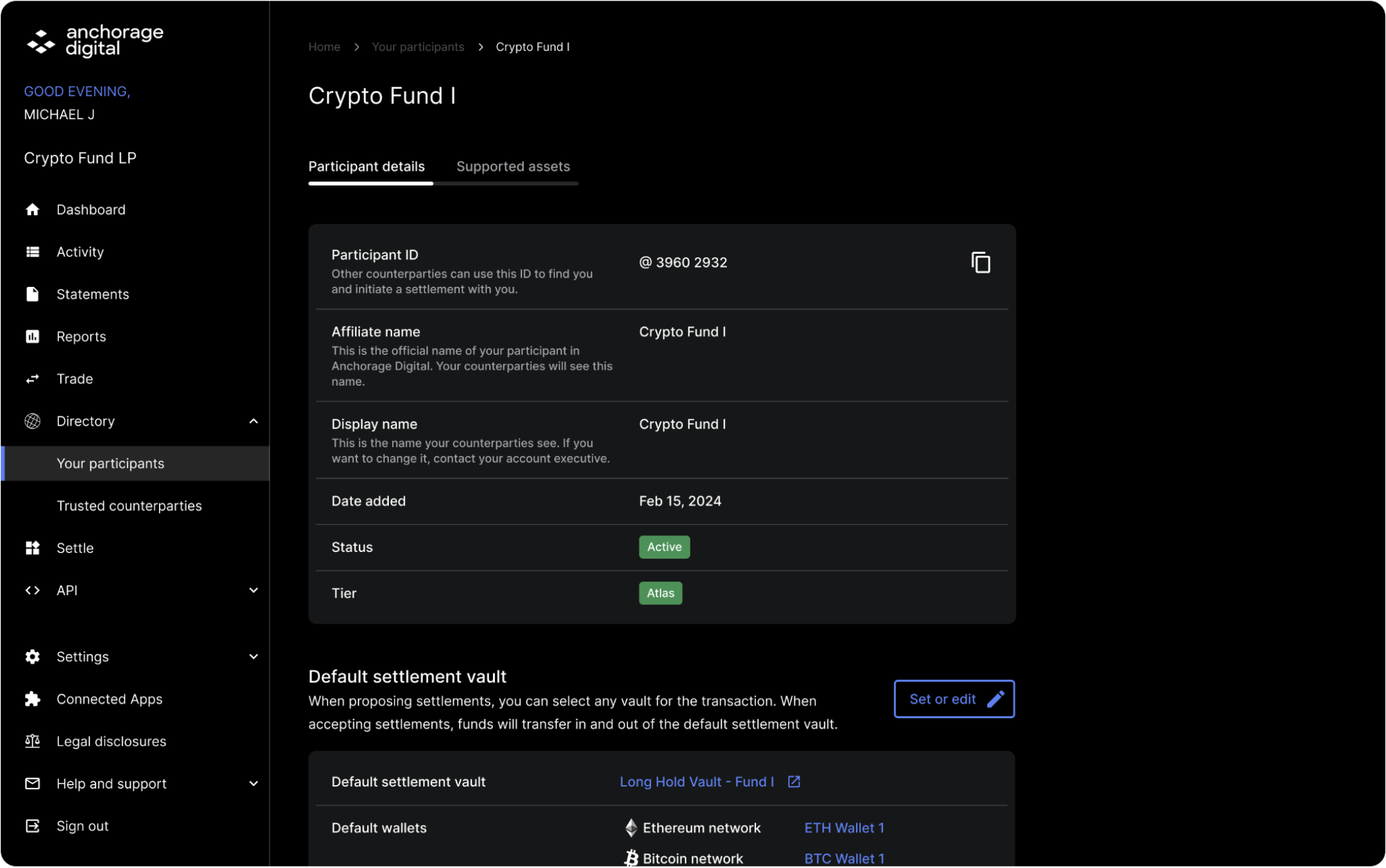
Once created, you will see the list of accounts participating in the network and their corresponding participant IDs. Other counterparties will use this ID to find you and initiate a settlement with you.
Participant details
In the Participants tab, click the participant to see its details such as the account name and status. Select Set or edit to change the default settlement vault and wallets as applicable.
Updated 7 months ago
Did this page help you?