
Log in and homepage
Log in to the web dashboard
Visit https://www.porto.xyz and select Login at the top right corner or go directly to the login page.
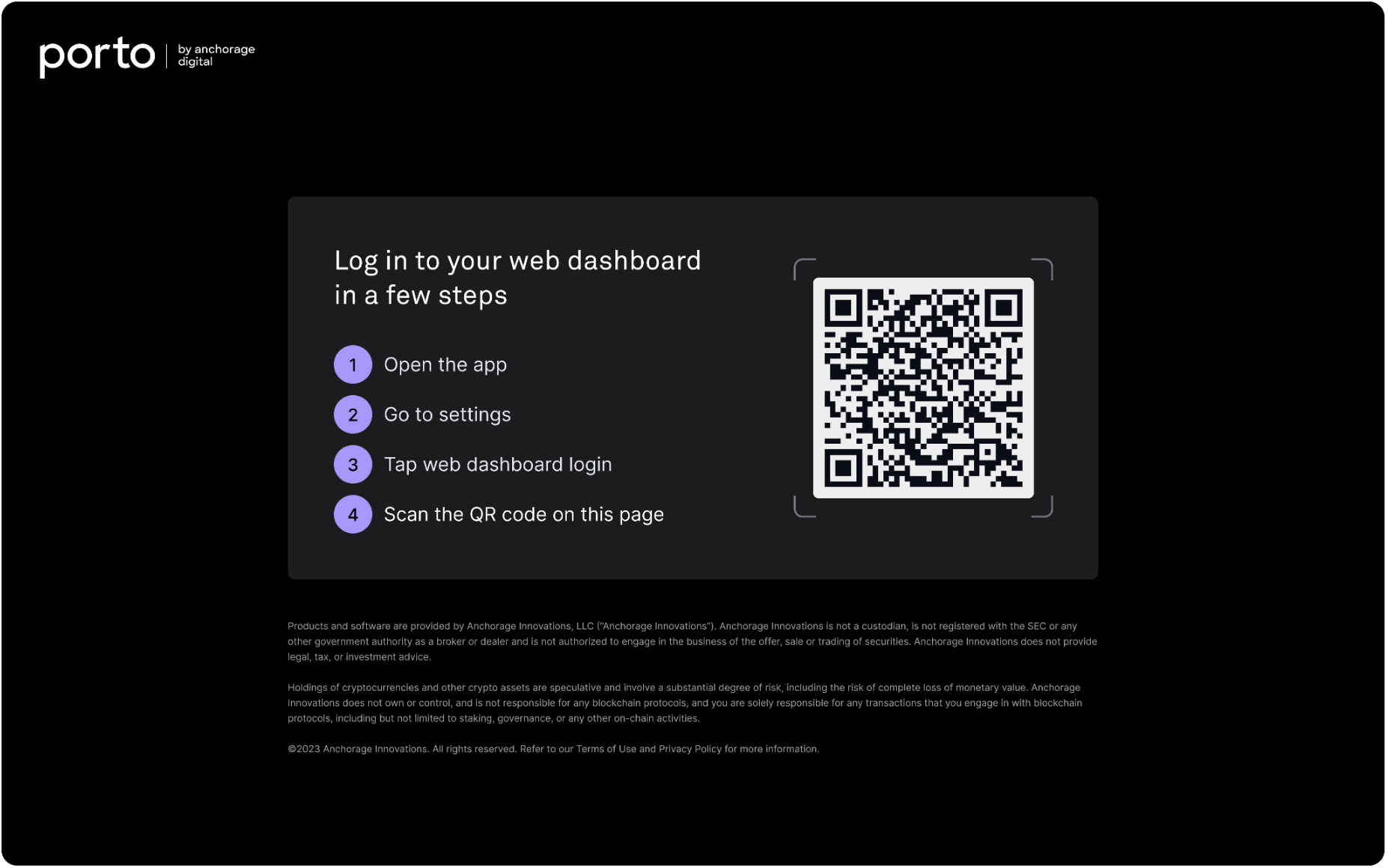
Continue the process in the mobile app
After visiting the Porto login page, open the iOS app to tap Settings, Web dashboard login, and then scan the QR code visible on the website. Once complete, review the location of the device to log in and allow access.
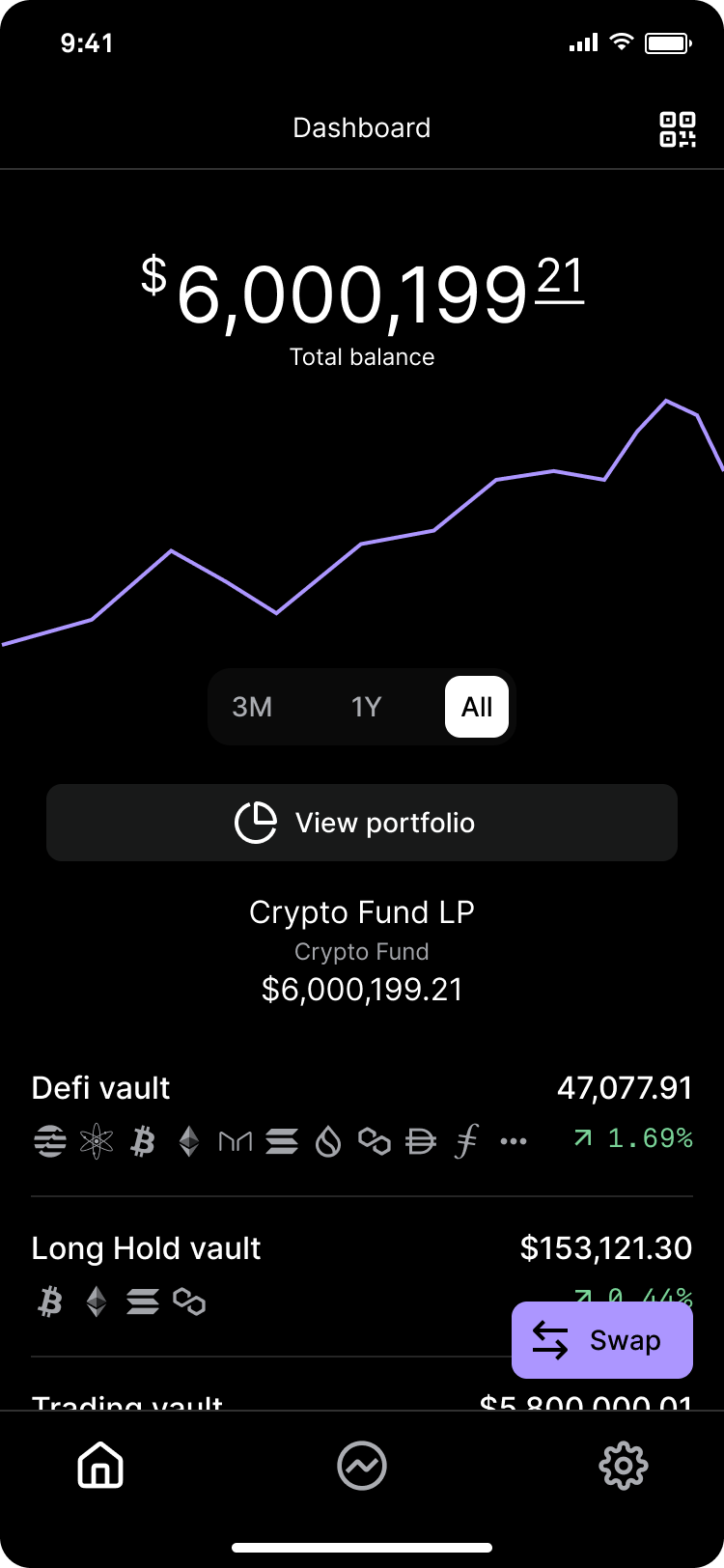
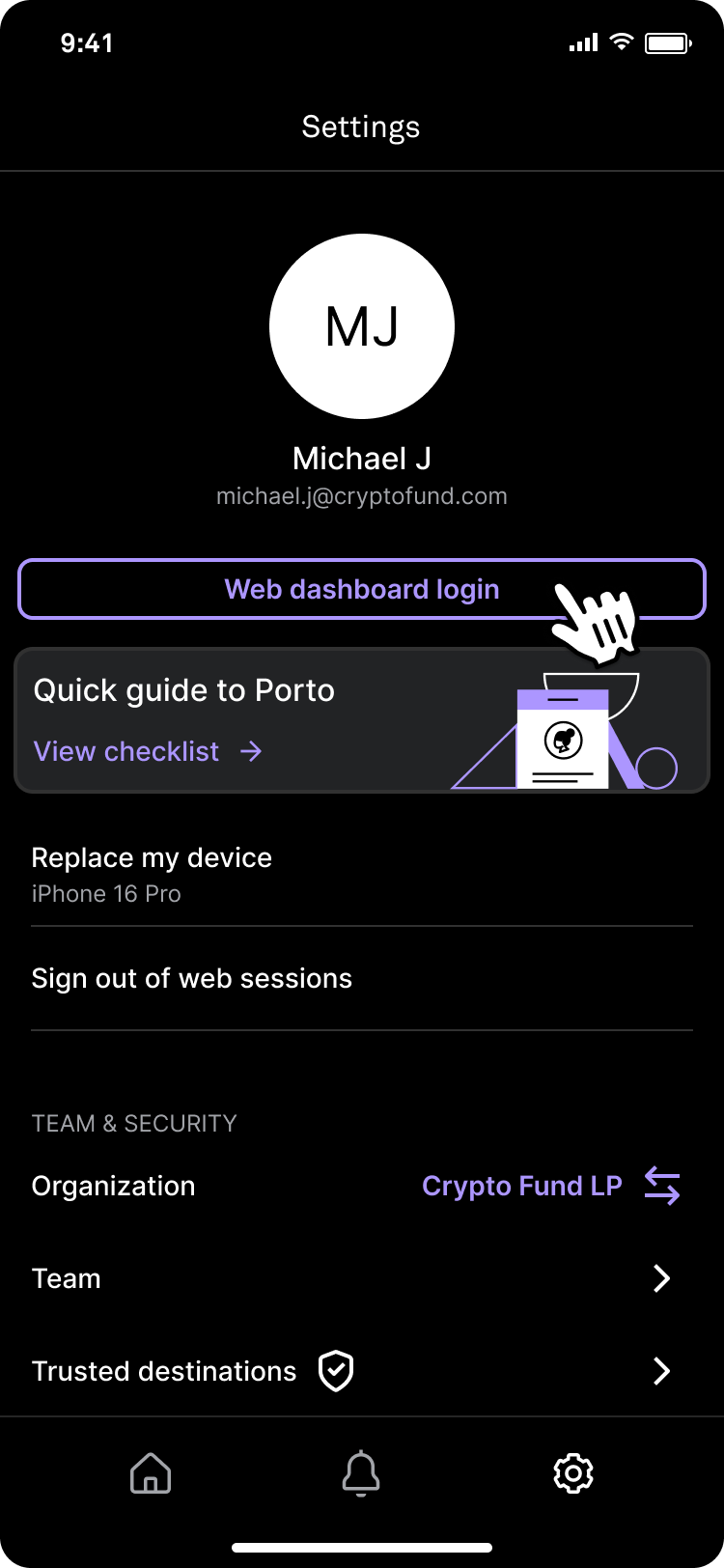
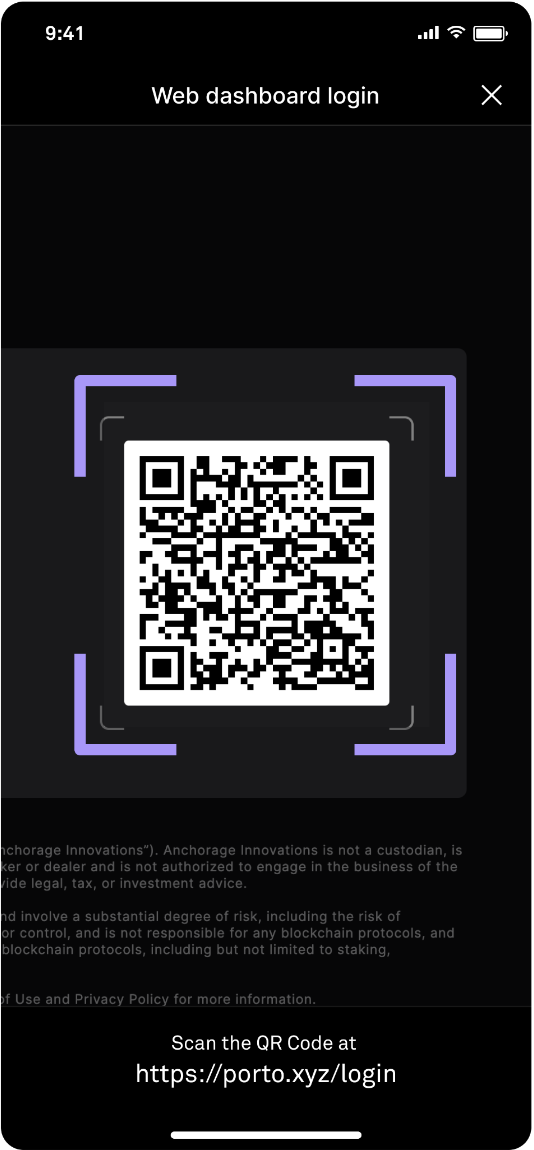
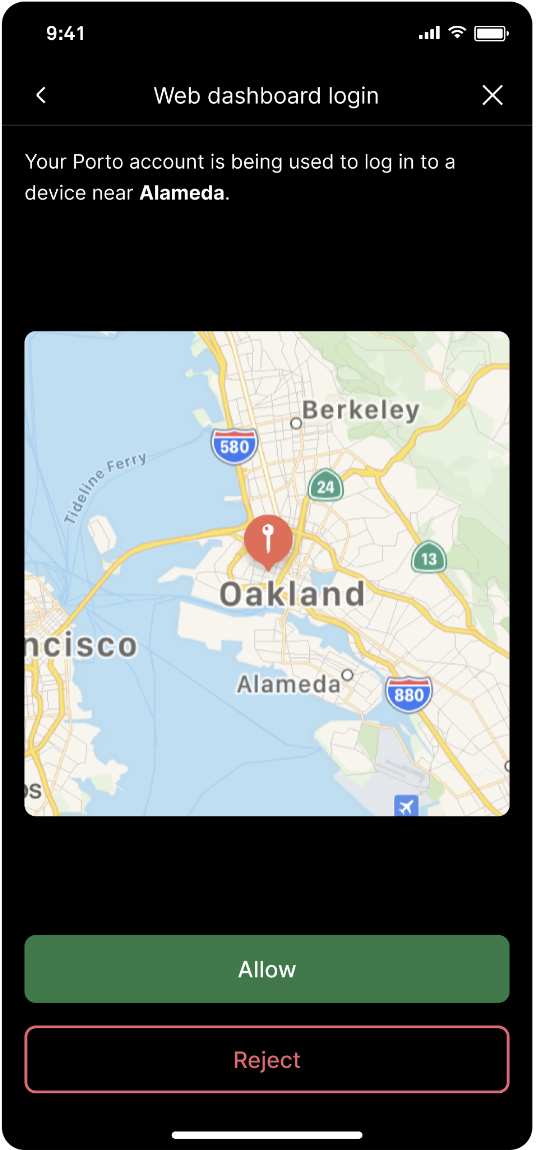
Open the mobile app and go to Settings. Tap Web dashboard login, then scan the QR code and review the location of the device trying to log in before allowing access.
Homepage
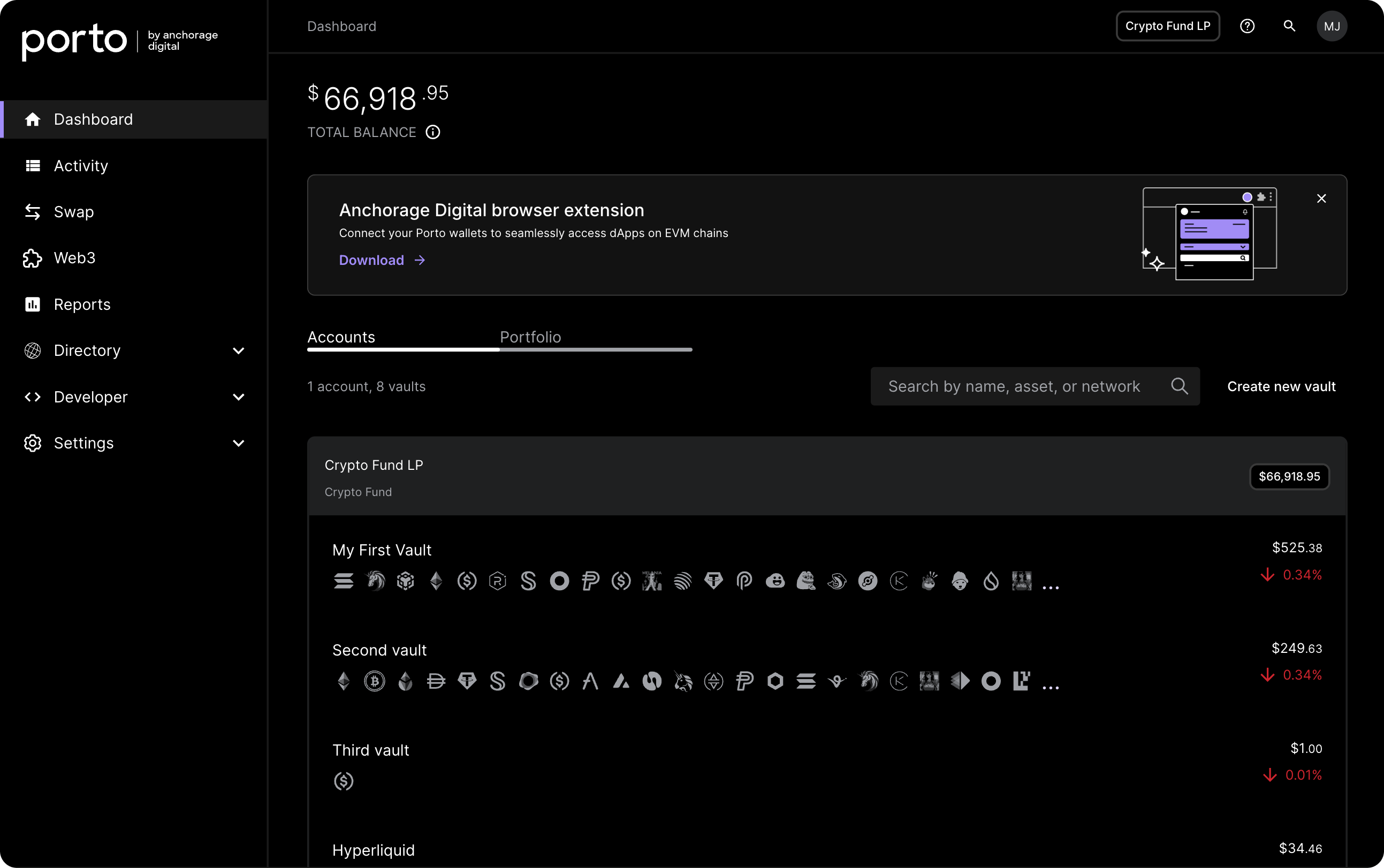
Once you have logged in, you will be able to navigate from the web dashboard.
Portfolio
Click Portfolio to view the breakdown of holdings by asset.
Updated 4 months ago
Did this page help you?