
Adding a rule
Adding a rule
To add a new rule to an admin or vault policy:
- Navigate to Settings, then Policies.
- Select the specific policy you wish to edit (admin or vault).
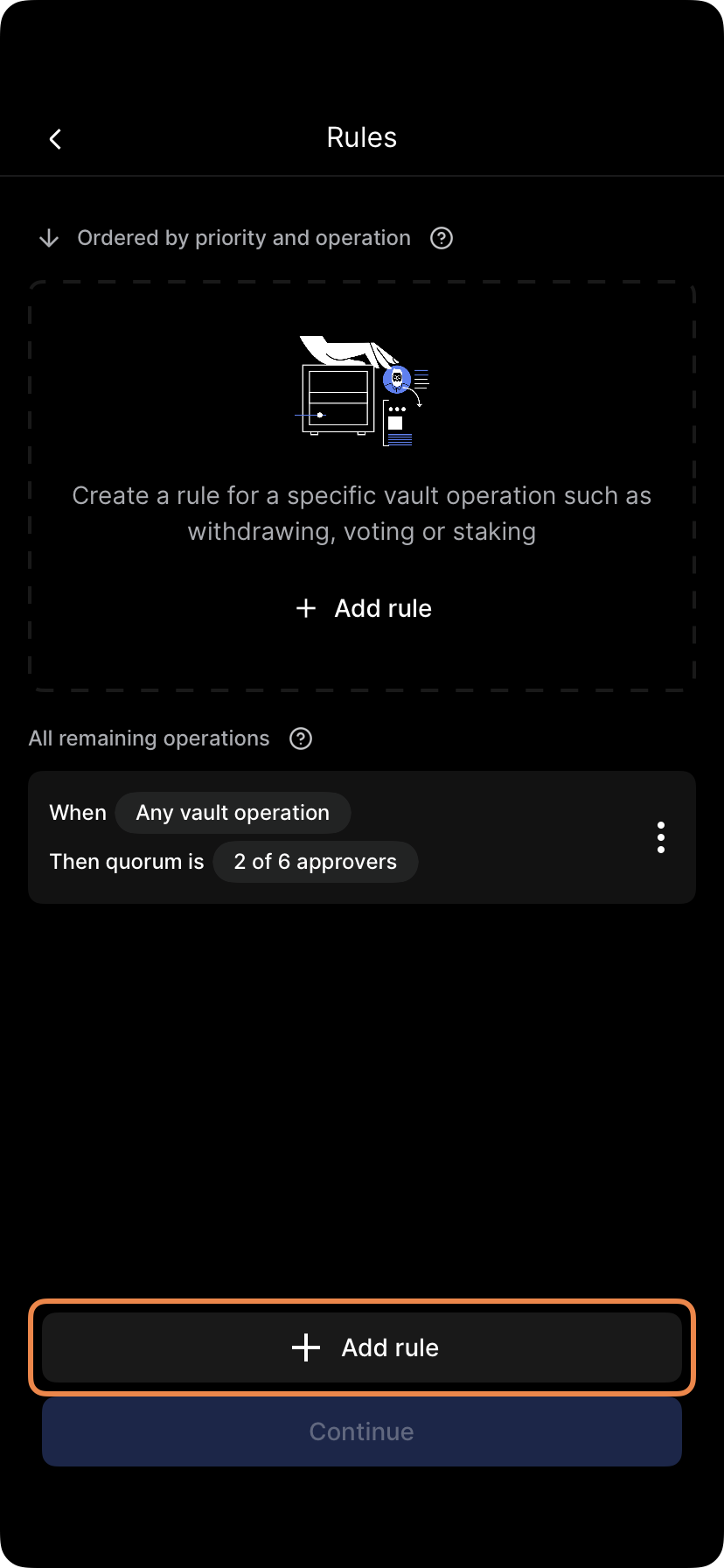
- Tap Rules, then select Add rule.
Configuring the rule
- Operation: Select the specific operation type this rule will control (e.g., User management).
- Quorum: Tap Quorum is to select the pool of administrators allowed to approve this operation.
- Approvals required: Define the number of approvals required from that quorum pool.
- Sub-quorum (Optional): Tap Add sub-quorum to enforce stricter security. This requires a set number of approvals from a specific subgroup of users before the general quorum can be met.
Note: Any operations not covered by your specific rules will automatically follow the default Any vault operation or Any admin operation rule.

Finalizing
Tap Continue, review your settings, and tap Save changes. You will be prompted to submit biometric approval.
Note: This action requires quorum approval. Other administrators will receive a notification to review and approve the new rule.
Select Edit approvers, make your changes, and tap Finish and review. Follow the prompts to submit biometric approval (quorum required).
Updated 4 months ago
Did this page help you?