Jump to Content
Porto Docs
Guides
Log InPorto Docs
Guides
Log In
Guides
  • Porto Docs
  • Overview
  • How it works
  • Access and policies
  • Mobile app download
  • Browser extension
  • Adding a new user
  • Joining a new account
  • Switching accounts
  • Creating a vault
  • Log in and homepage
  • Vaults, wallets & addresses
  • Key download preferences
  • Activity
  • Adding multiple trusted smart contracts
  • Adding multiple trusted destinations
  • Vaults
  • Wallets
  • Deposit
  • Request asset support
  • Withdrawals
  • Using decentralized apps
  • Trusted destinations
  • Batch endorsements
  • Stablecoin rewards
  • Stablecoin rewards rates
  • Changing permission levels
  • Remove user
  • Administrator policies
  • Customizing administrator policy
  • Customizing vault policies
  • Managing rules
    • Adding a rule
    • Editing a rule
    • Base quorum members
    • Base quorum approvals
    • Adding a sub-quorum
    • Editing a sub-quorum
    • Deleting a sub-quorum
    • Deleting a rule
  • Set up your participants
  • Trusted counterparties
  • iPhone replacement
  • Reinstalling or updating the iOS app
Powered by 
  1. Getting started

Switching accounts

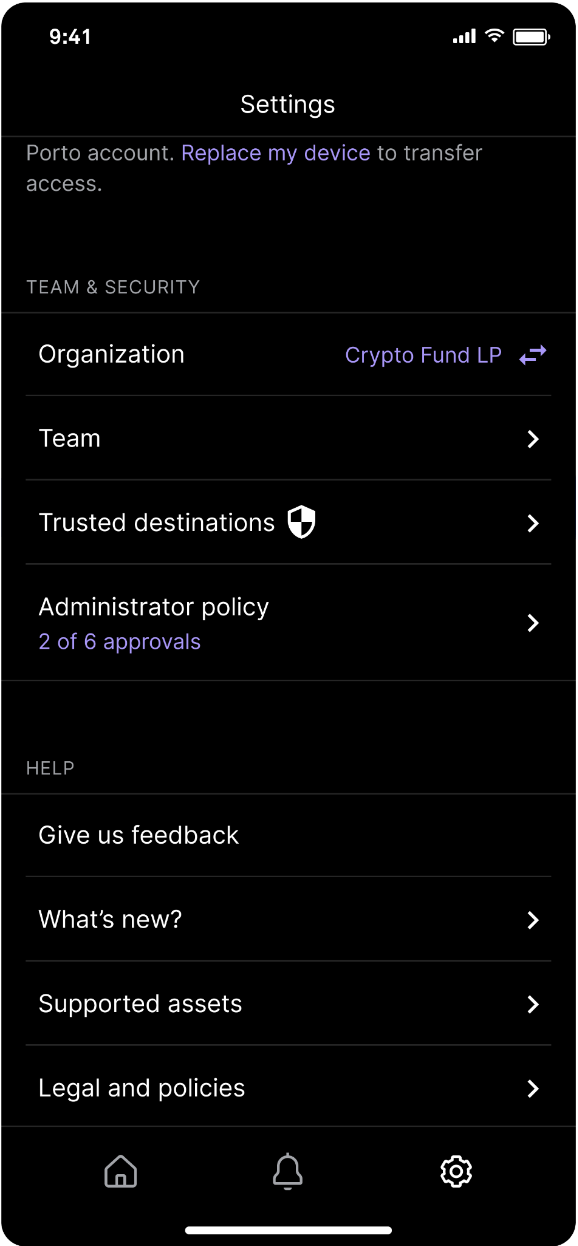
Navigating between accounts is possible in Settings.
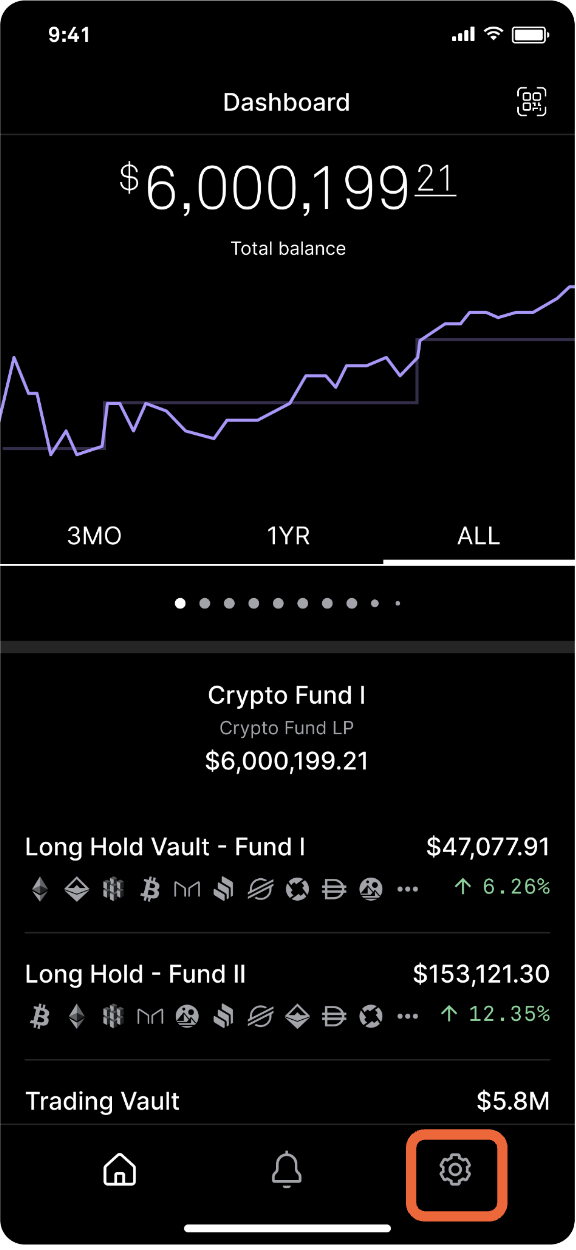


Navigate to the Settings icon bottom right. Tap Organization and select the account you want to log in to.

Updated over 1 year ago


Joining a new account
Creating a vault
Did this page help you?