
Vaults
Overview
Vaults
Use multi-asset vaults to organize your assets. Vaults are fully customizable. Each vault operates independently with its own policies, allowing you to set quorums and sub-quorums to match your needs. Users can have permissions to initiate vault operations or to initiate and approve them.

Wallets
Inside a vault, each asset is stored within a wallet, and it is possible to have multiple wallets of the same asset inside a vault. Holding multiple wallets can be beneficial for an organization. For example, if they want to segregate assets according to the receiving counterparty.
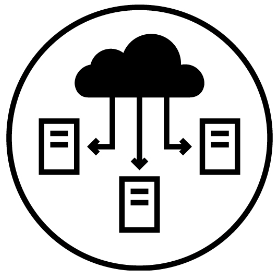
Addresses
Each wallet can have one or more addresses. For account-based networks like Ethereum, the wallet address is unique. For unspent transaction output (UTXO) networks like Bitcoin, it is possible to create as many different addresses as needed, all pooled to the same wallet.
Update a vault
Administrators may change vault settings if circumstances change, and changes are subject to quorum approval.
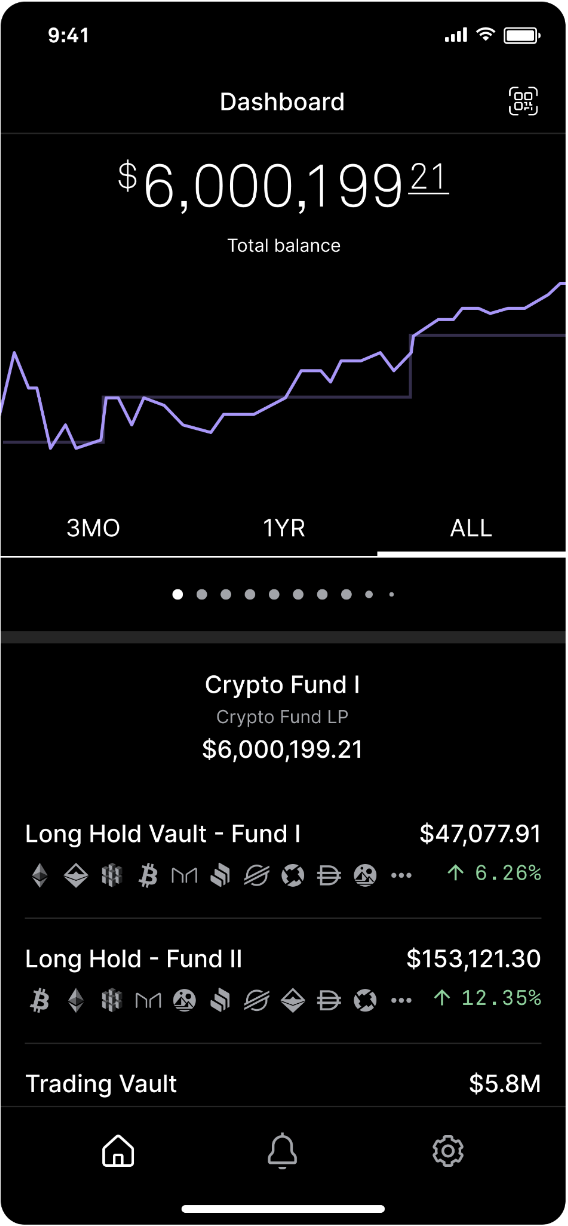
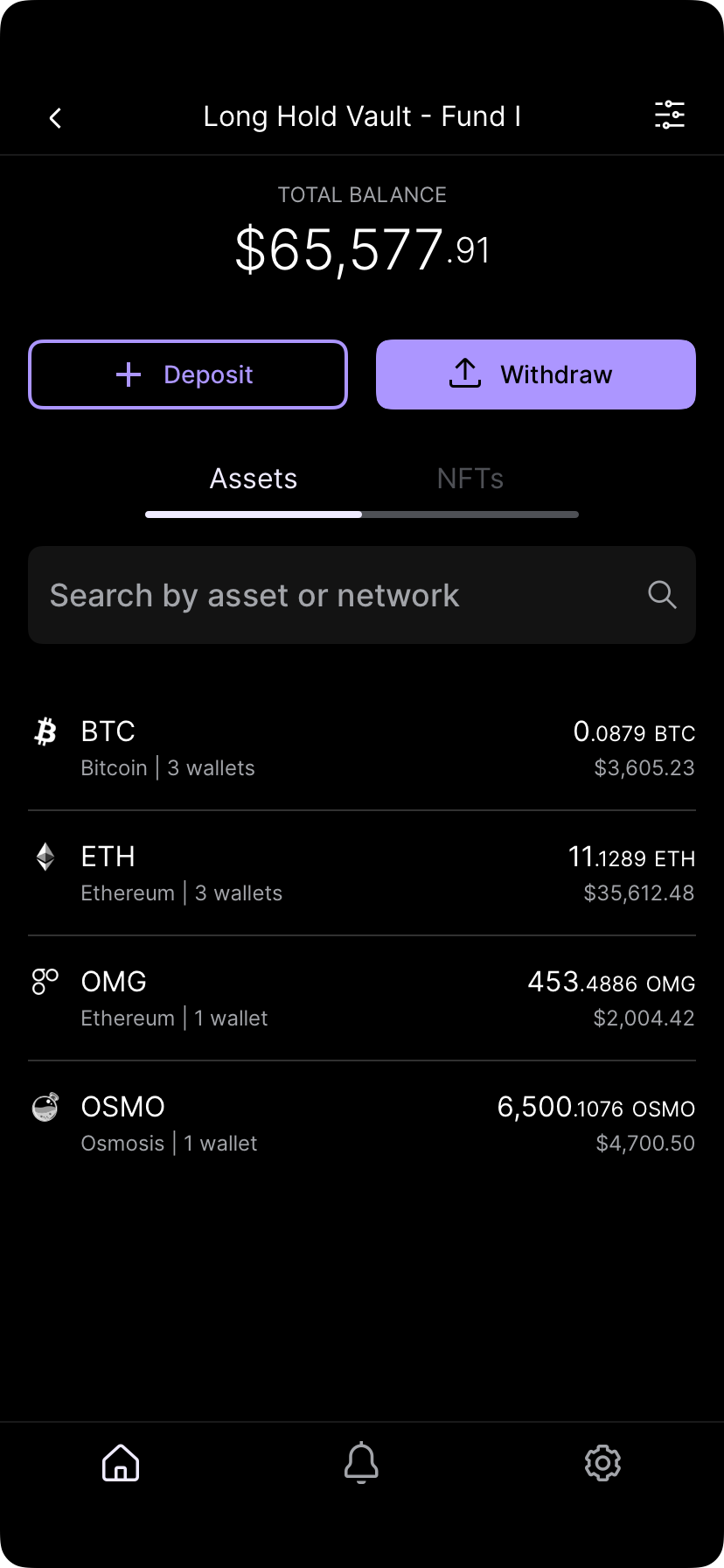
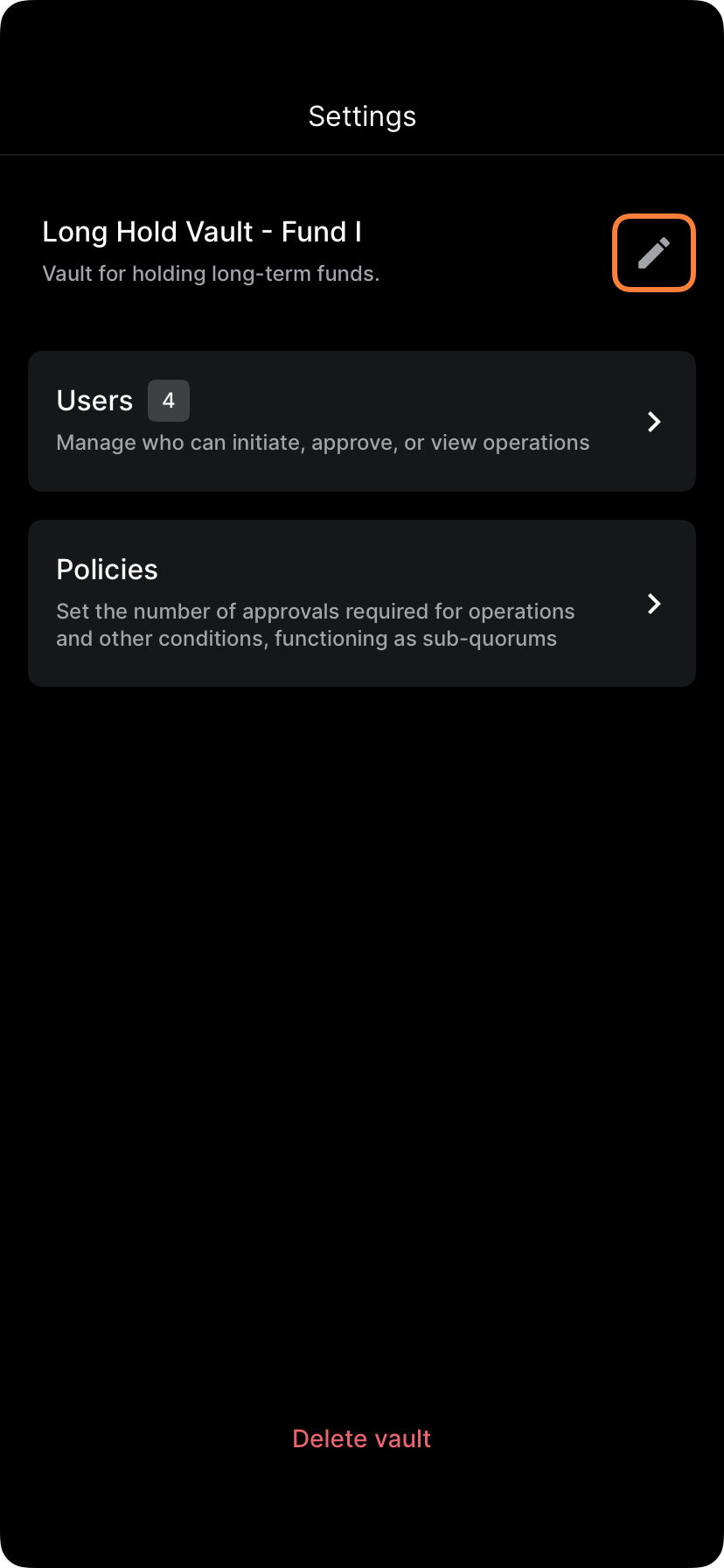
Tap the vault you want to adjust. Tap the settings icon in the right upper corner to edit the vault settings.
Update vault details
Select and edit vault details as needed. Updating the vault details does not require biometric approval.
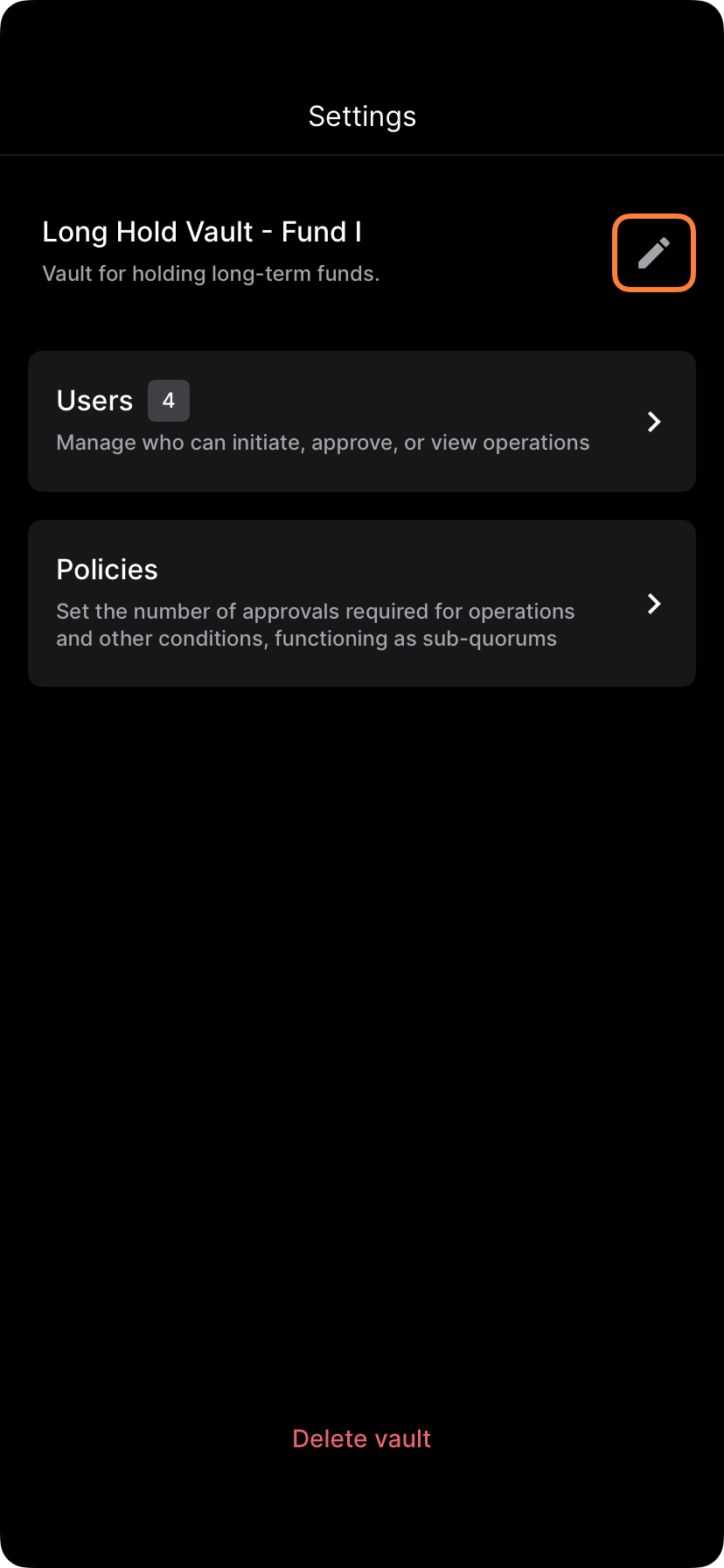
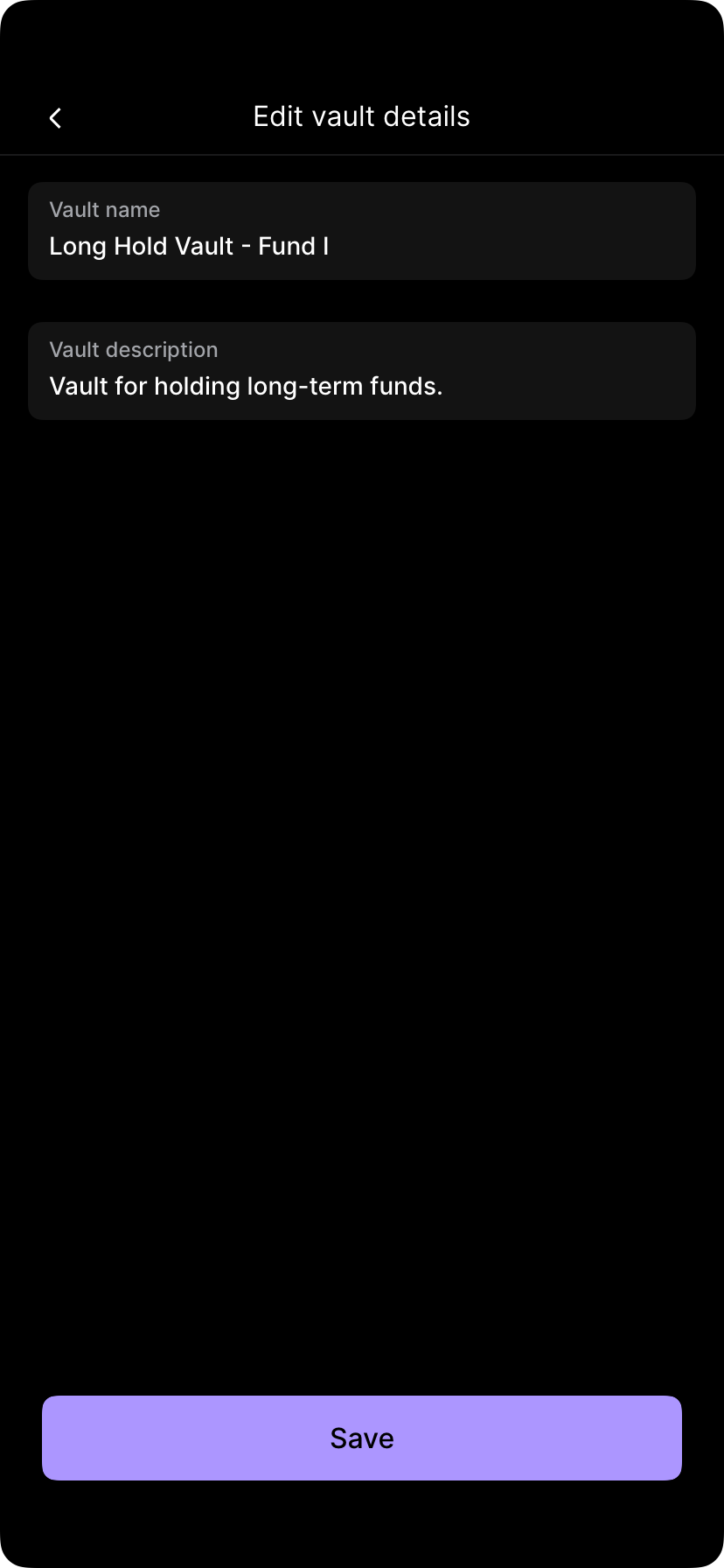
On the vault settings menu tap Details. Edit the vault name and description as necessary and tap Save. In the vault details, administrators may delete vaults if they are no longer being used, and submit for quorum approval.
Update vault users
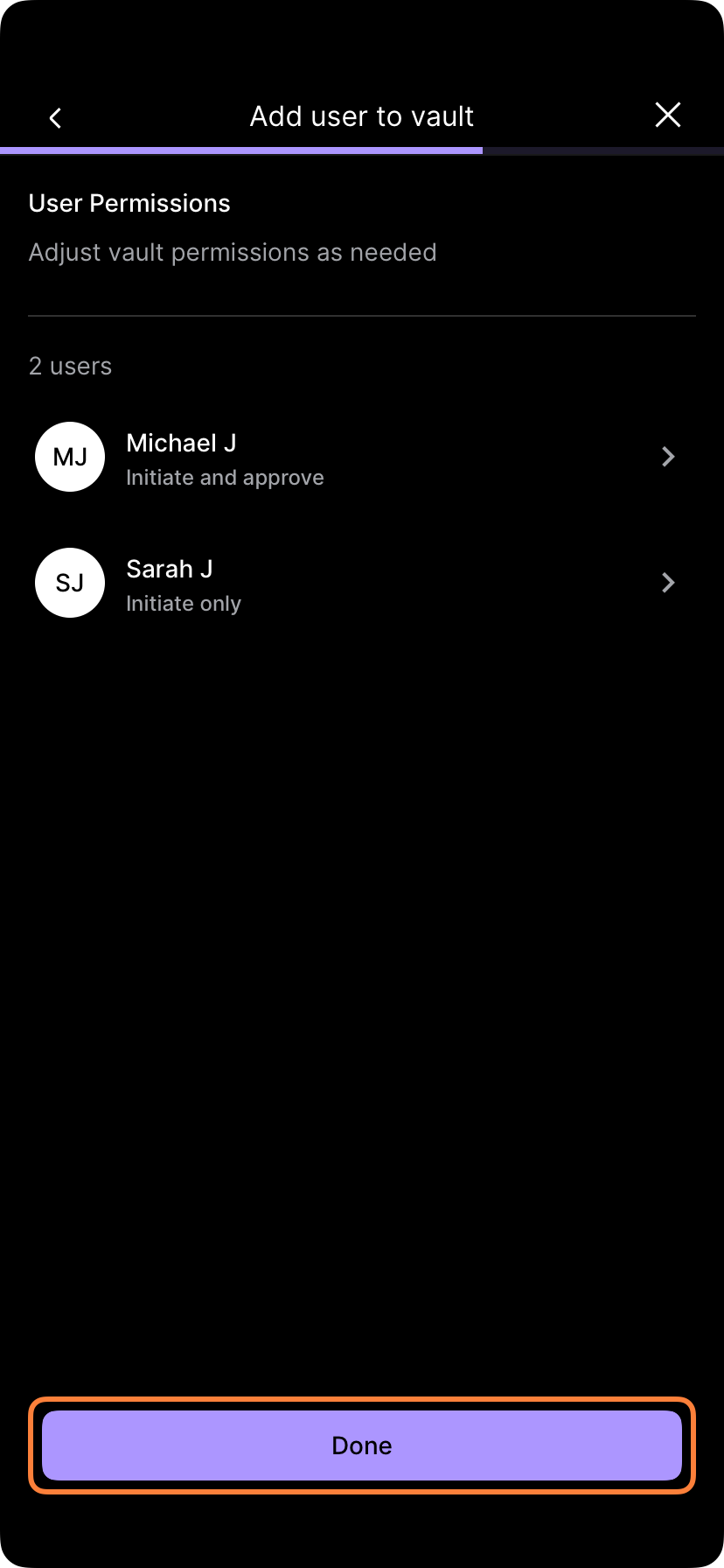
Administrators may update which users are Operators in a certain vault and adjust the privileges of each user to be able to Initiate only or to Initiate and approve operations in the vault.
If you are looking to extend a user or multiple users' permissions to be able to operate in a certain vault, go Users and select Add user.
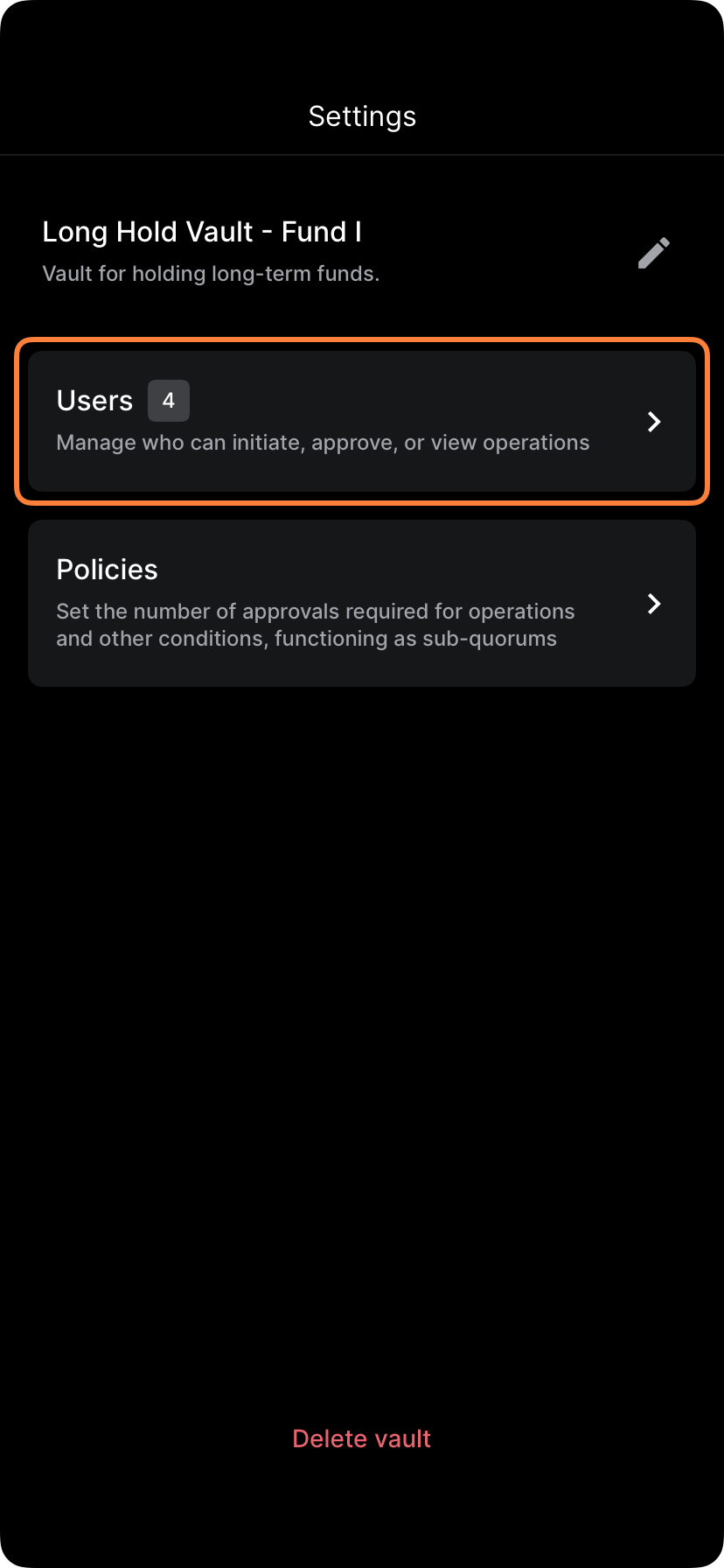
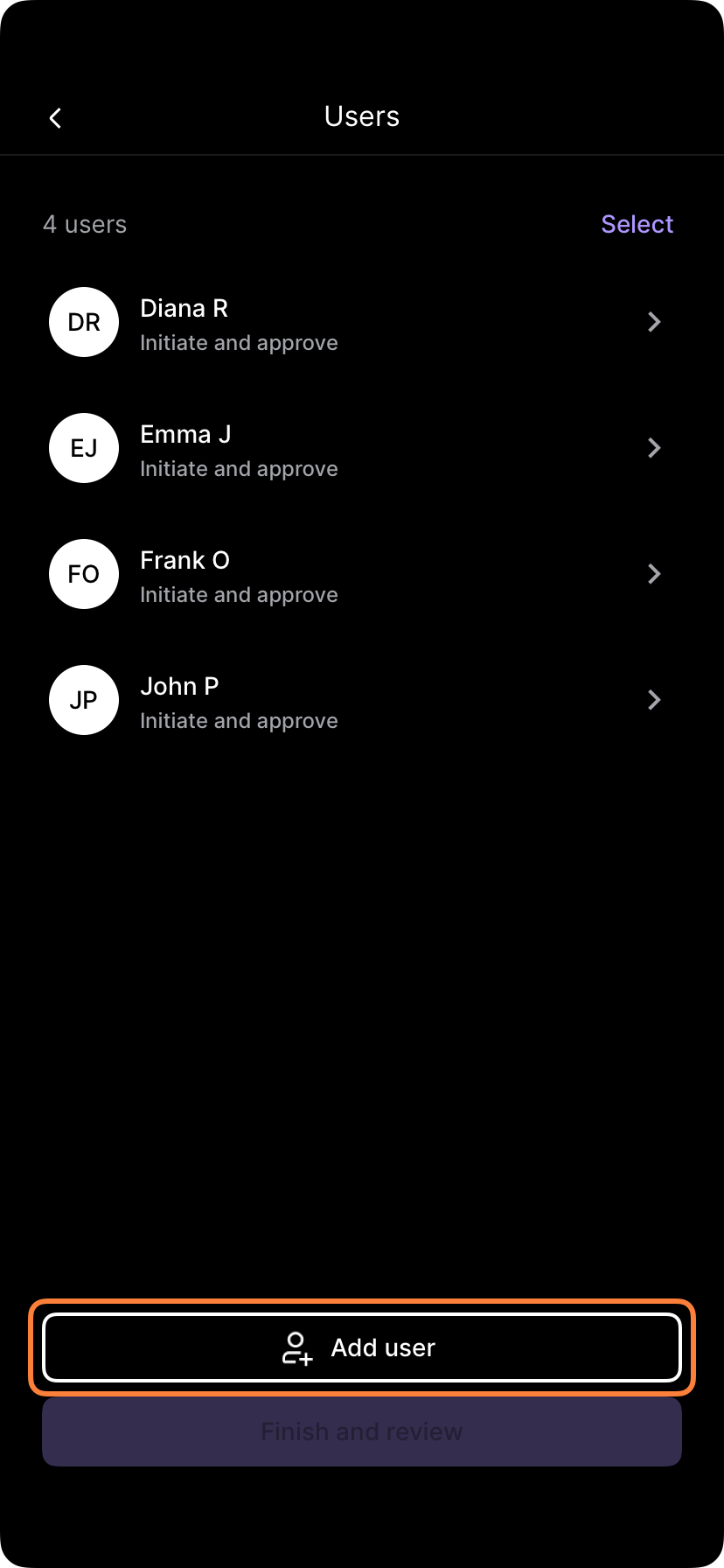
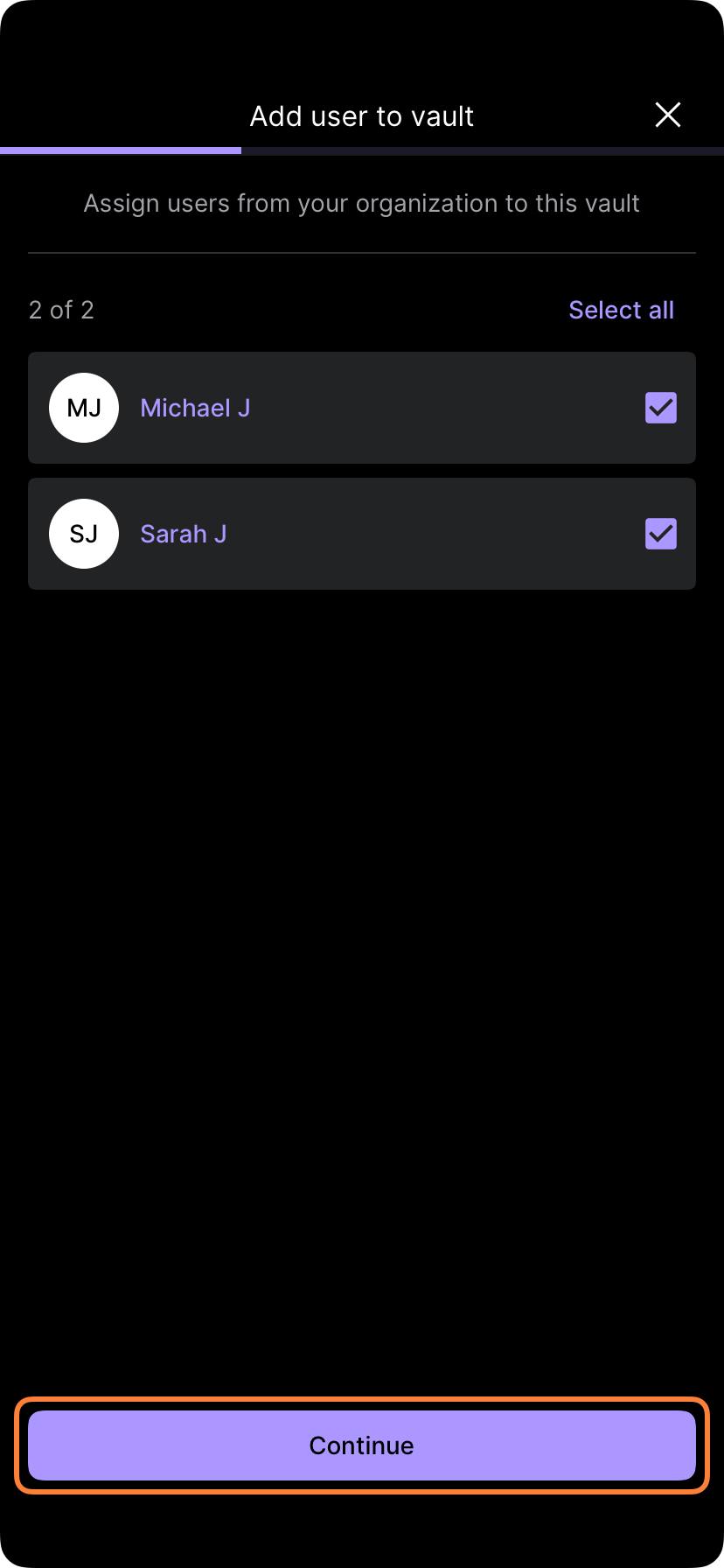
While in this flow, you can change the privileges of Operators, by selecting a user and by changing from Initiate and approve to Initiate only.
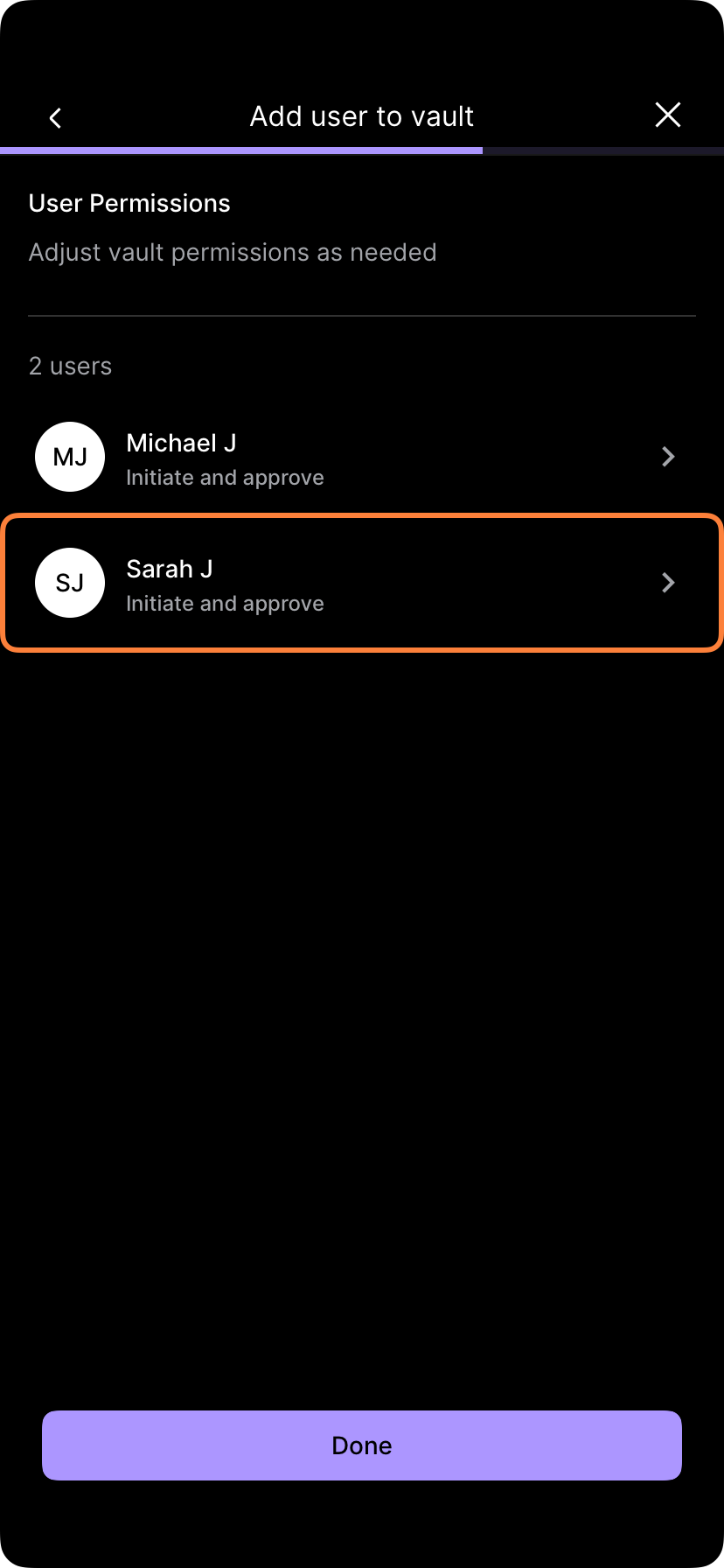
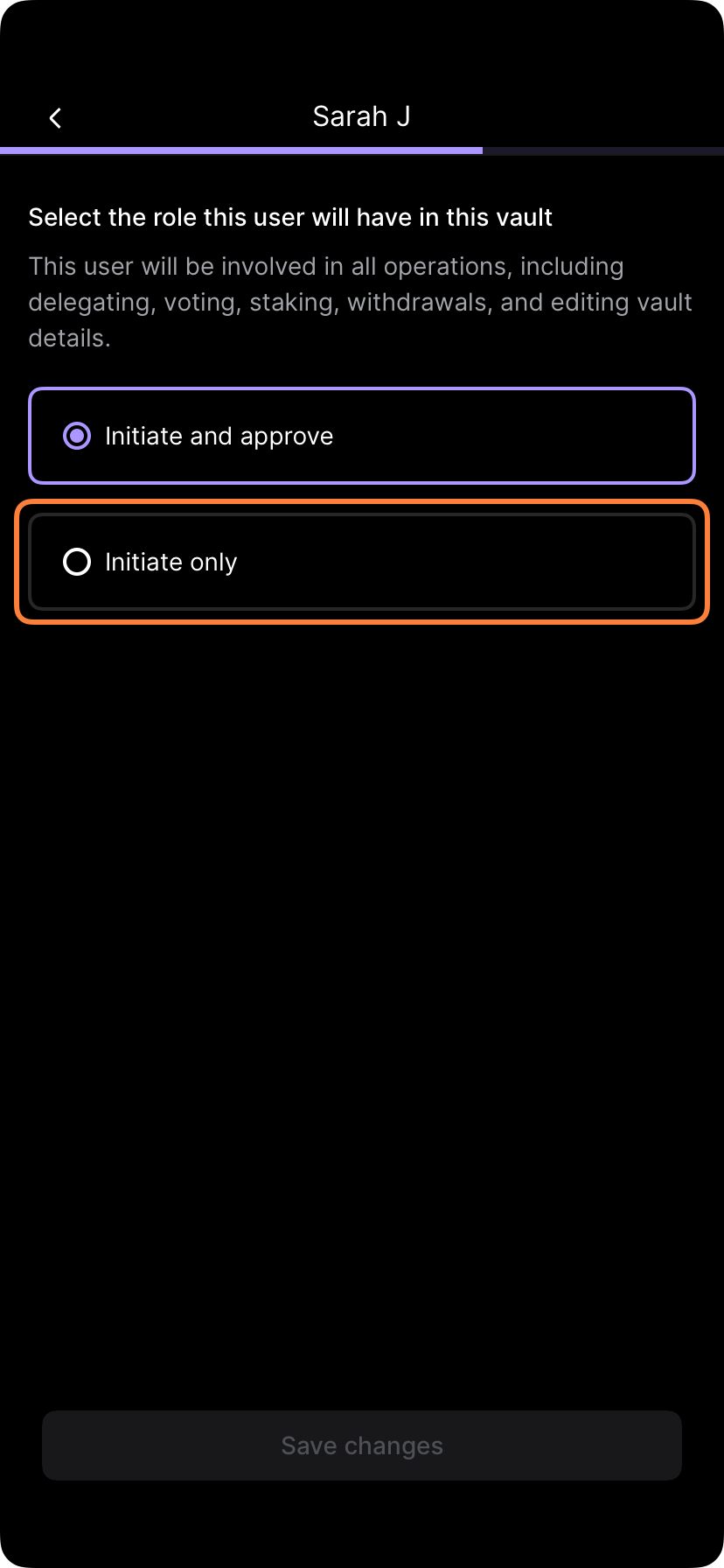
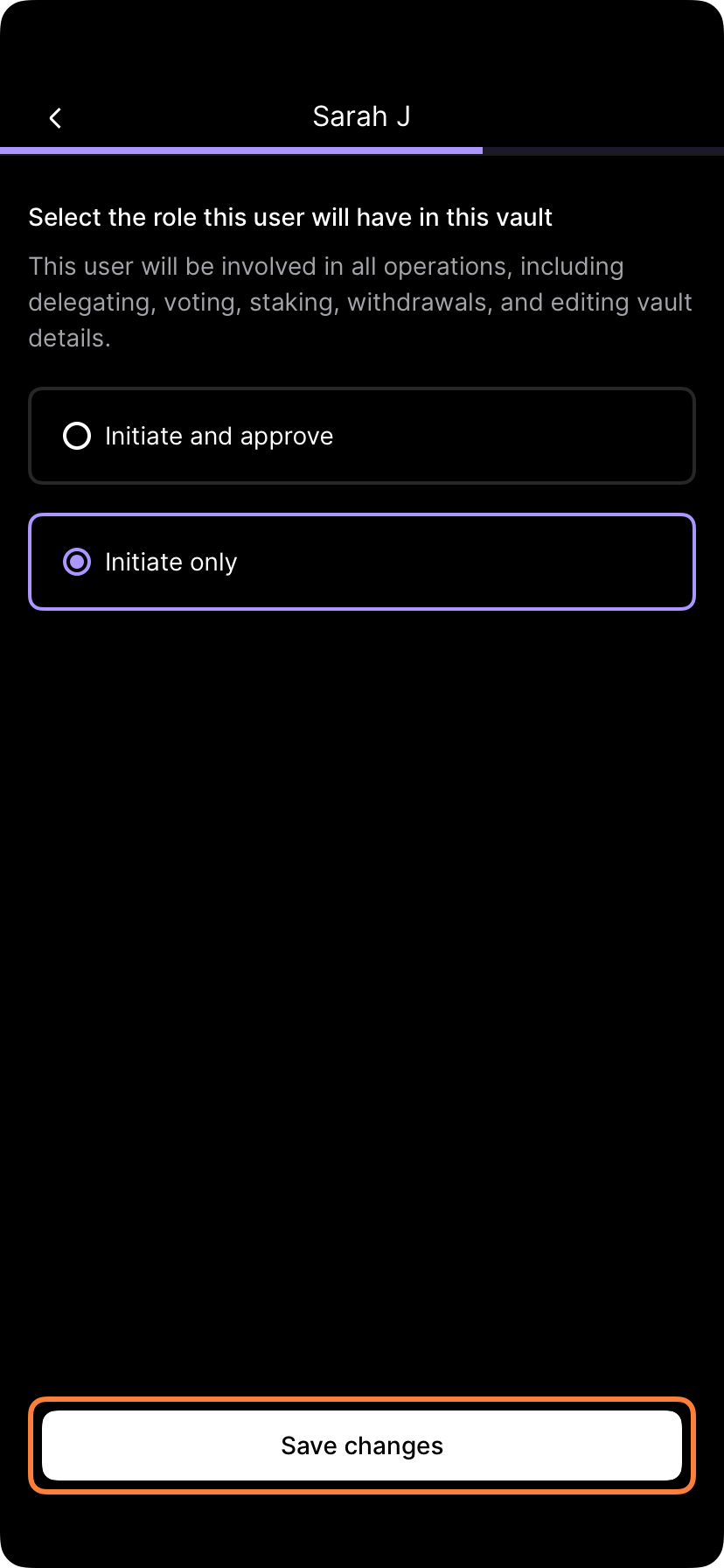
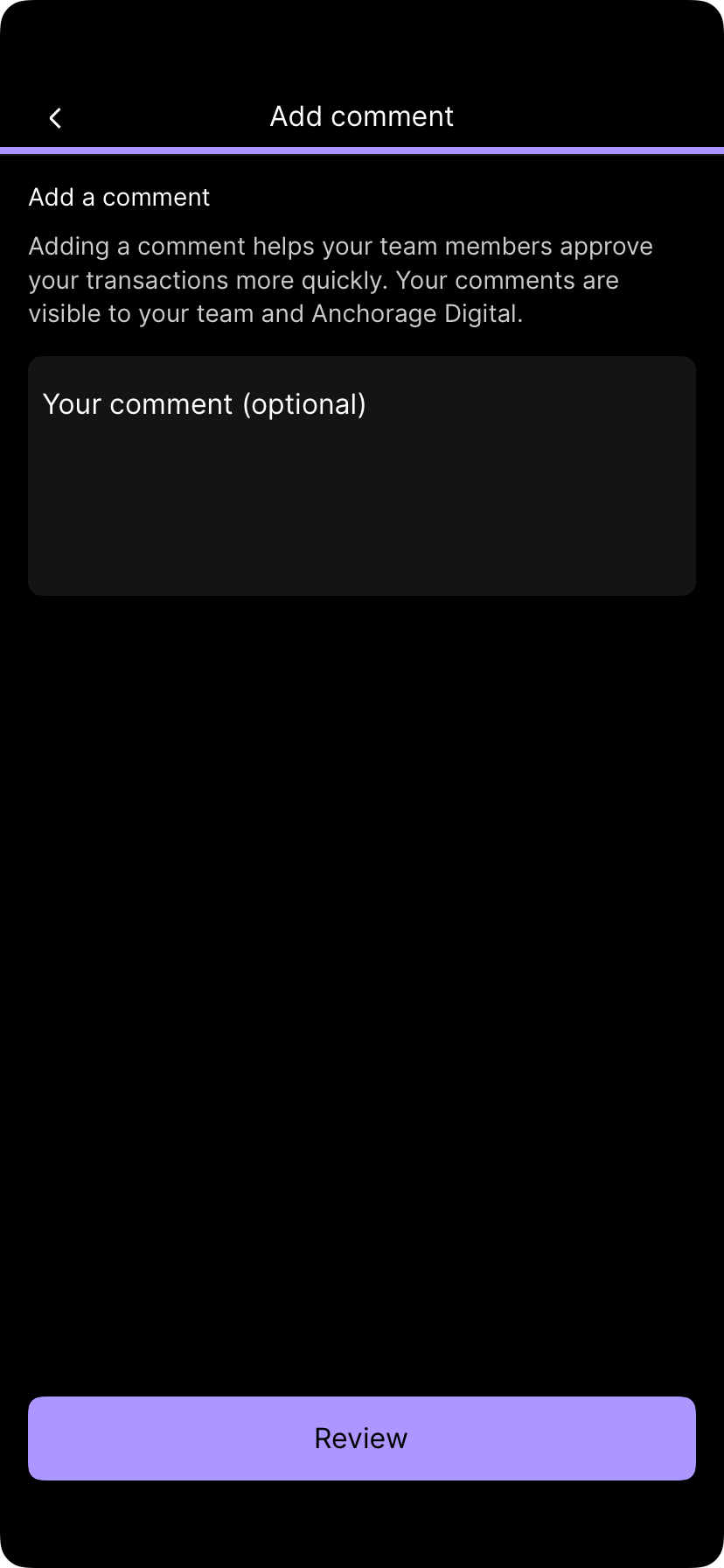
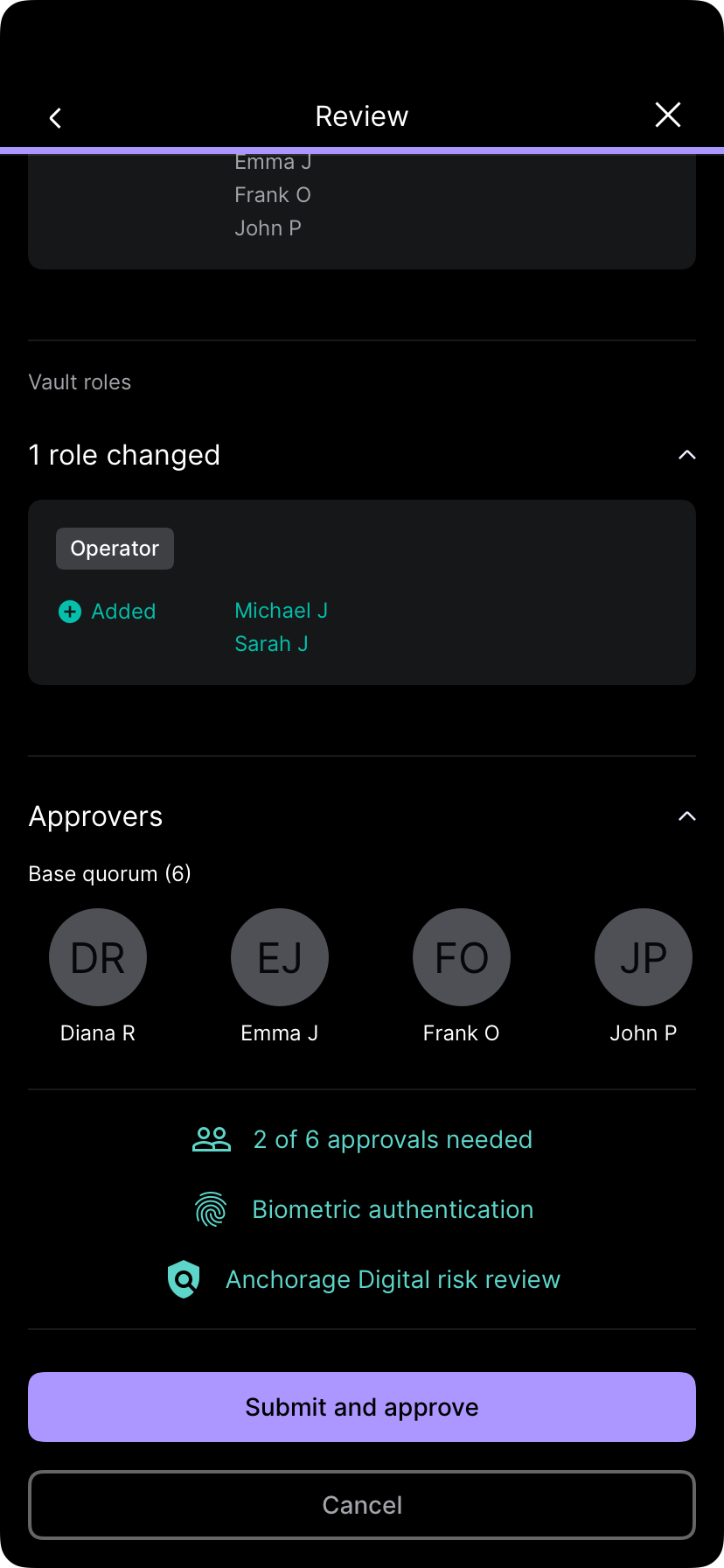
After performing all changes, you can go through the prompts and submit the operation. Tap Submit and complete biometric endorsement to submit for approval.
Update vault policies
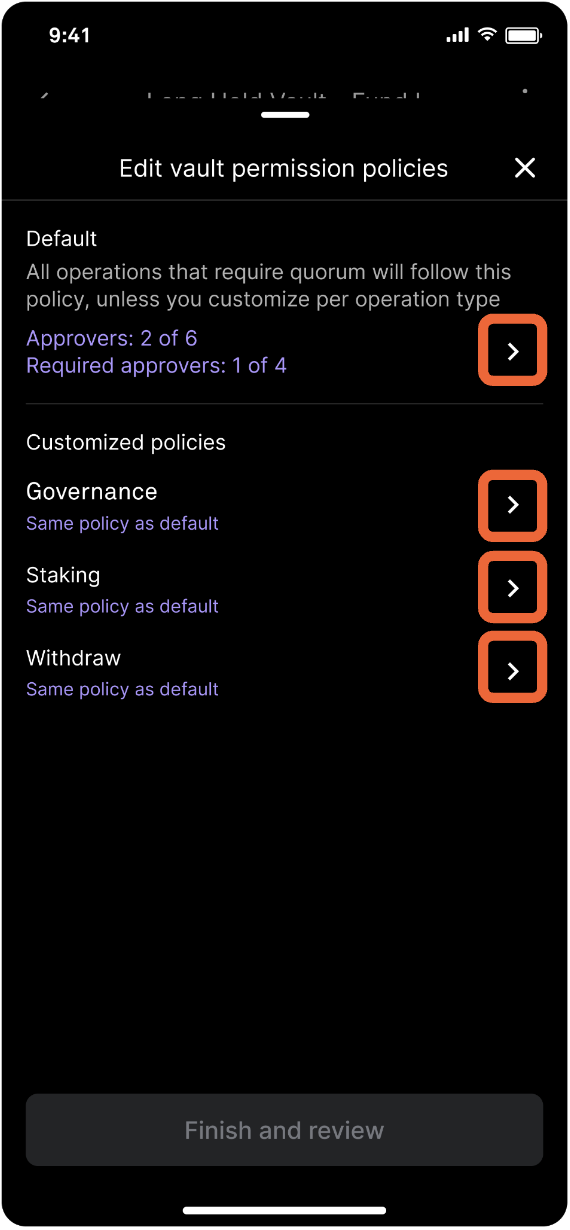
All operations in a vault will follow the default policy, unless you customize the policies per operation type.
Administrators may edit the vault policies to (1) increase or decrease the number of approvals, (2) add or remove required approvers, or (3) increase or decrease the number of approvals required out of a selected set of required approvers (sub-quorum) in a given policy.
Updated about 1 year ago