
Base quorum approvals
Editing base quorum approvals
To change the number of approvals required for a specific rule (the threshold):
- Navigate to Settings, then Policies.
- Select the relevant admin policy or vault policy.
- Tap Rules.
- Tap the options menu (...) next to the rule you wish to change and select Edit rule.
- Scroll down to Number of approvals required and select the new amount.
Saving changes
Tap Continue, then Save changes. You will be prompted to submit biometric approval.
Note: This action requires quorum approval. Other administrators will receive a notification to review and confirm the change.
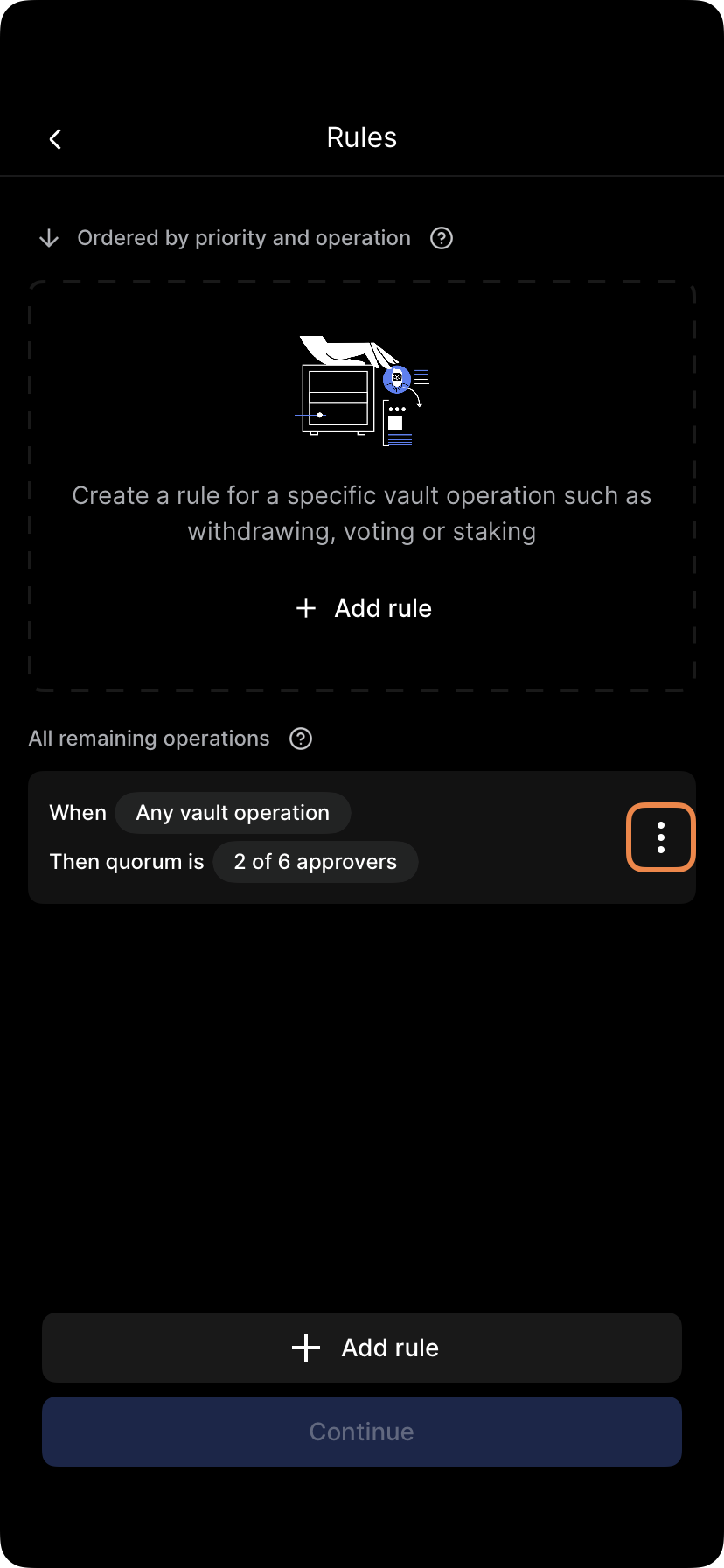
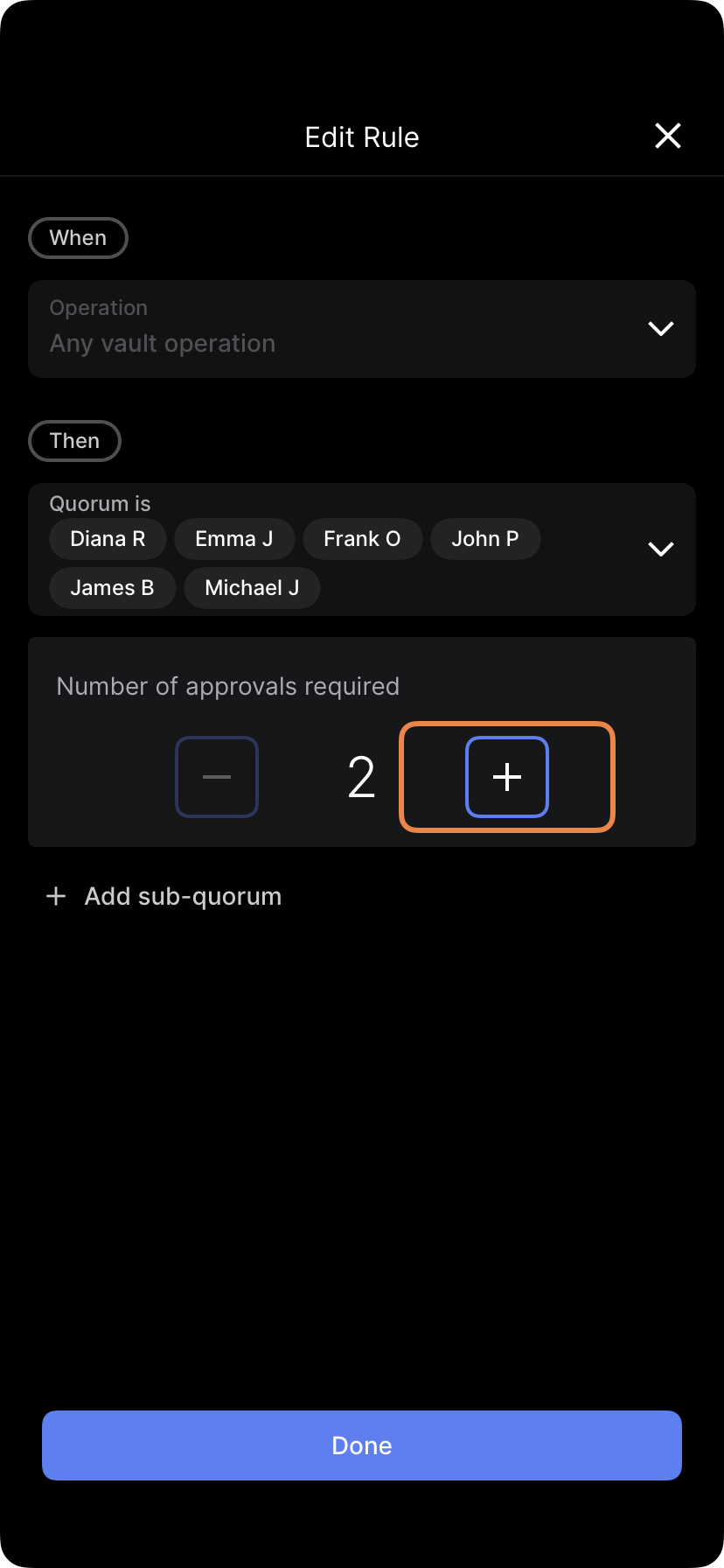
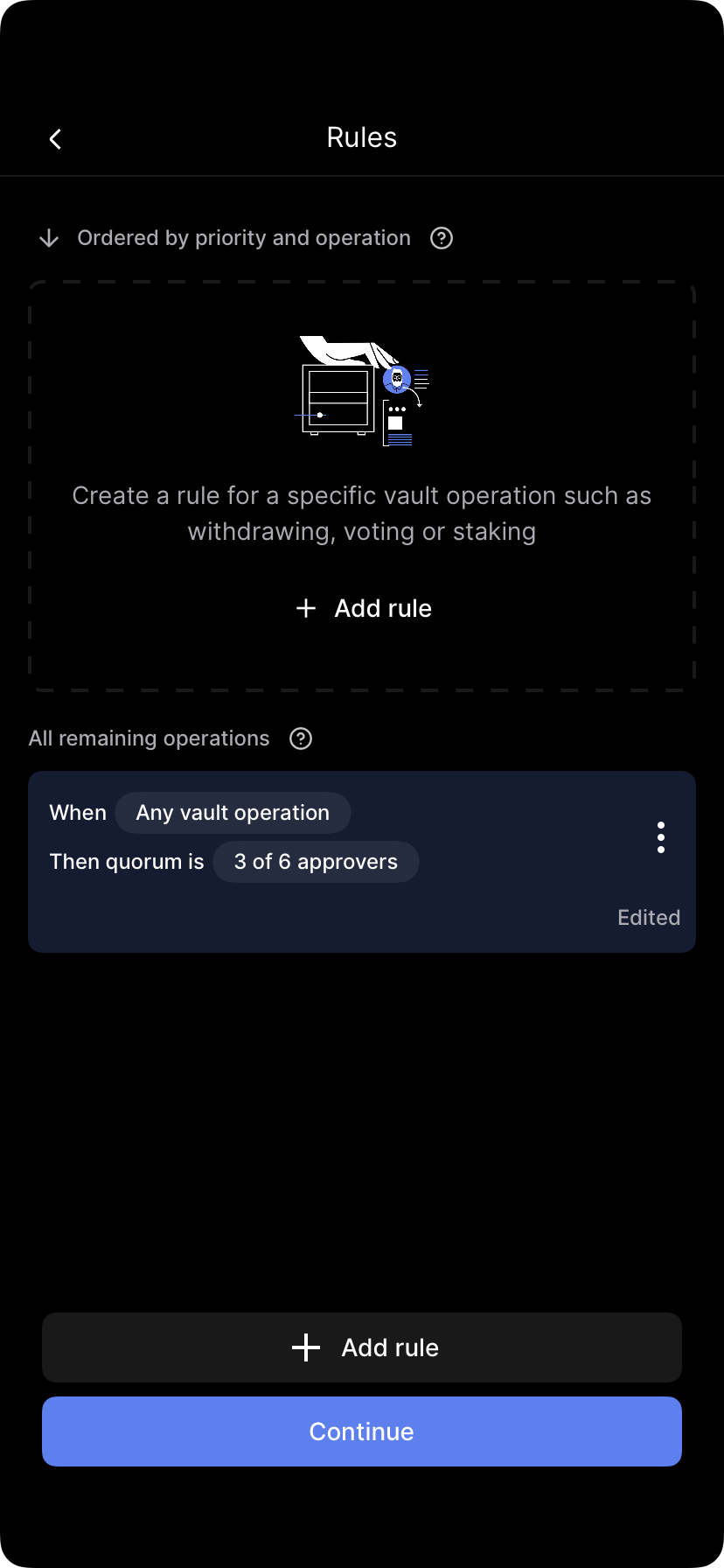
Select Edit approval limit and choose the number of required approvers. Tap Save, then Finish and review. Follow the prompts to submit biometric approval (quorum required).
Updated 4 months ago
Did this page help you?