
Managing rules
Policy rules
Policy rules define the approval requirements for your organization. They function as safety checks: when a specific action (the trigger) occurs, the rule determines who must approve it and how many approvals are needed (the outcome).
Rules can be applied at two levels:
Admin policy: For organization-wide operations (e.g., inviting users).
Vault policies: For asset-specific operations that take place in vaults the policy is assigned to.
How It works
When a rule is triggered, the required administrators receive a notification to review the request. Once the necessary quorum is met, Anchorage Digital performs a final review of the operation.
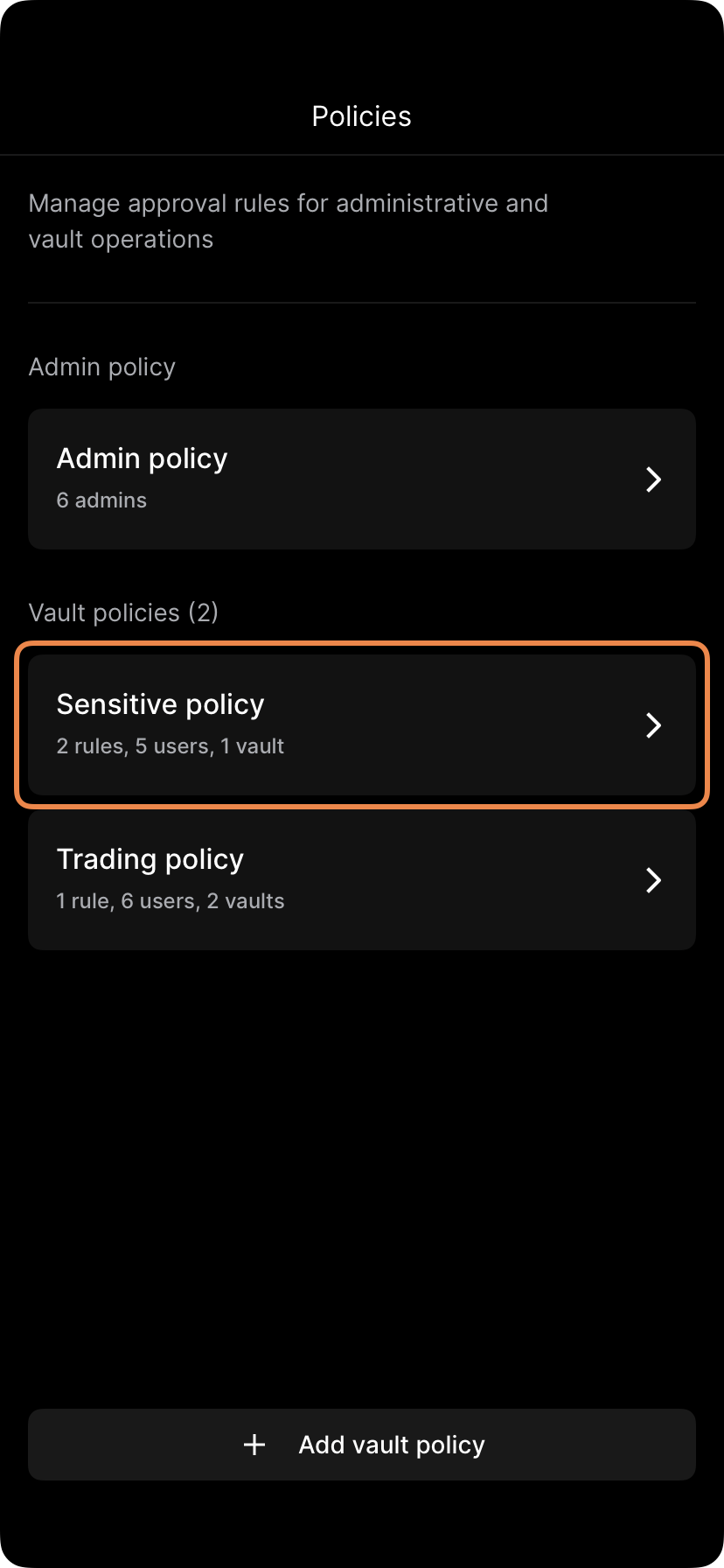
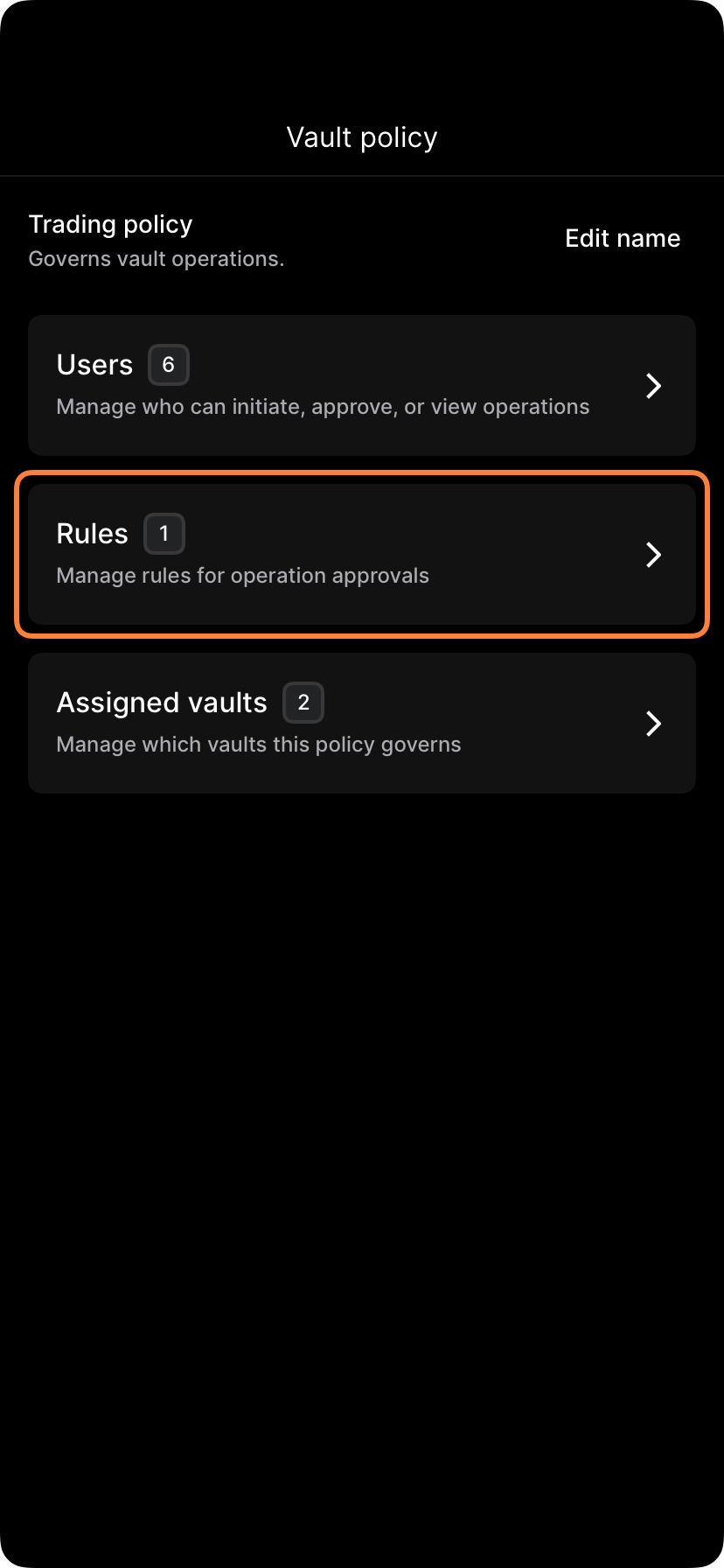
You can view and manage your active rules in the following views:
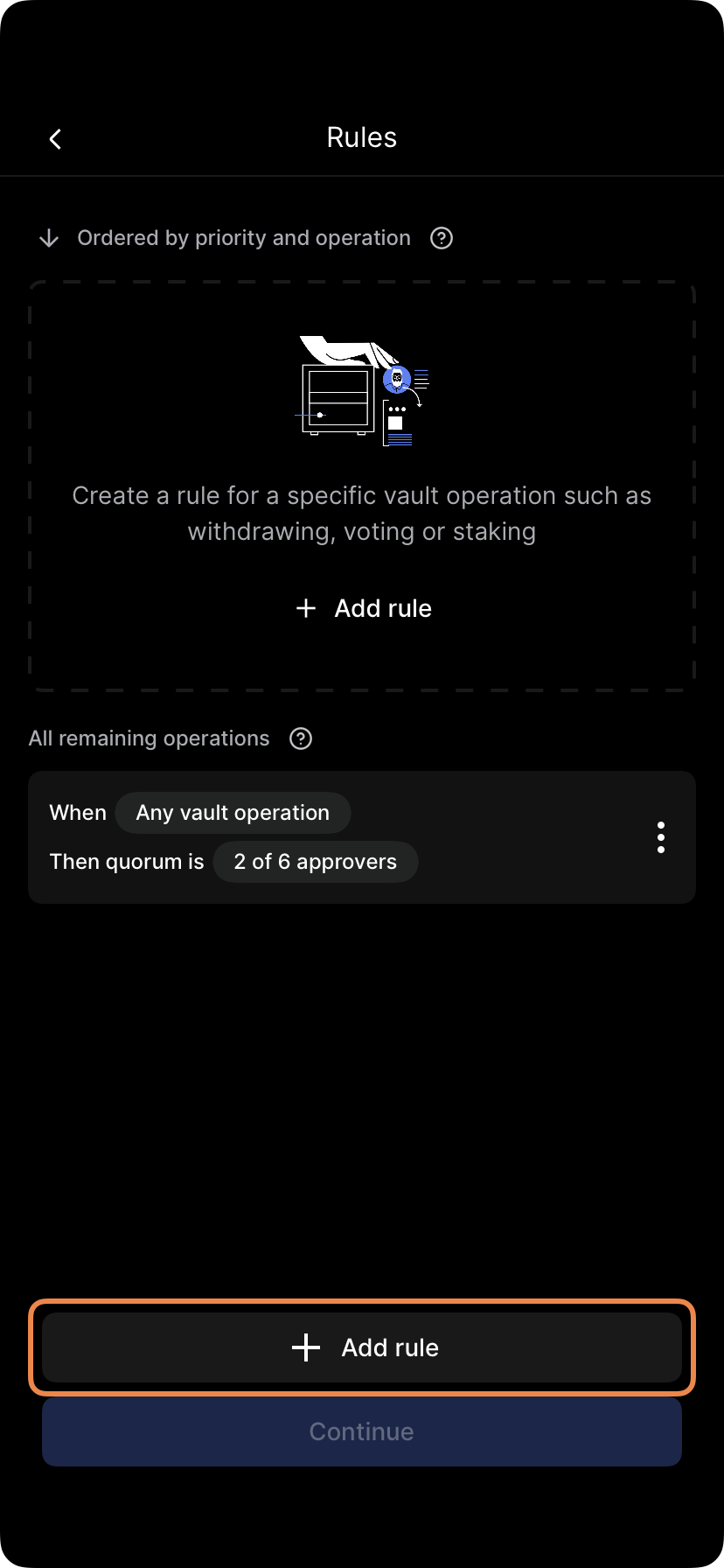
Select Edit approvers, make your changes, and tap Finish and review. Follow the prompts to submit biometric approval (quorum required).
Updated 4 months ago