Jump to Content
Porto Docs
Guides
Log InPorto Docs
Guides
Log In
Guides
  • Porto Docs
  • Overview
  • How it works
  • Access and policies
  • Mobile app download
  • Browser extension
  • Adding a new user
  • Joining a new account
  • Switching accounts
  • Creating a vault
  • Log in and homepage
  • Vaults, wallets & addresses
  • Key download preferences
  • Activity
  • Adding multiple trusted smart contracts
  • Adding multiple trusted destinations
  • Vaults
  • Wallets
  • Deposit
  • Request asset support
  • Withdrawals
  • Using decentralized apps
  • Trusted destinations
  • Batch endorsements
  • Stablecoin rewards
  • Stablecoin rewards rates
  • Changing permission levels
  • Remove user
  • Administrator policies
  • Customizing administrator policy
  • Customizing vault policies
  • Managing rules
    • Adding a rule
    • Editing a rule
    • Base quorum members
    • Base quorum approvals
    • Adding a sub-quorum
    • Editing a sub-quorum
    • Deleting a sub-quorum
    • Deleting a rule
  • Set up your participants
  • Trusted counterparties
  • iPhone replacement
  • Reinstalling or updating the iOS app
Powered by 
  1. Web dashboard

Activity

Activity

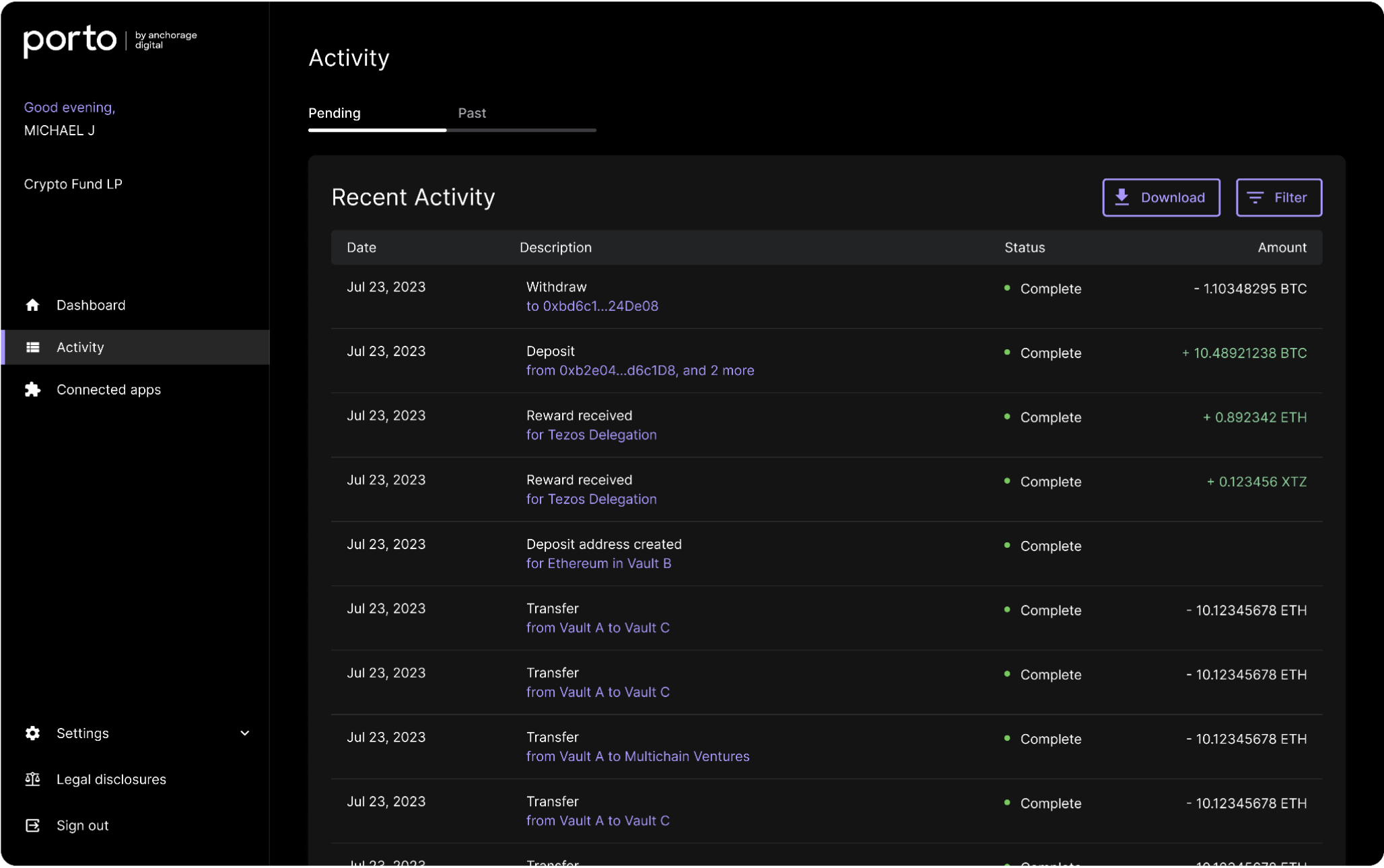
Navigate to the Activity tab to view, filter, and download pending and past account activity.


Updated over 1 year ago


Key download preferences
Adding multiple trusted smart contracts
Did this page help you?
    • Activity