
Access and policies
Assets organized by vaults
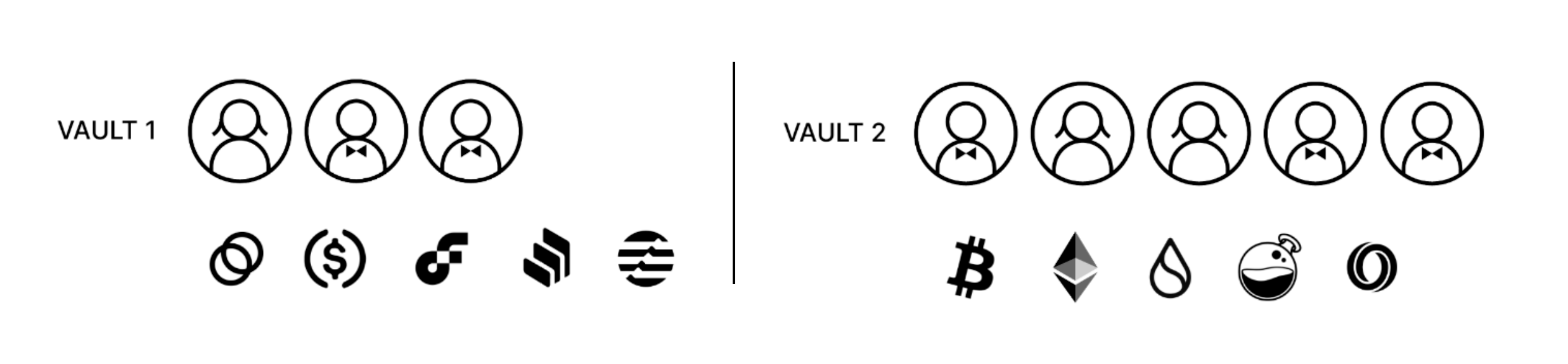
Users can take advantage of multi-asset vaults to organize assets in the Porto wallet.
Decide which users can access which vaults so that each user has only the access they need. Set the number of approvals and the required approvers, if any, in each vault.
There is no limit on the number of vaults.
Approvers and permissions
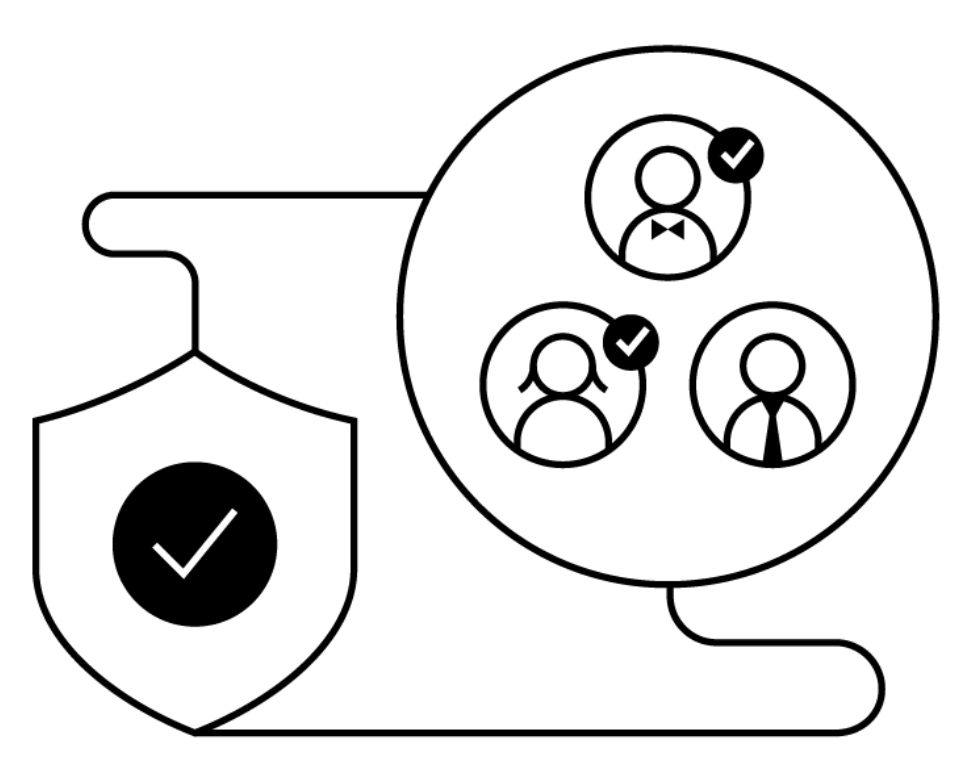
Each vault must have a minimum of 3 members, as well as a minimum quorum of 2 approvers. With those conditions met, it is possible to customize approval quorums. The more members added to a vault, the easier it might be to achieve the pre-set quorum.
At the same time, the more approvals a policy requires to reach quorum, the more difficult it might be—and the longer it will likely take—to process a transaction.
The number of members and approvers may be influenced by factors like the use case for each vault—frequent or infrequent withdrawals—and the amount of value in the vault (e.g., require a larger quorum for higher values).
Customize and configure policies
Customize all permissions
Customize permission policies across the entire organization, and specific to each vault. This ensures everyone has only the permissions needed.
Configure quorums and sub-quorums per vault
Configure approval quorums: It is possible to set one vault’s quorum to require approvals from 2 of 9 members, and another’s to require approvals from five of 6 members. Designating a sub-quorum of required approvers is also an option.
Empower administrators
Unlike other users, administrators can—if approved by the necessary quorum—add and delete users, add and remove trusted destinations, create and edit vaults,
and change organizational policies.
User permission levels
Administrator-level permissions grant full access and the ability to create and change policies, whereas member-level and view-only permissions are limited.
| Add and remove user | Edit vault and organization policies | Create vault* | Add and remove trusted destinations* | Deposit and withdraw if a user is a vault member* | View balances | Decrypt private keys | Download PDFs | |
|---|---|---|---|---|---|---|---|---|
| Admin | Supported | Supported | Supported | Supported | Supported | Supported | Supported | Supported |
| Operator | Not supported | Not supported | Not supported | Not supported | Supported | Supported | Not supported | Supported |
| View-only | Not supported | Not supported | Not supported | Not supported | Not supported | Supported | Not supported | Supported |
Device-based account access
User account access is determined by the device used for specific actions. To perform basic functions, an iPad needs to be fifth generation and later, while an iPhone needs to be eighth generation and later.
| iOS | Web dashboard | Quorum needed | |
|---|---|---|---|
| Deposits | Supported | Supported | Not supported |
| Withdrawals | Supported | Supported | Supported |
Updated 7 months ago