
Customizing vault policies
Customizing vault policies
You can now create a vault single policy and assign it to multiple vaults. Any update to that policy applies to every vault it is assigned to, with no need to make the same change vault by vault.
Each policy covers users, permissions, and rules. Define it once and assign it to as many vaults as you need. For vaults that need their own configuration, you can still create one tailored to that vault.
By default, vault operations follow the Any vault operations rule within the assigned policy.
Note: Changes require quorum approval based on your active policy.

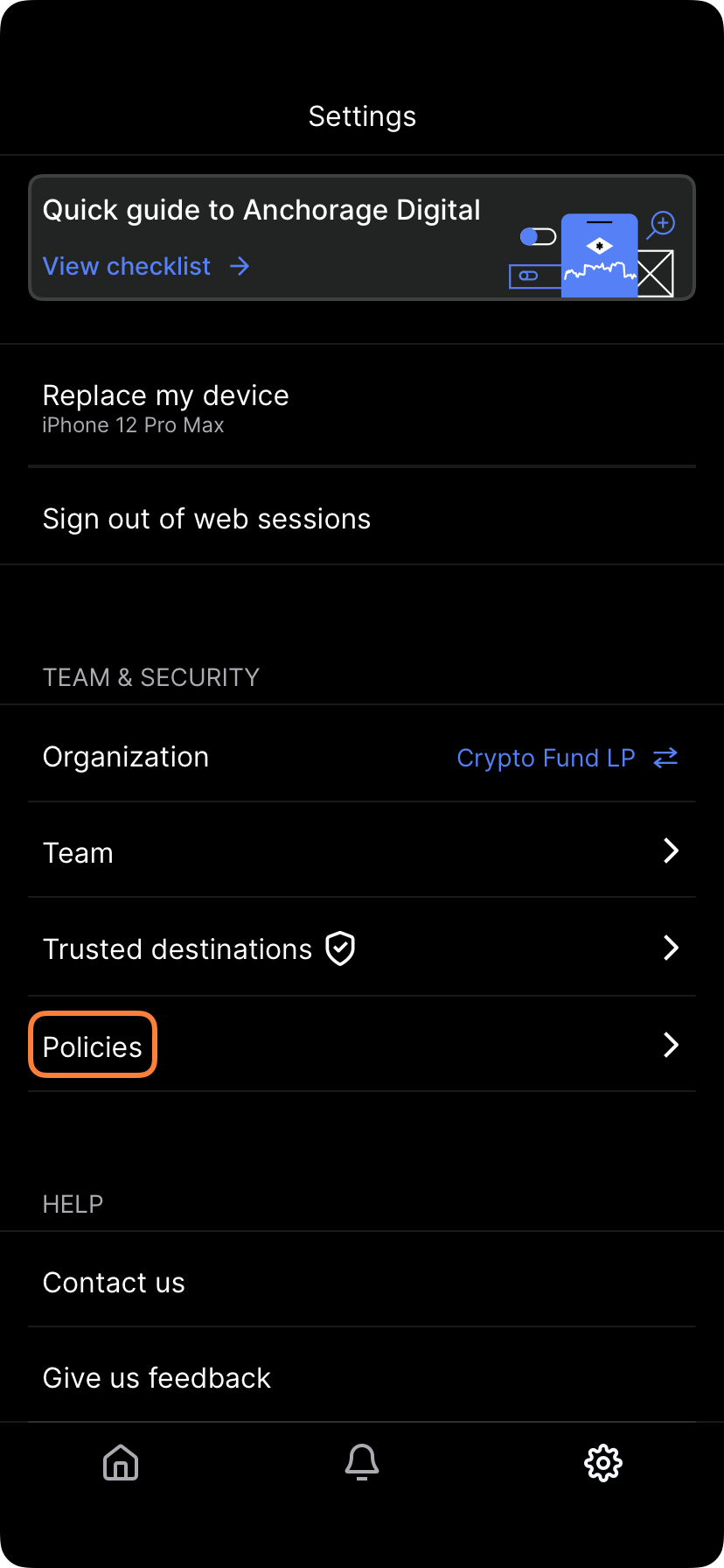
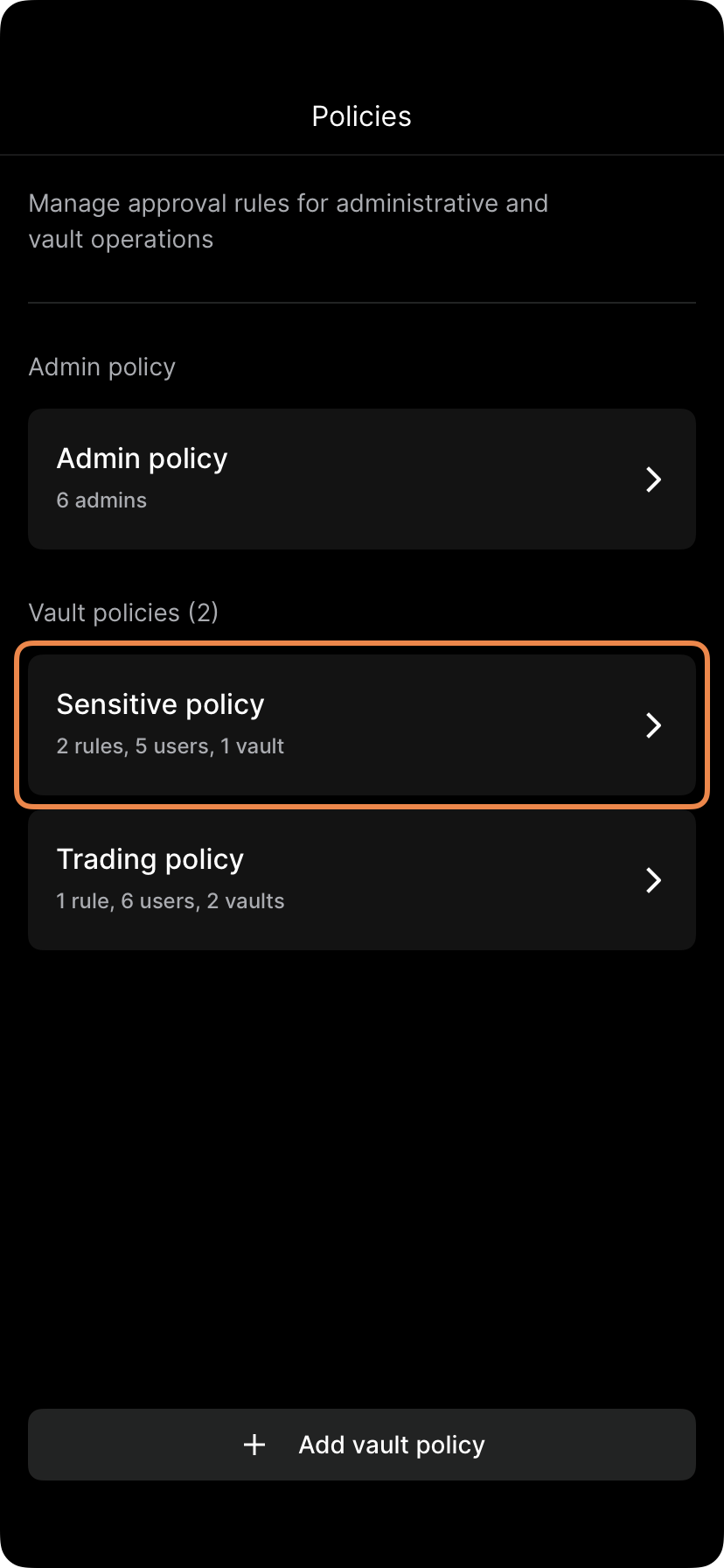
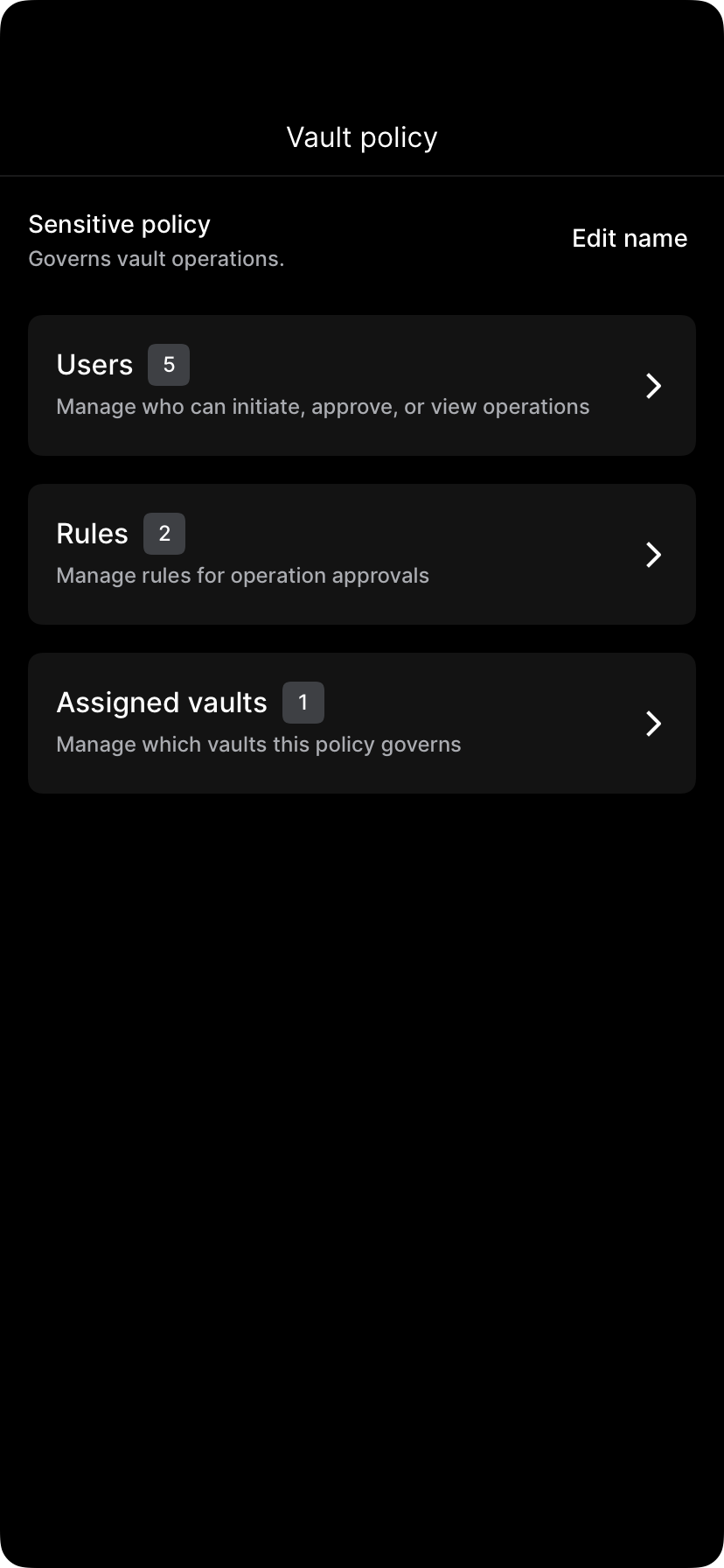
To edit, tap Settings, Policies and select a Vault policy. From here, you can configure its Rules, Users, and Assigned vaults.
Updated 4 months ago
Did this page help you?