
Using decentralized apps
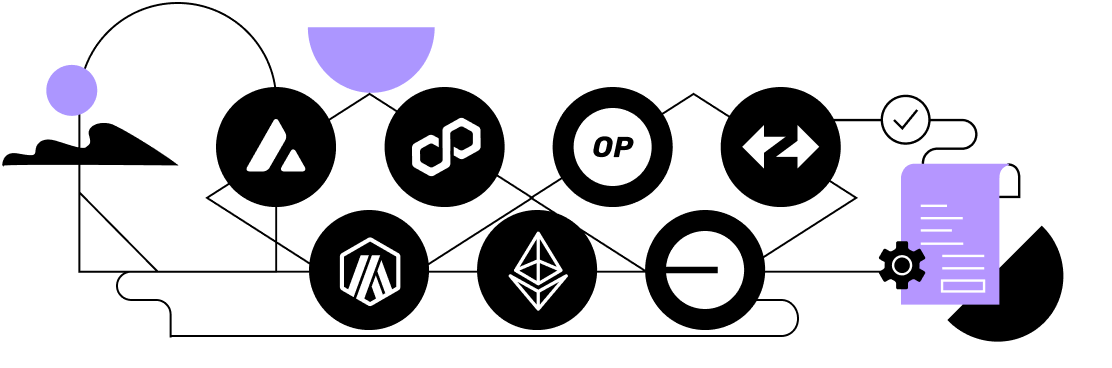
You can connect to any decentralized application that supports WalletConnect on supported networks.
WalletConnect is currently supported on the Ethereum, Arbitrum, ZKsync, Base, Optimism, Avalanche C-Chain and Polygon networks. Users are able to sign any smart contract interaction using their Porto wallet on these networks. You can request support for additional networks by sending your request to [email protected].
Connect to decentralized applications
Tap the QR code scanner in the top right hand corner of the home page. Open the dApp and connect via WalletConnect by scanning the QR code. Select the wallet you want to connect and tap Connect.
Note: Only trusted dApps and smart contracts should be used.
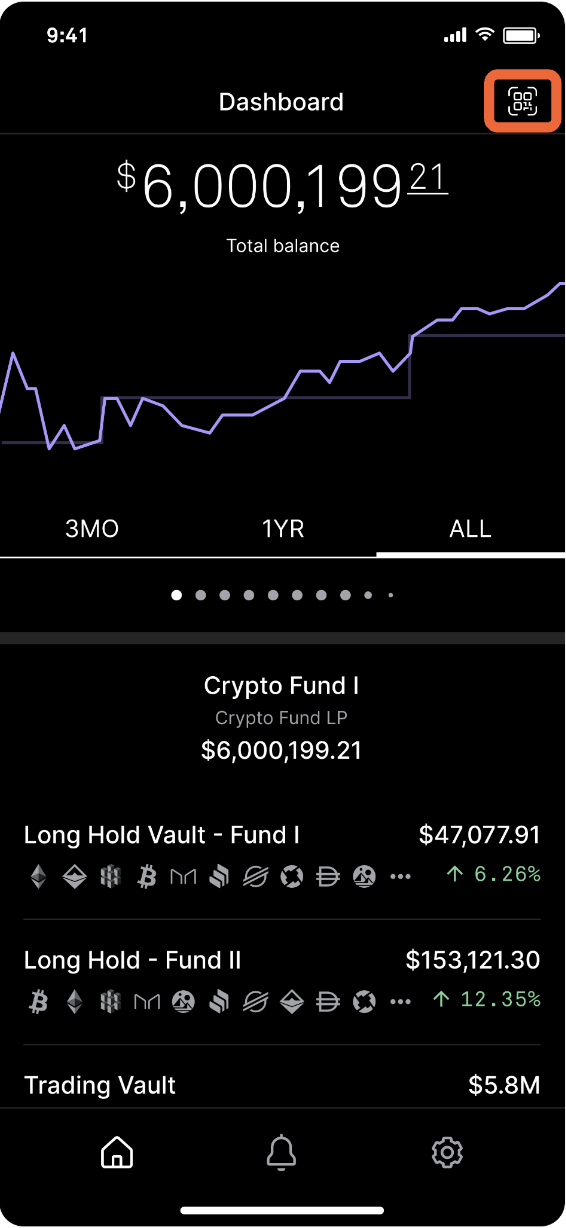
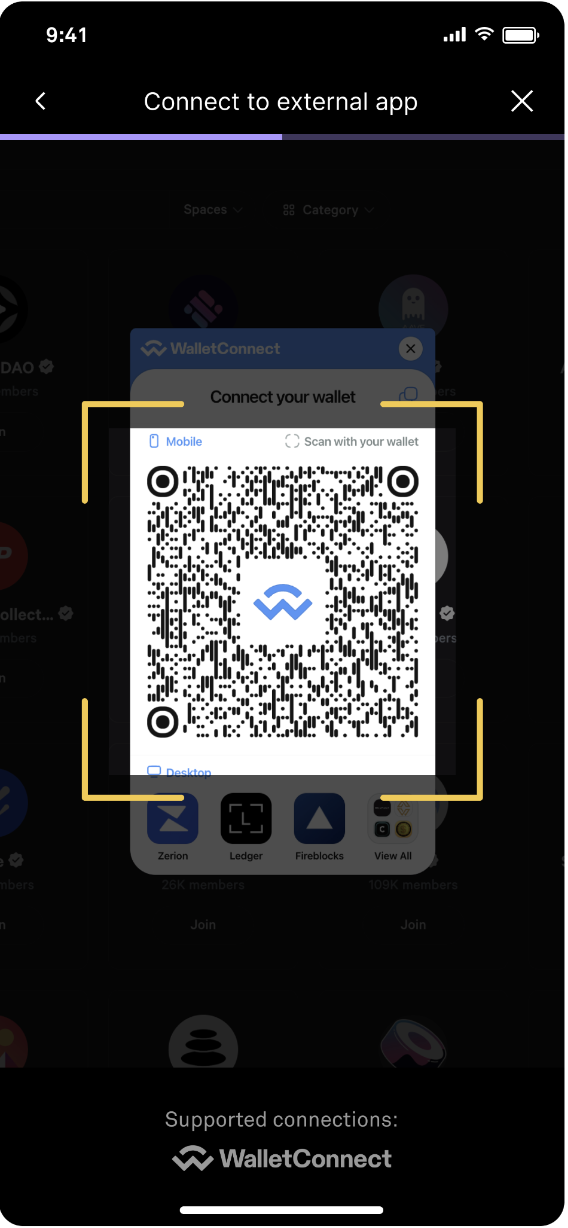
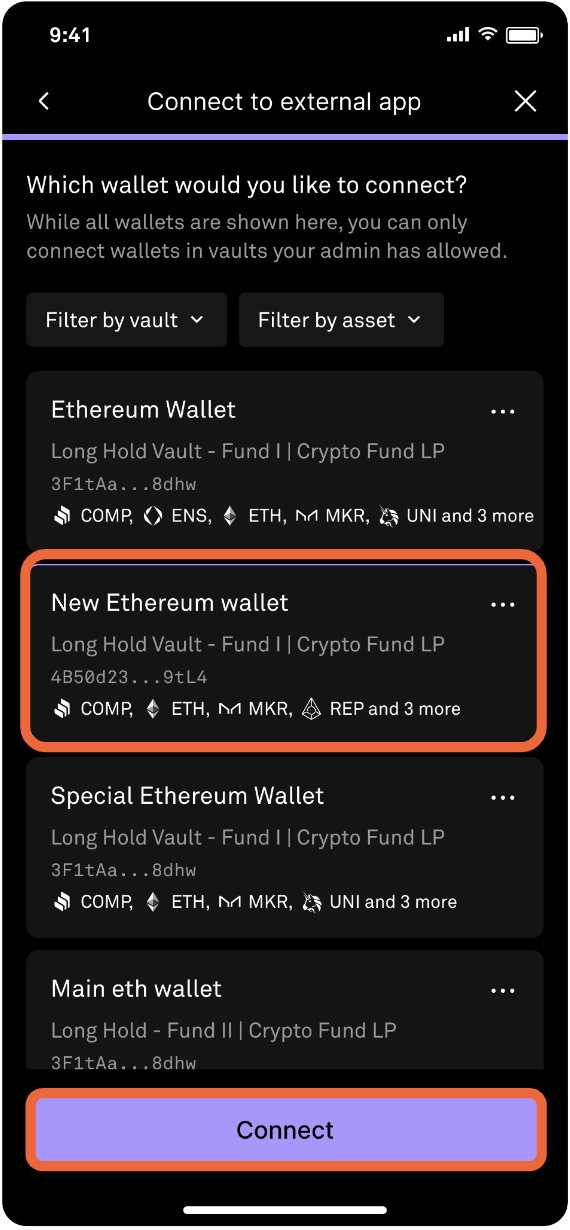
Once the wallet has been connected to the dApp, you will be able to view your connection. On-chain token balances will be available within the dApp.
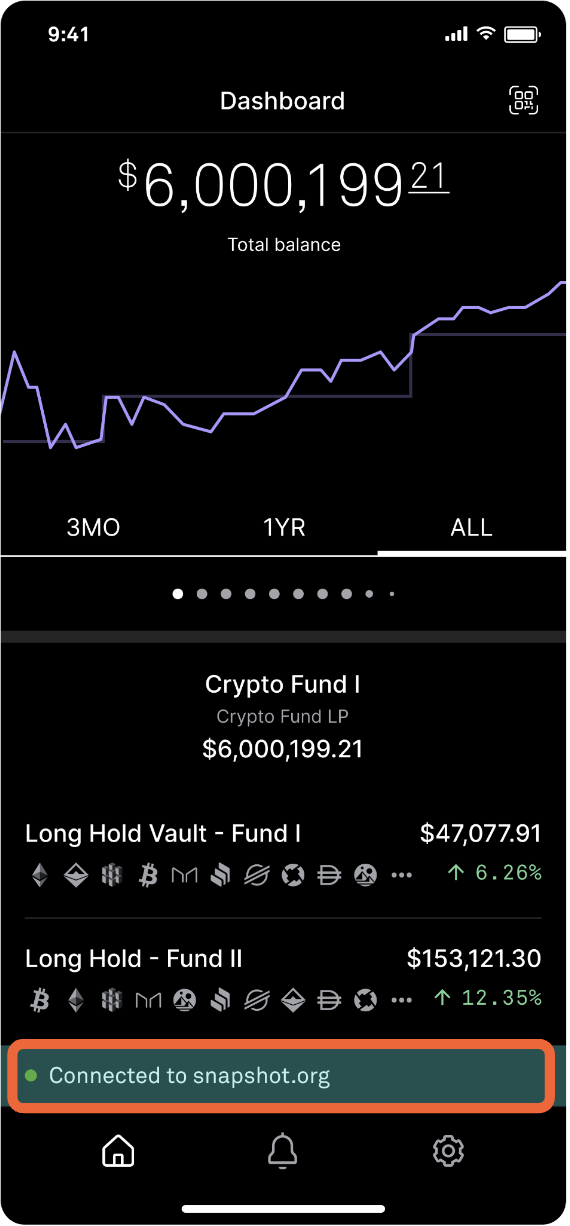
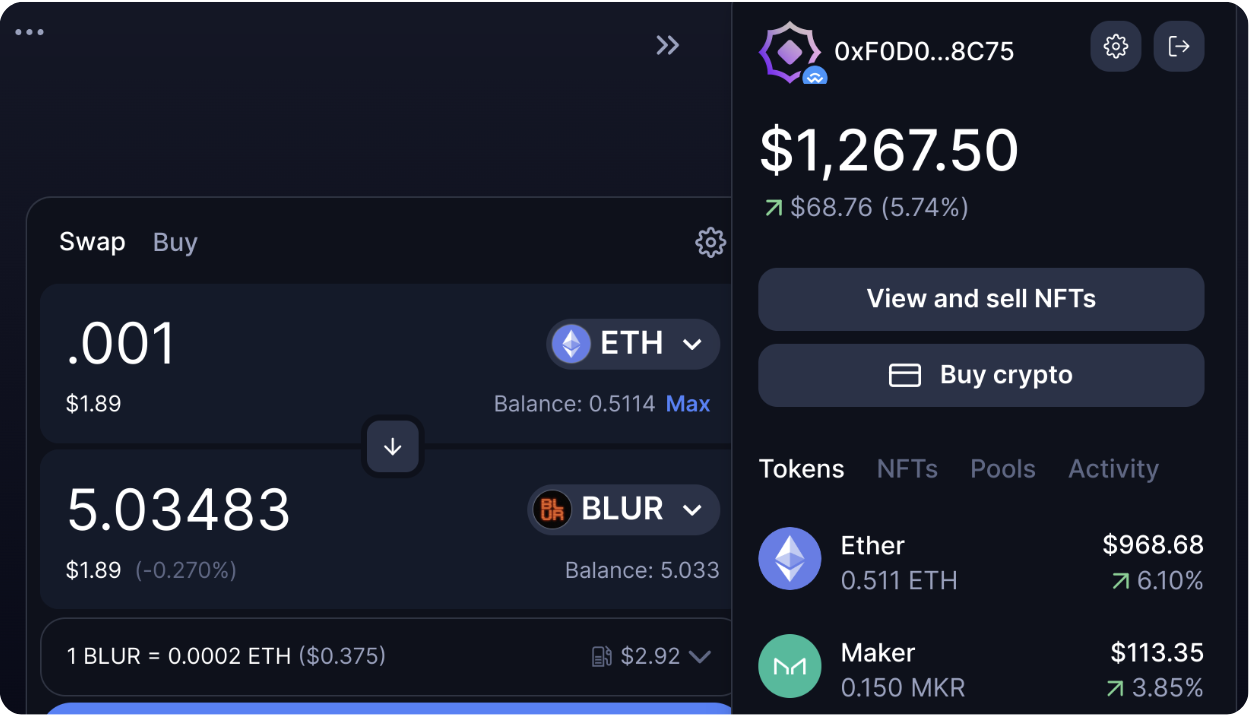
Interact with smart contracts
Once a connection is established, initiate smart contract interactions in the dApp. To begin, navigate to the dApp, select an operation (i.e. swap), and tap Confirm swap.
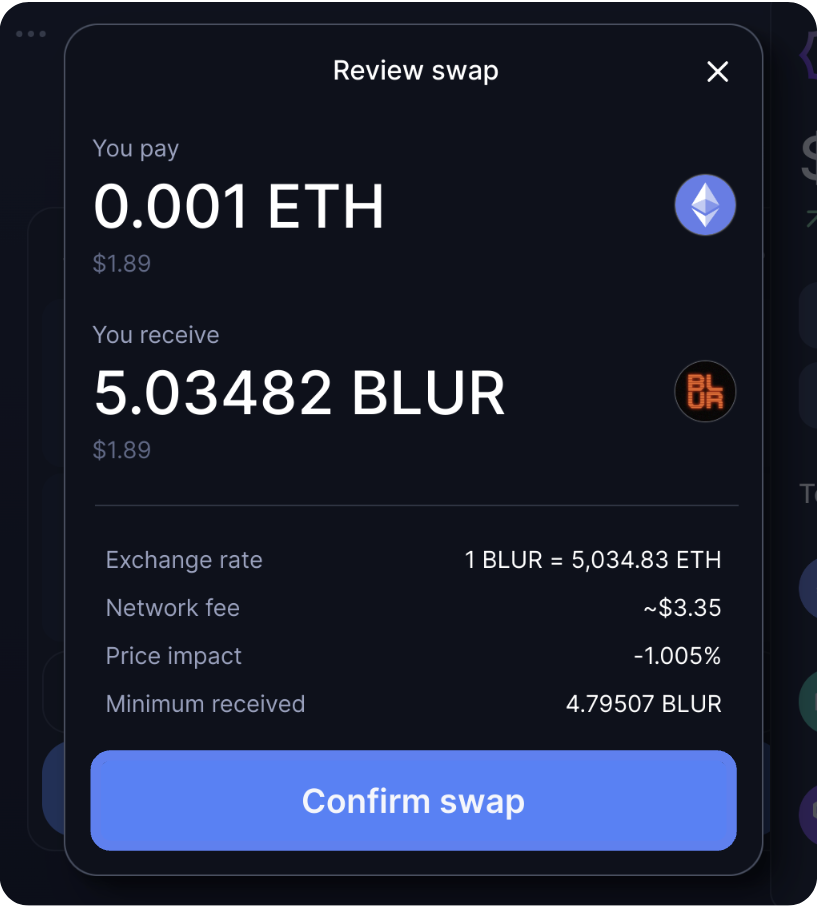
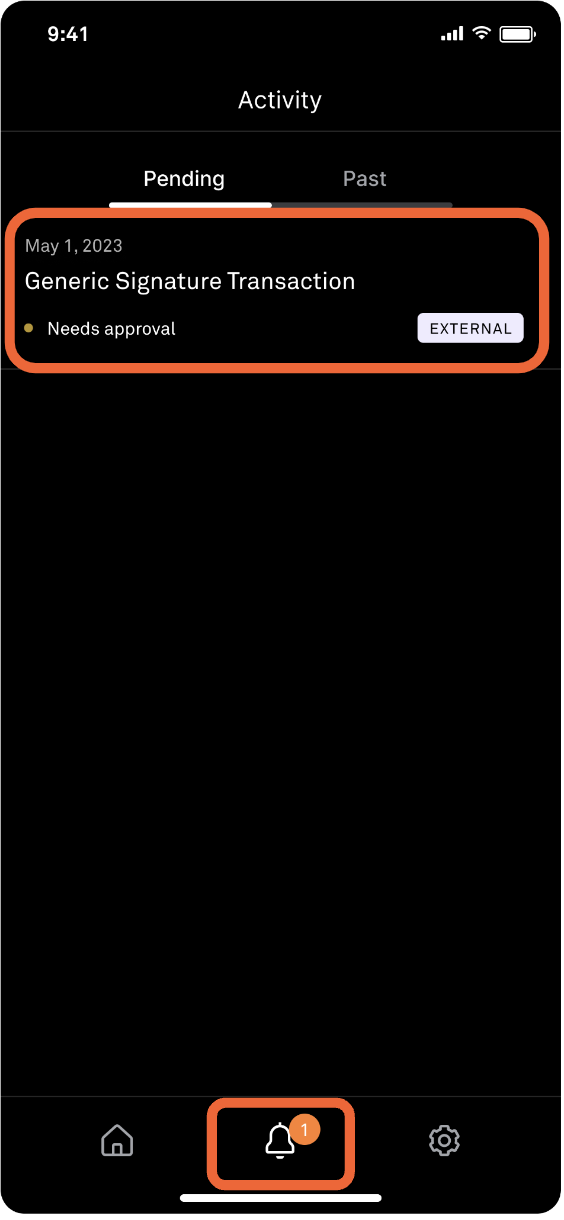
Initiate a smart contract interaction from the dApp interface and confirm the operation. The initiator will receive an approval request in the notifications tab. Tap the bell icon to continue.
Administrators must approve or reject the transaction.
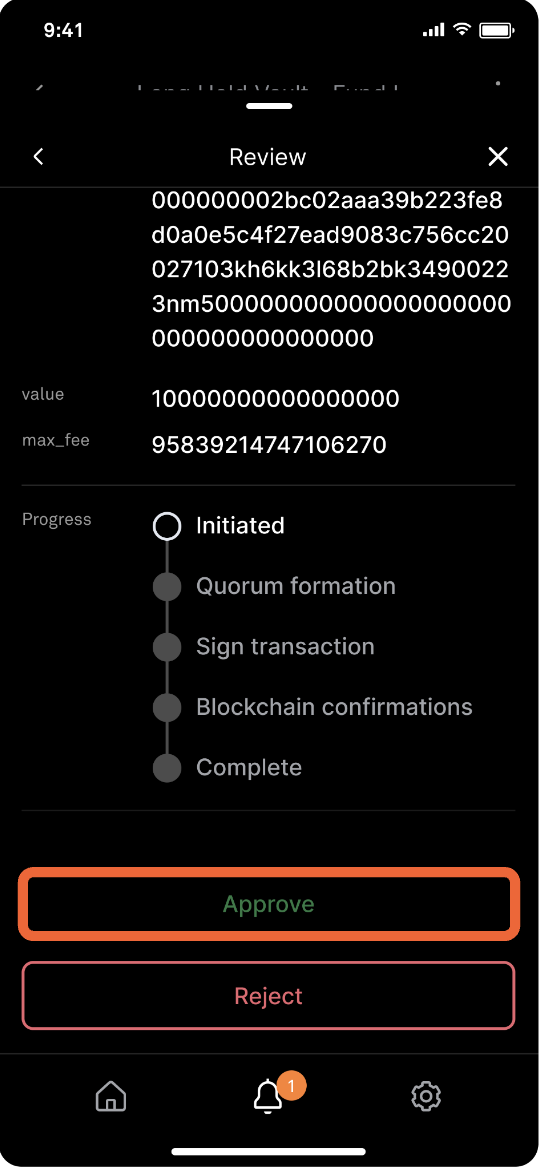
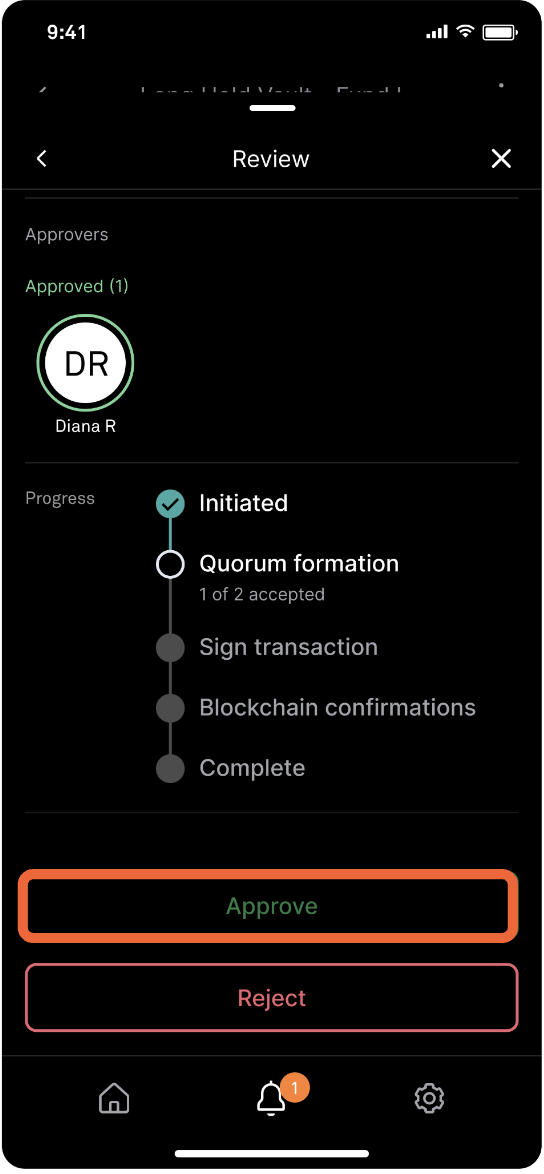
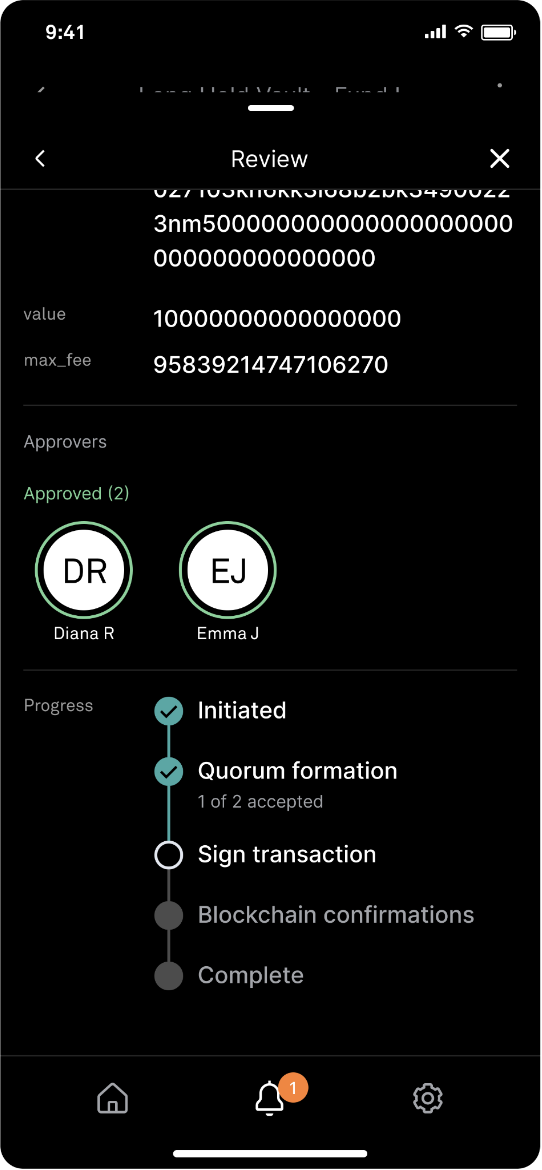
To accept, tap Approve and you will be prompted to submit biometric authentication. Once approved by the initiator, quorum approvers will approve or reject the transaction and submit biometric authentication.
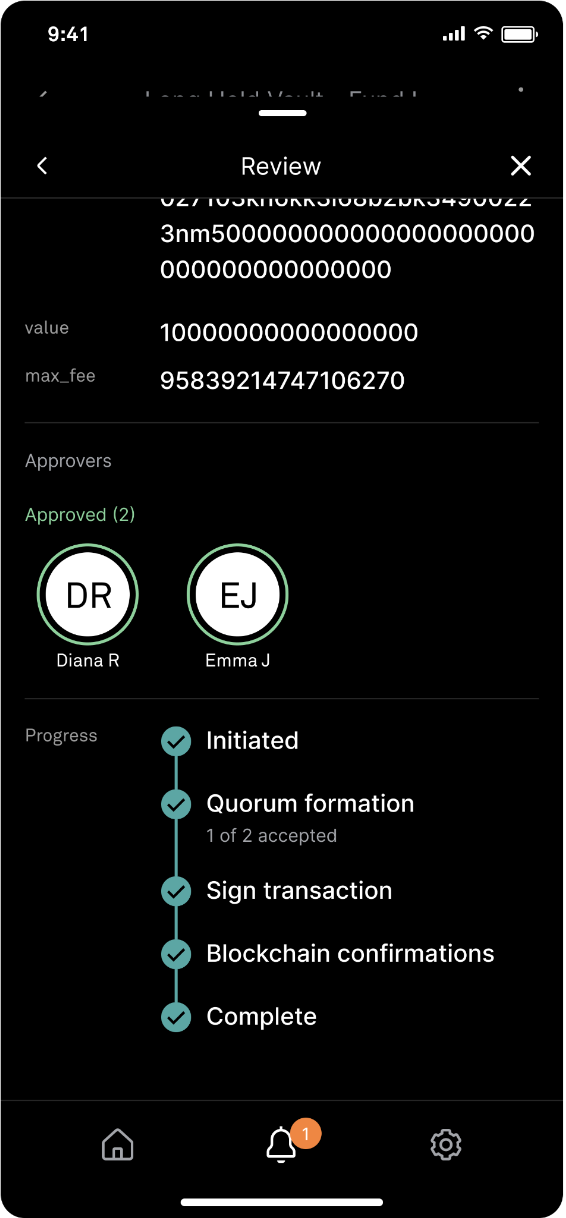
After the transaction has met the policy for quorum approval, the transaction will be sent to the HSM for verification and signing.
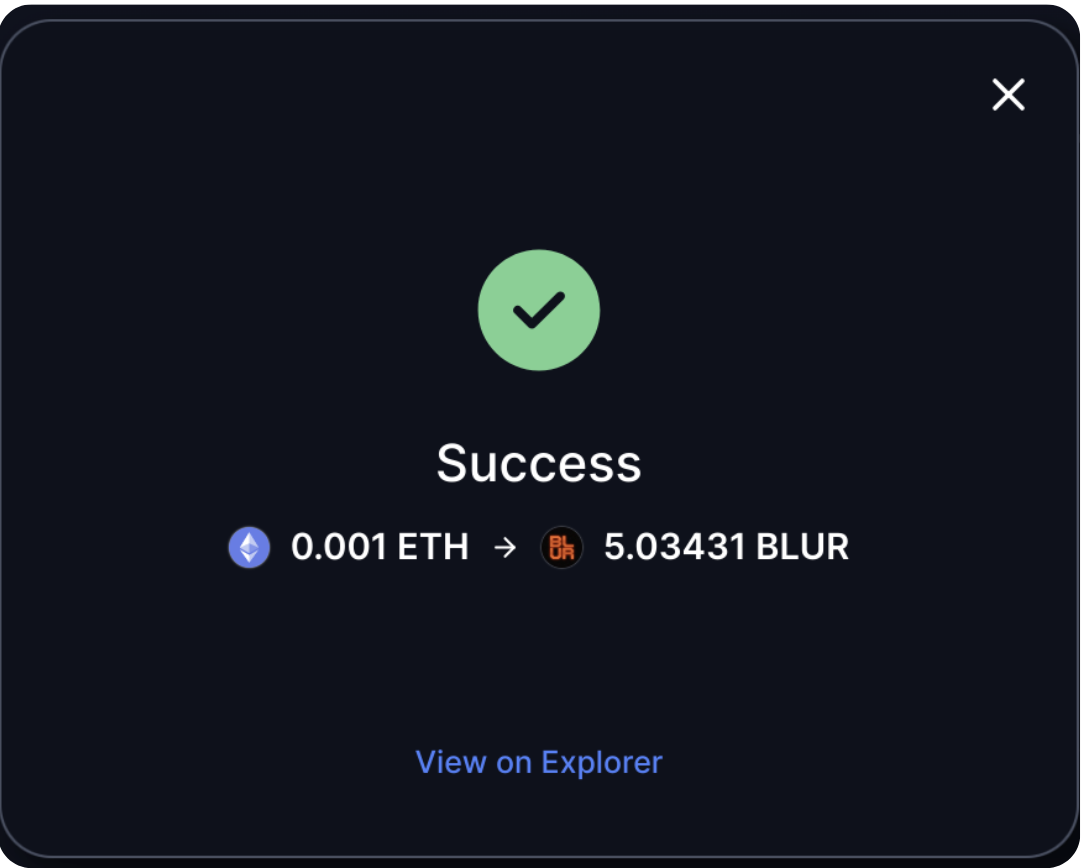
Once the transaction is broadcast and confirmed, the on-chain interaction will complete in five minutes.
Updated 9 months ago