
Base quorum members
Editing base quorum members
To change the group of administrators eligible to approve a specific operation (the base quorum) within an admin or vault policy:
- Navigate to Settings, then Policies.
- Select the relevant policy (either admin policy or a specific vault policy).
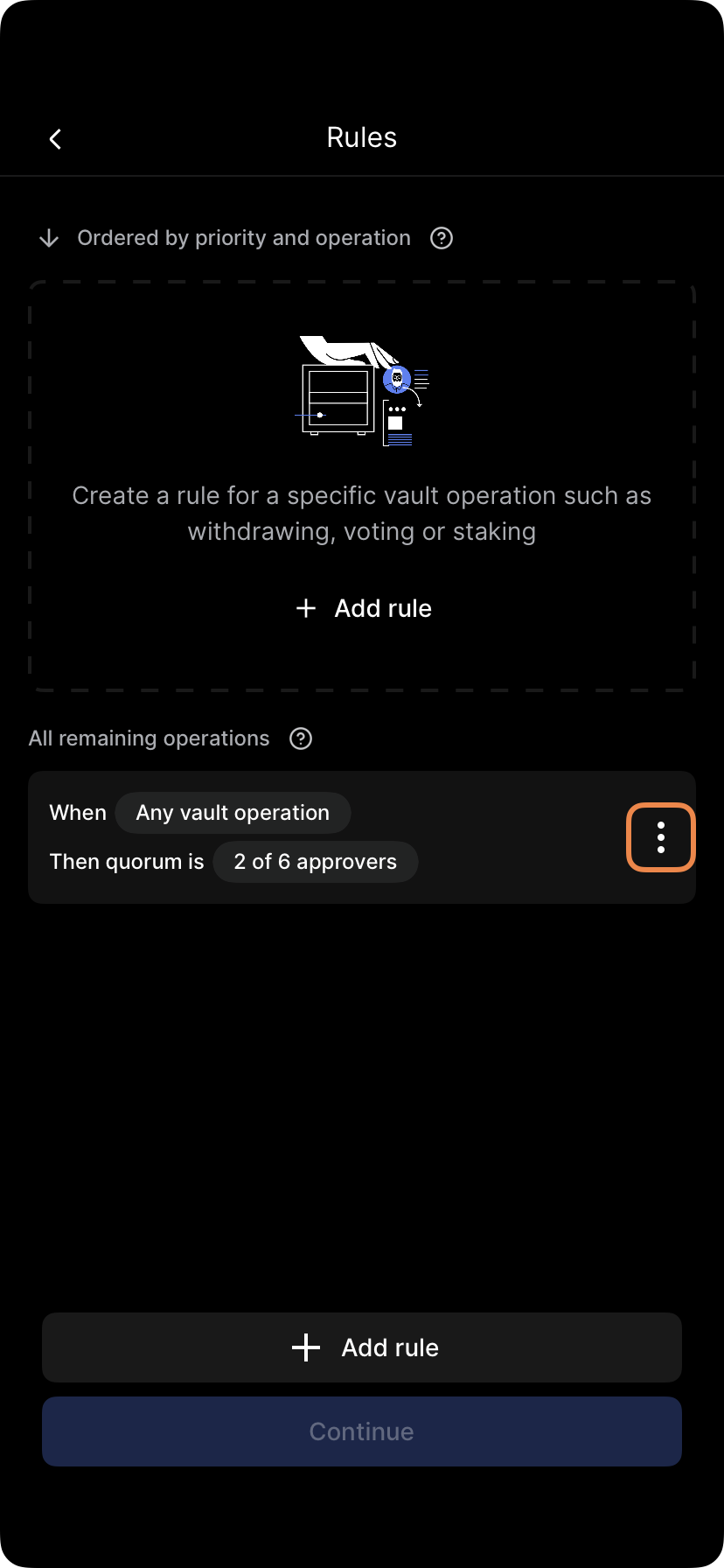
- Tap Rules.
- Tap the options menu (...) next to the rule you wish to modify and select Edit rule.
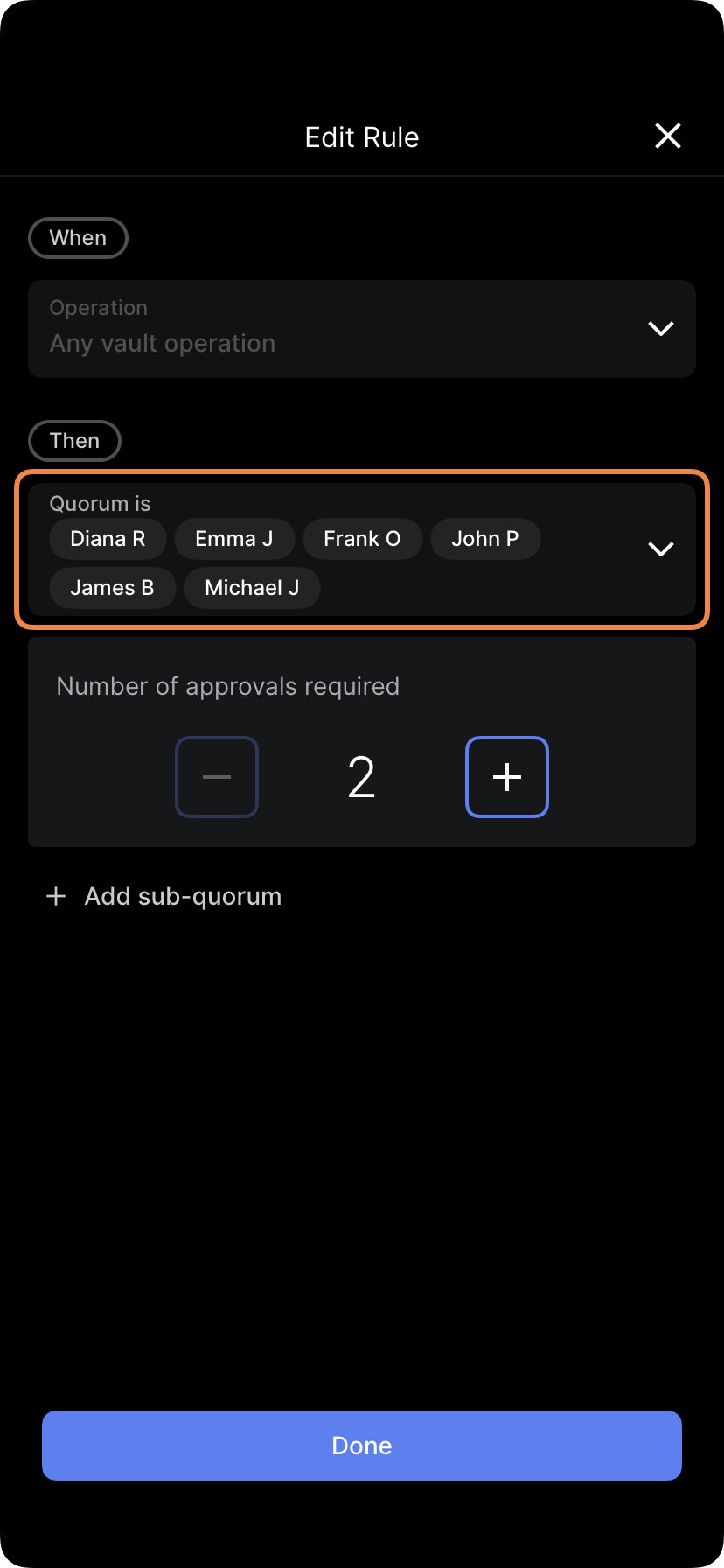
- Tap the Quorum is field to select or deselect approvers.
Note: Saving these changes requires quorum approval. Other administrators will receive a notification to approve the update.
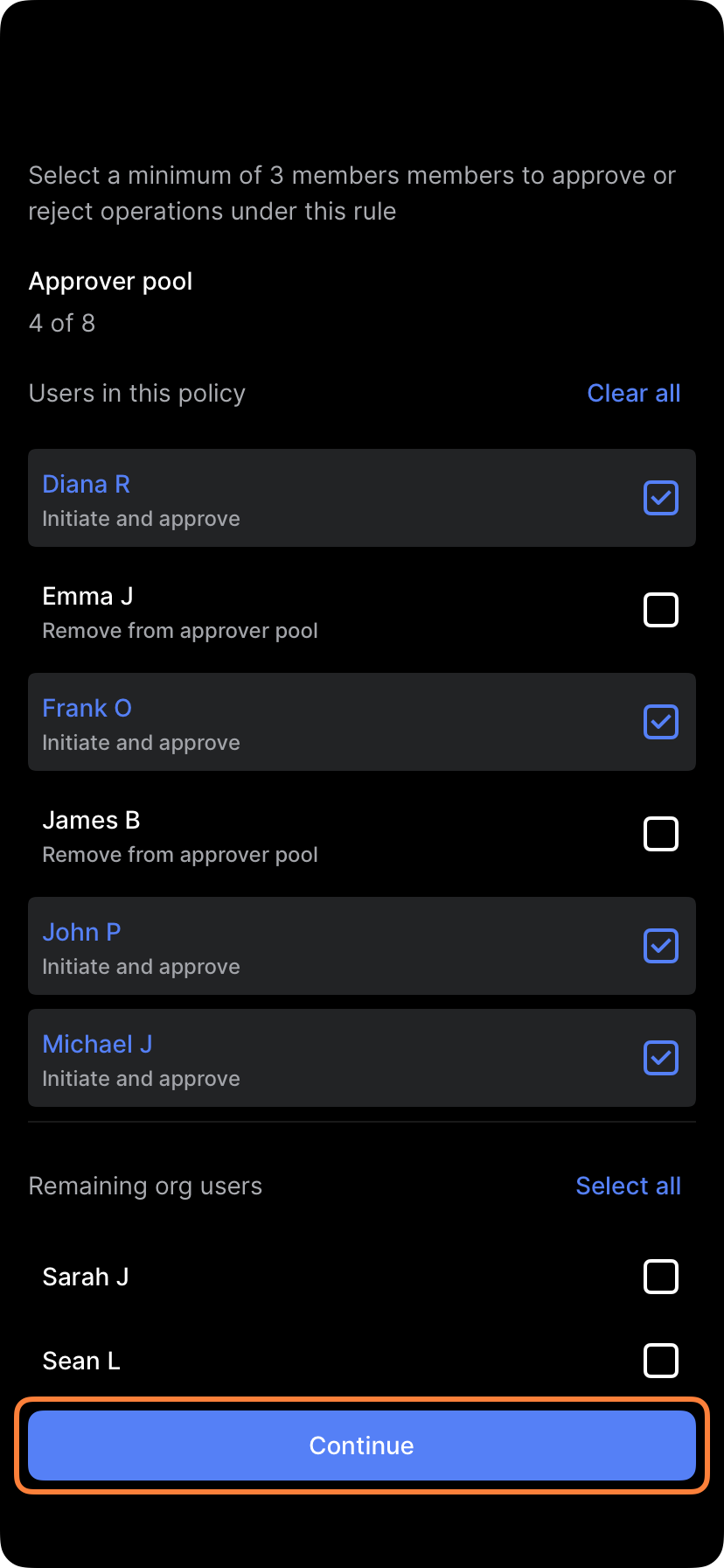
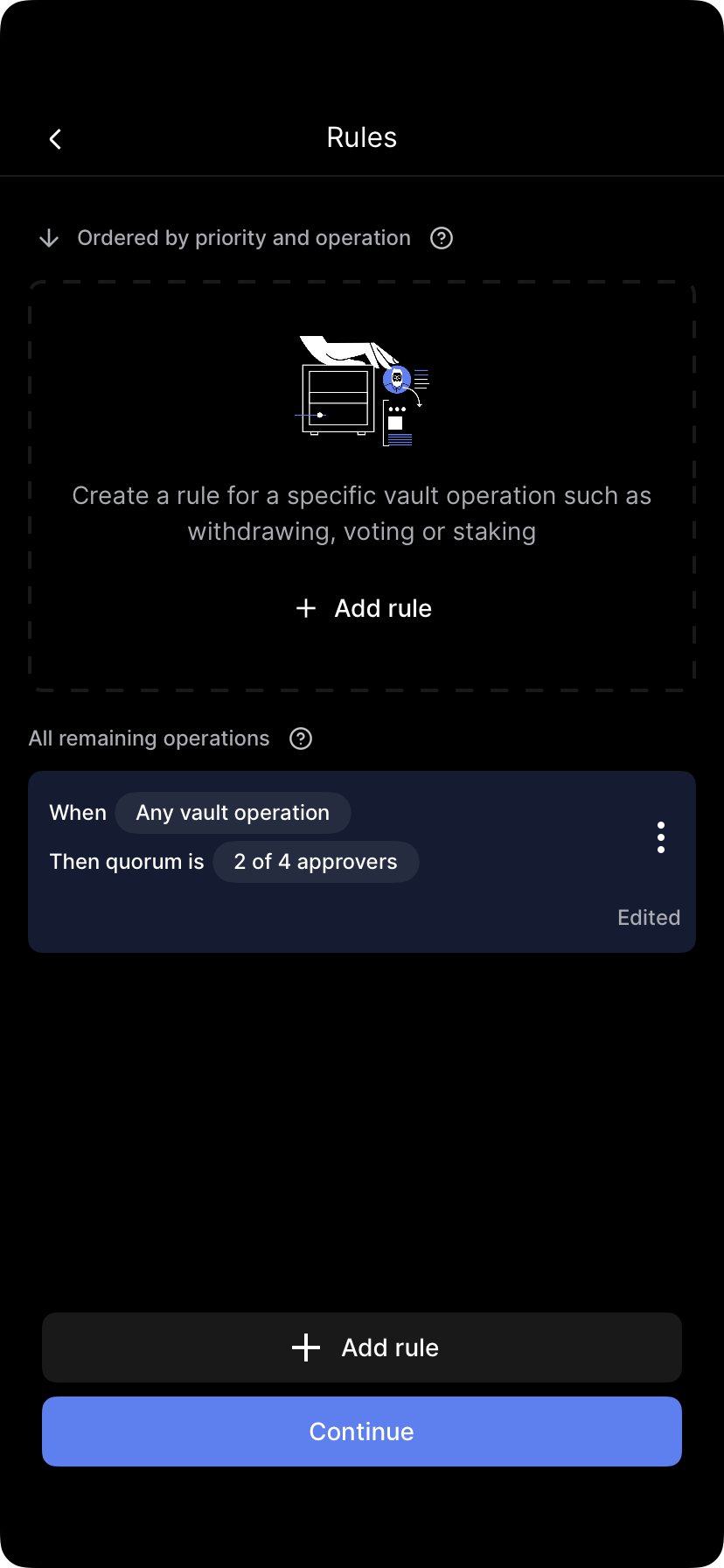
Select Edit approvers, make your changes, and tap Finish and review. Follow the prompts to submit biometric approval (quorum required).
Updated 4 months ago
Did this page help you?