
Trusted destinations
Add trusted destinations
Administrators may add trusted destinations to ease and speed up the withdrawal process. When prompted, provide details about the destination, review the operation details, and submit it for approval.
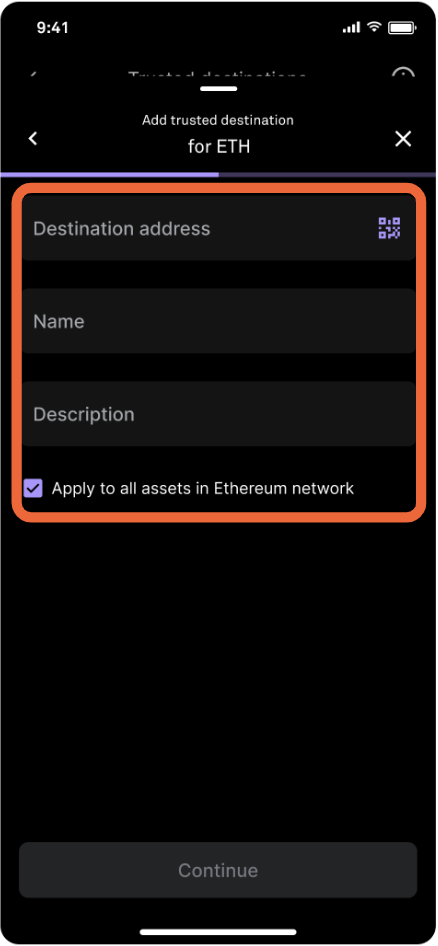
To use the same trusted destination across assets in the same network, select the checkbox under Description.
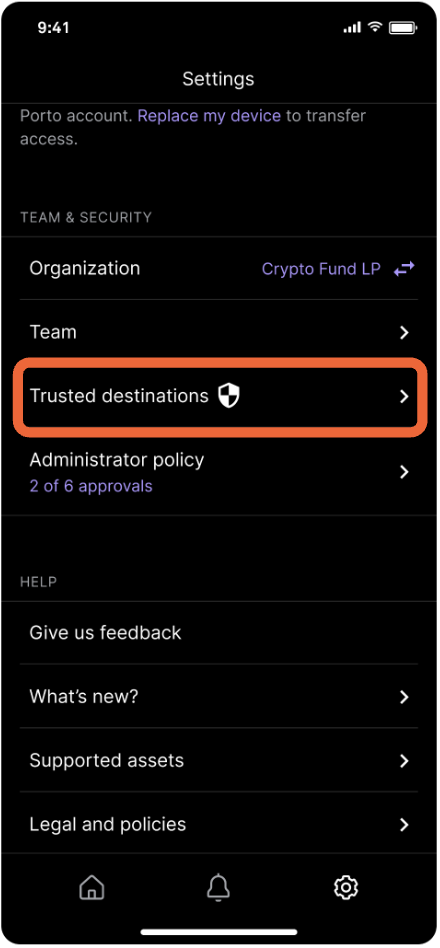
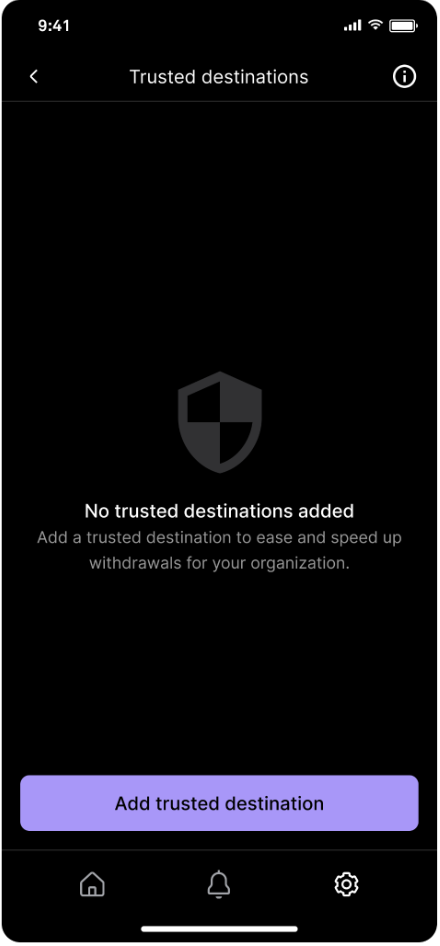
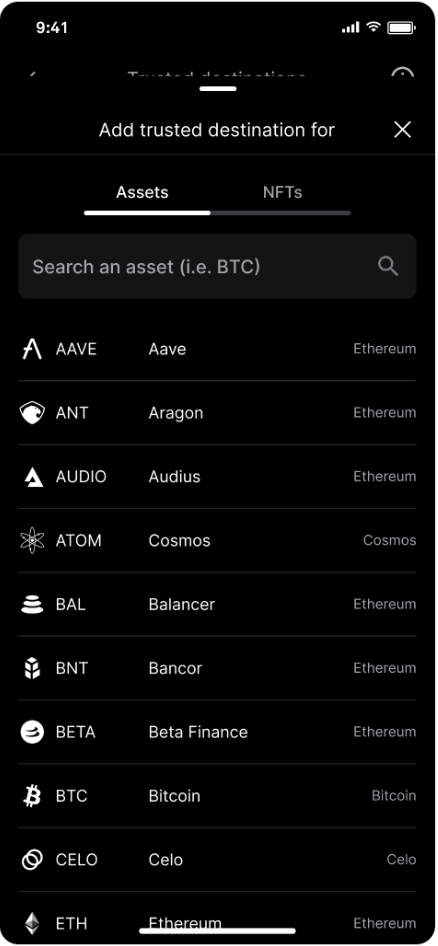
Go to Settings and tap Trusted destinations. Tap Add trusted destination, then search for the asset.
Scan or paste the address, enter a name and description, then submit for approval.
Remove trusted destinations
Administrators are the only users who can remove trusted destinations. Removing trusted destinations requires a quorum.
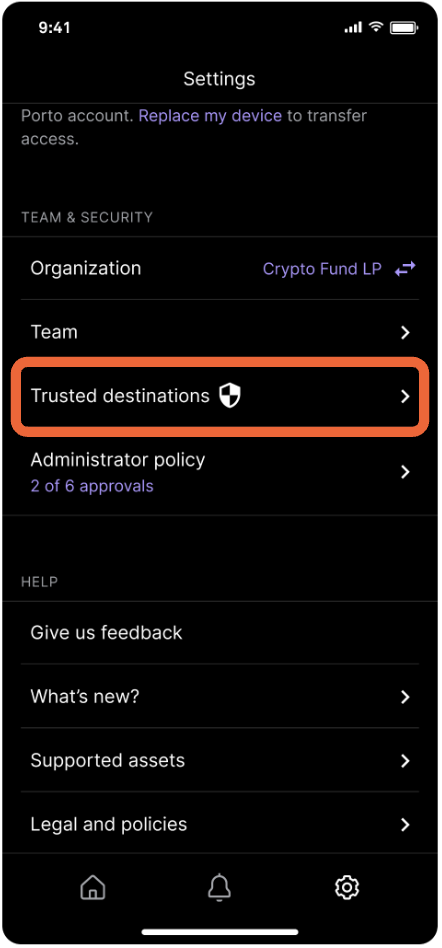
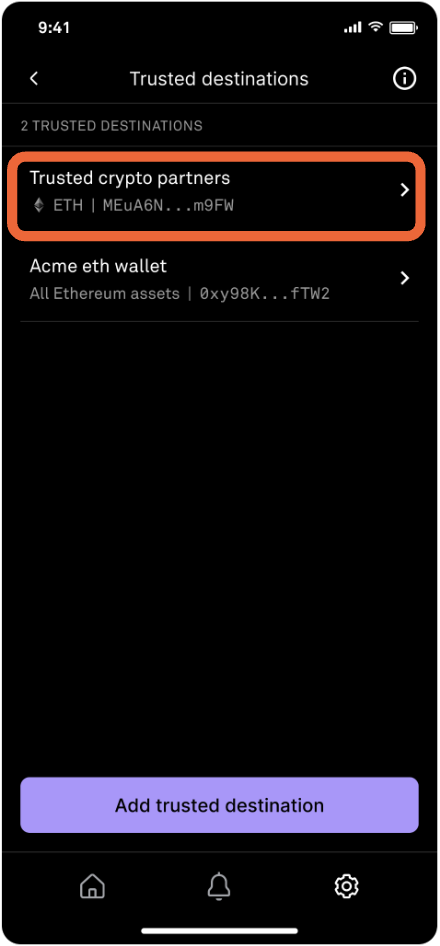
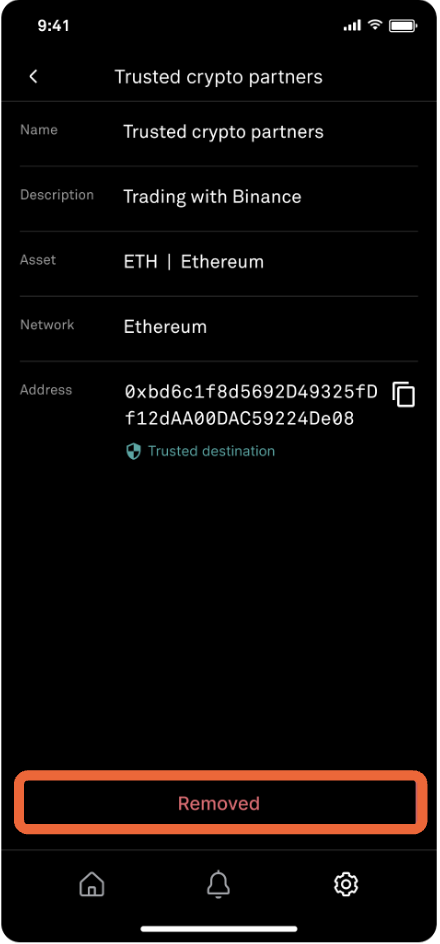
Go to Settings and tap Trusted destinations. Tap the trusted destination to be removed. Tap Remove
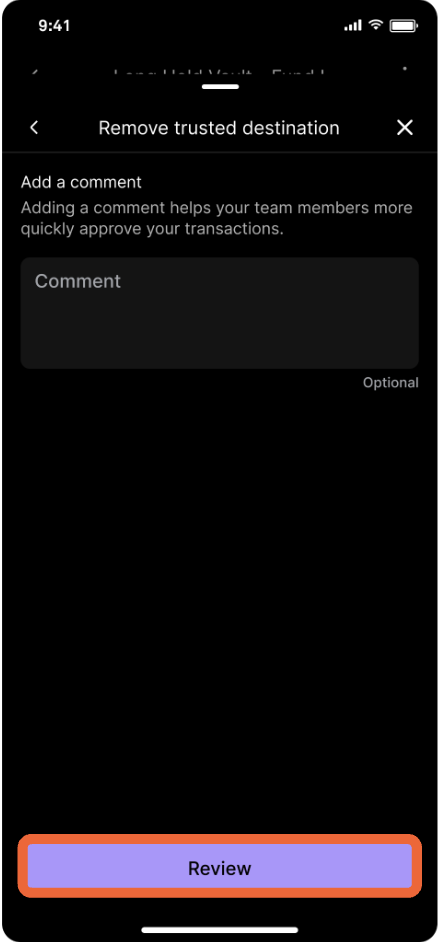
Add a comment (optional) then tap Review to review details and submit for approval.
Updated about 1 year ago