
Deleting a sub-quorum
Deleting a sub-quorum
Administrators can remove a sub-quorum requirement from a rule if it is no longer needed.
How to delete
- Navigate to Settings, then Policies.
- Select the relevant policy and tap Rules.
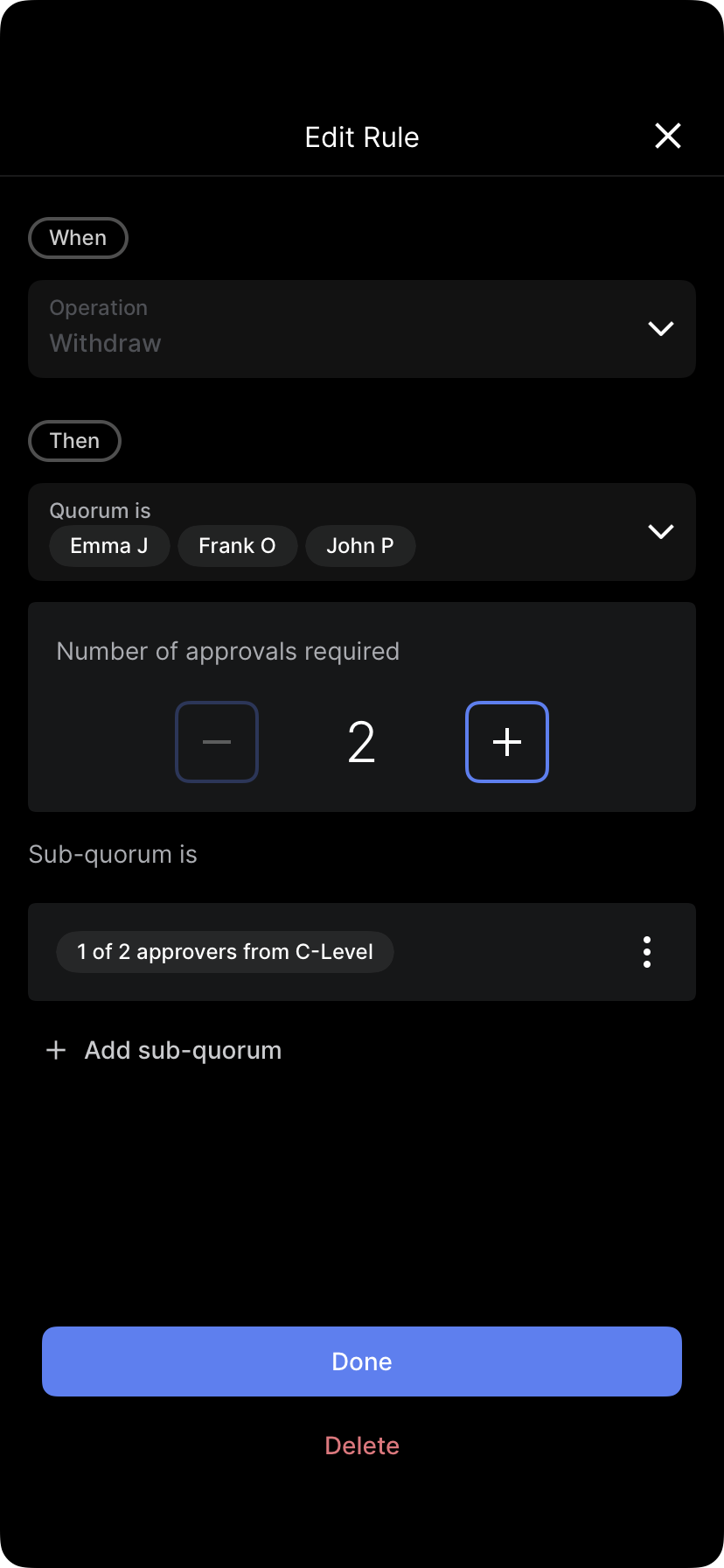
- Tap the options menu (...) next to the parent rule and select Edit rule.
- Scroll down to the sub-quorum section.
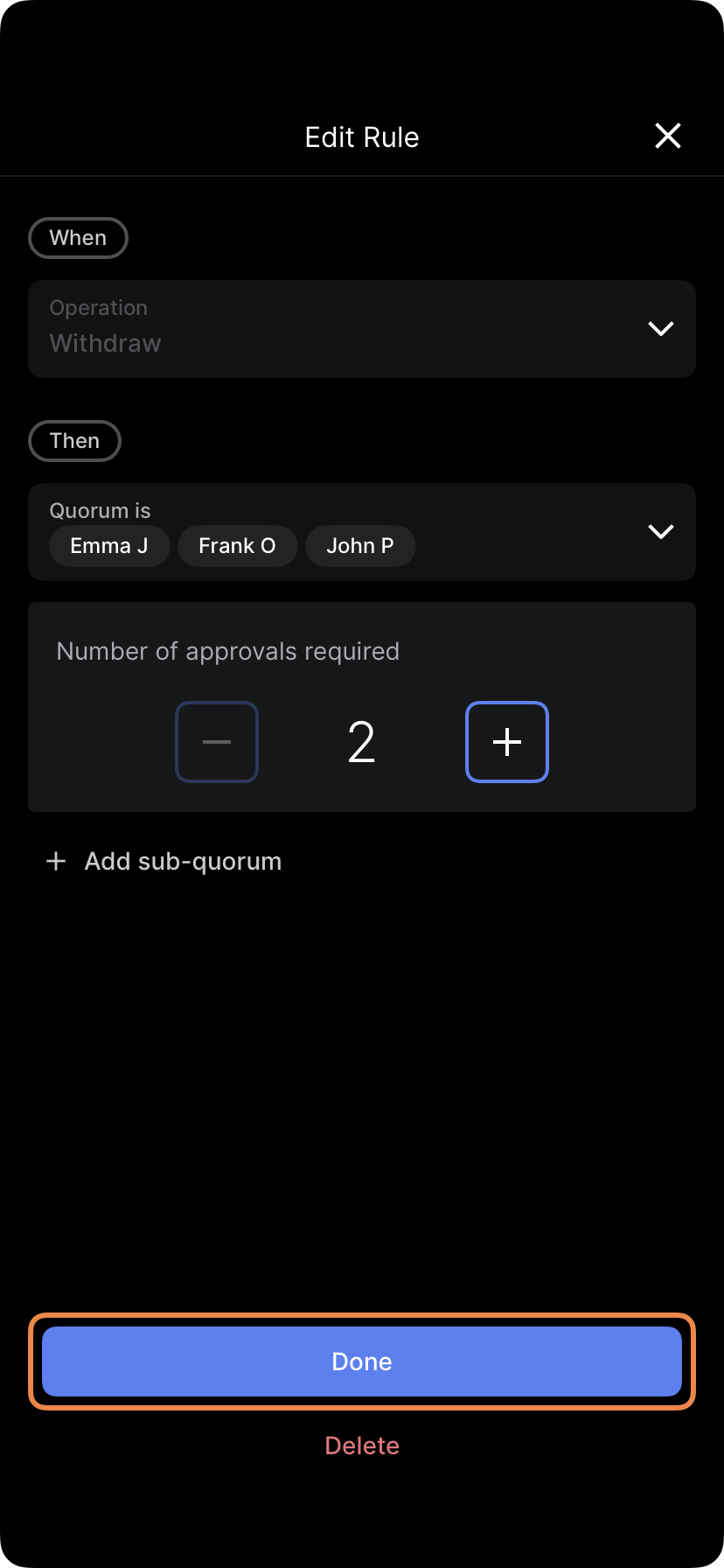
- Tap the options menu for the specific sub-quorum and select Delete sub-quorum.
- Tap Delete to confirm the action.
Saving changes
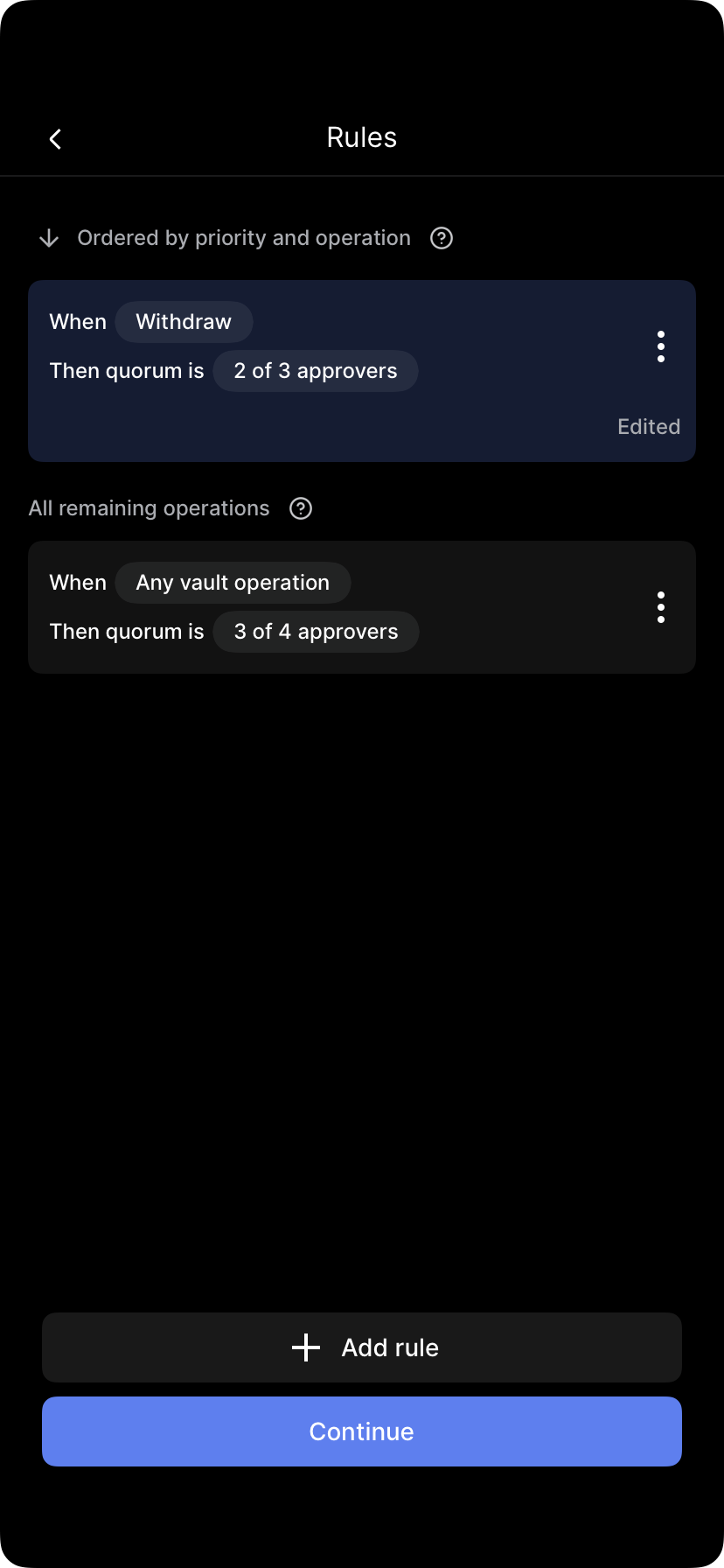
Tap Continue, then Save changes. Follow the prompts to submit biometric approval.
Note: This action requires quorum approval. Other administrators will receive a notification to review and confirm the removal.
Updated 4 months ago
Did this page help you?