
Changing permission levels
Assigning vault access to users as an Operator
Administrators with vault management permissions may increase user permissions to Operator with privileges to only initiate operations or with privileges to initiate and approve vault operations. This can be done by adding a user to a vault and then adjusting their privileges.


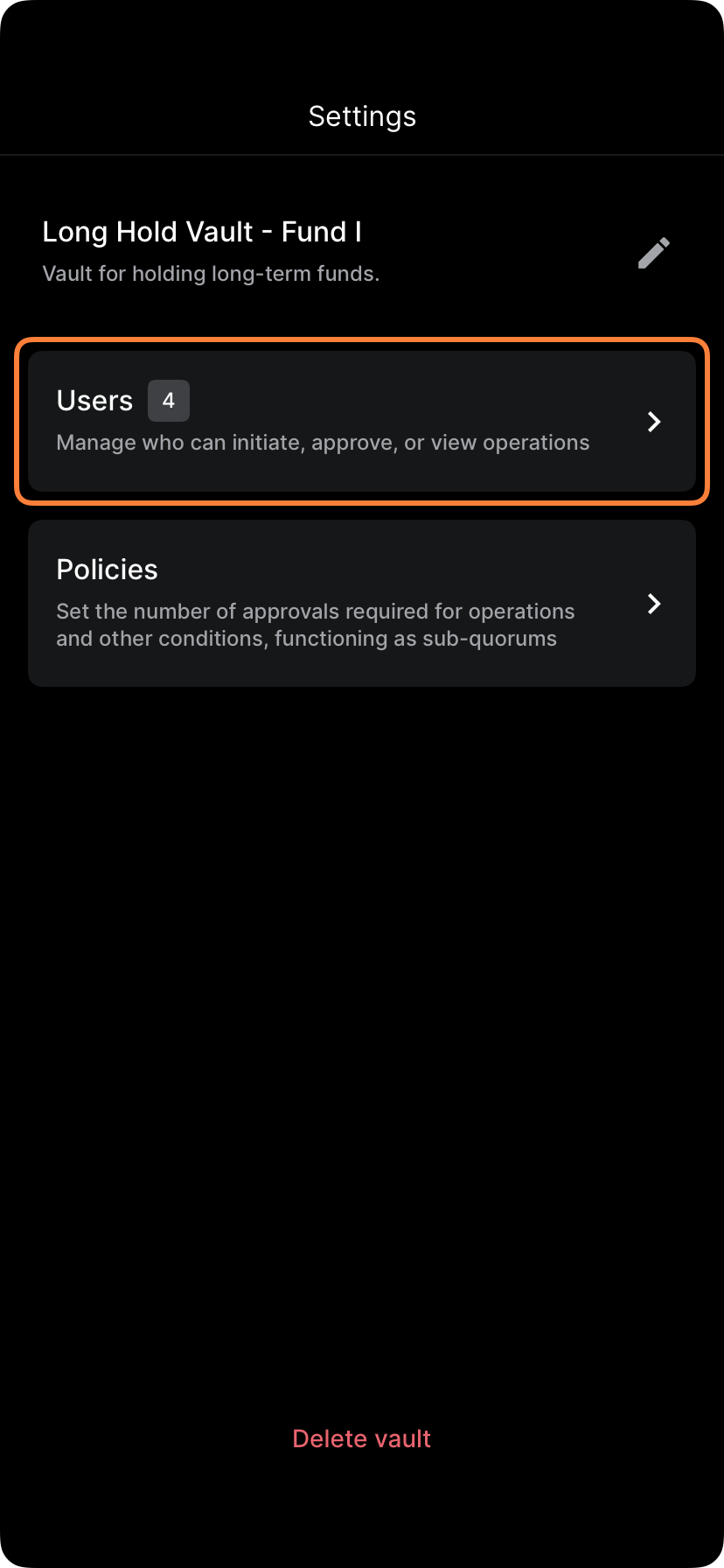
Tap the desired vault, then tap the settings icon in the upper right corner, then tap Users.
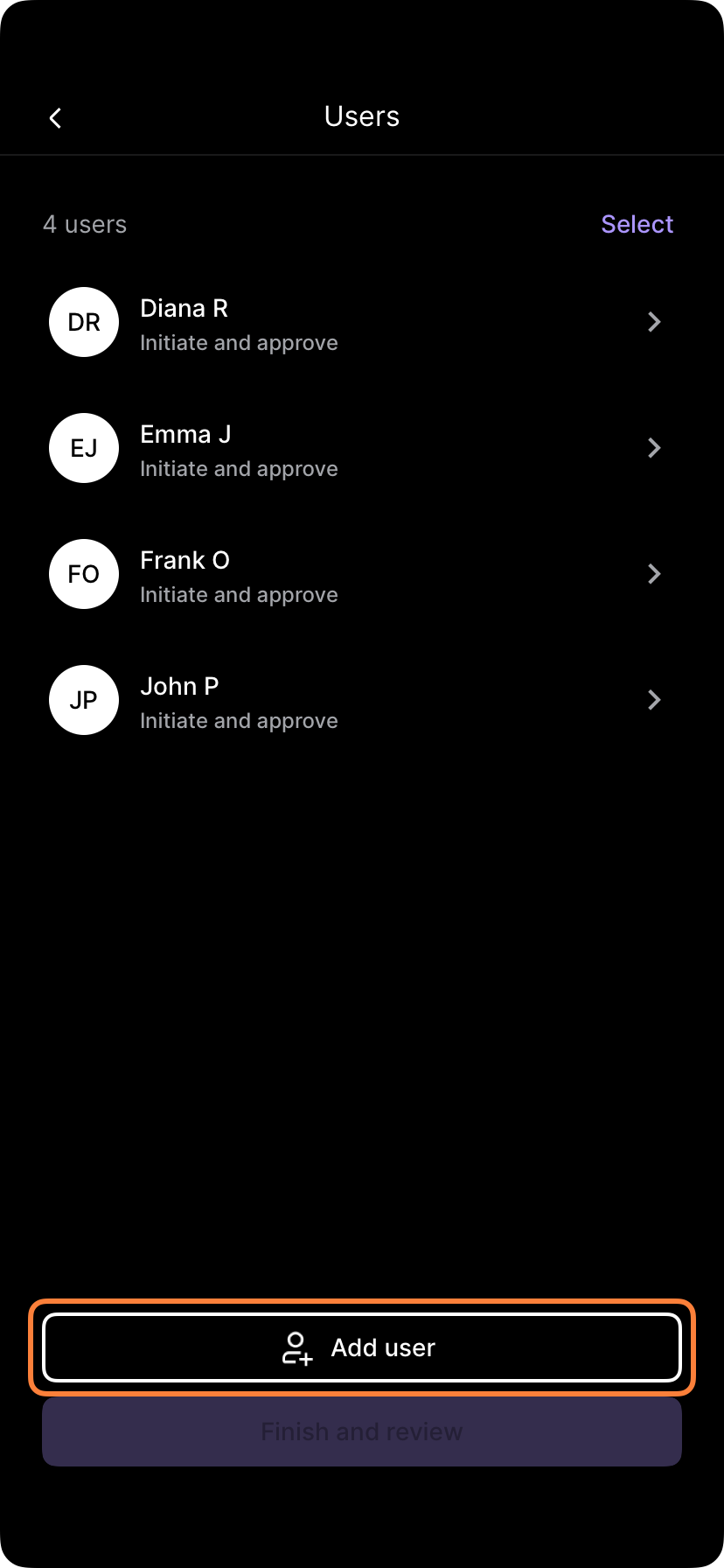
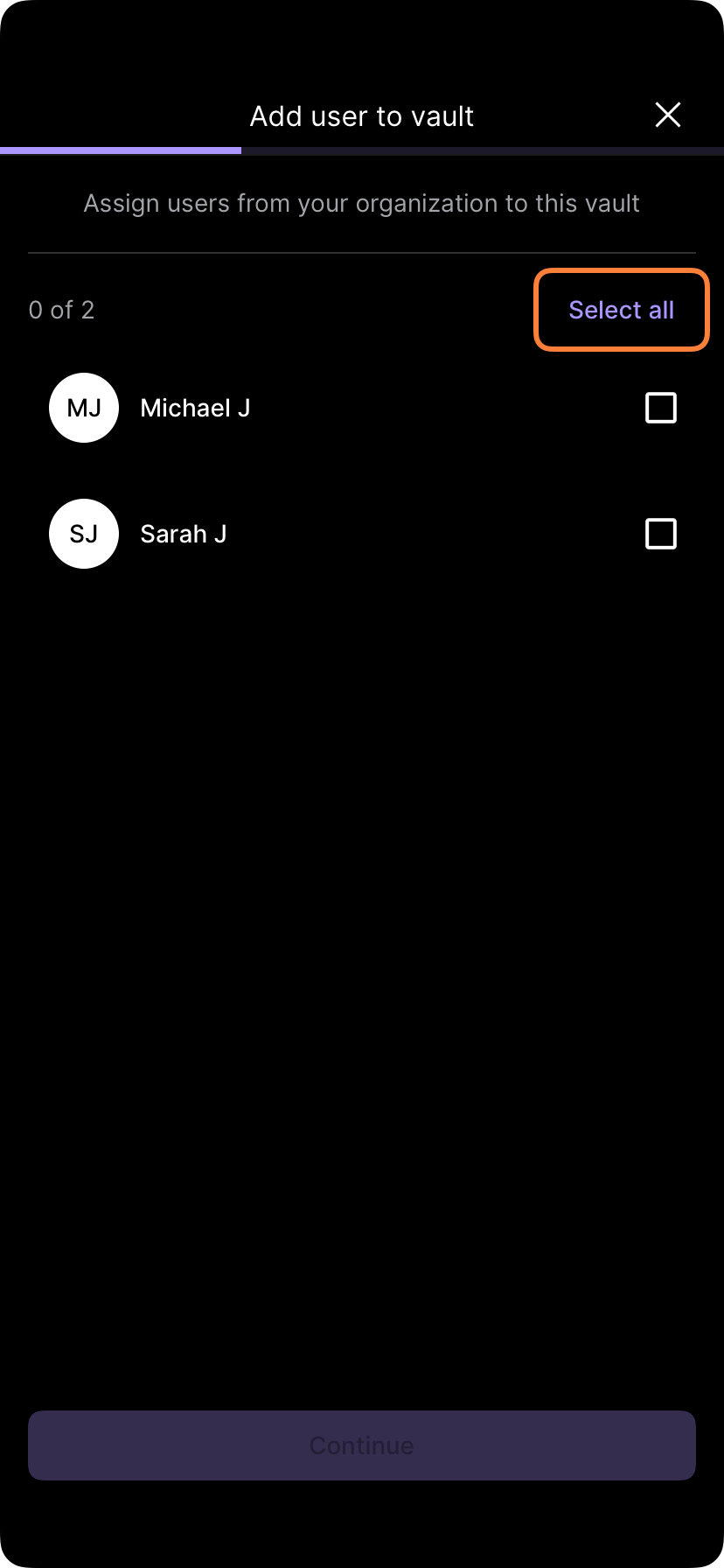
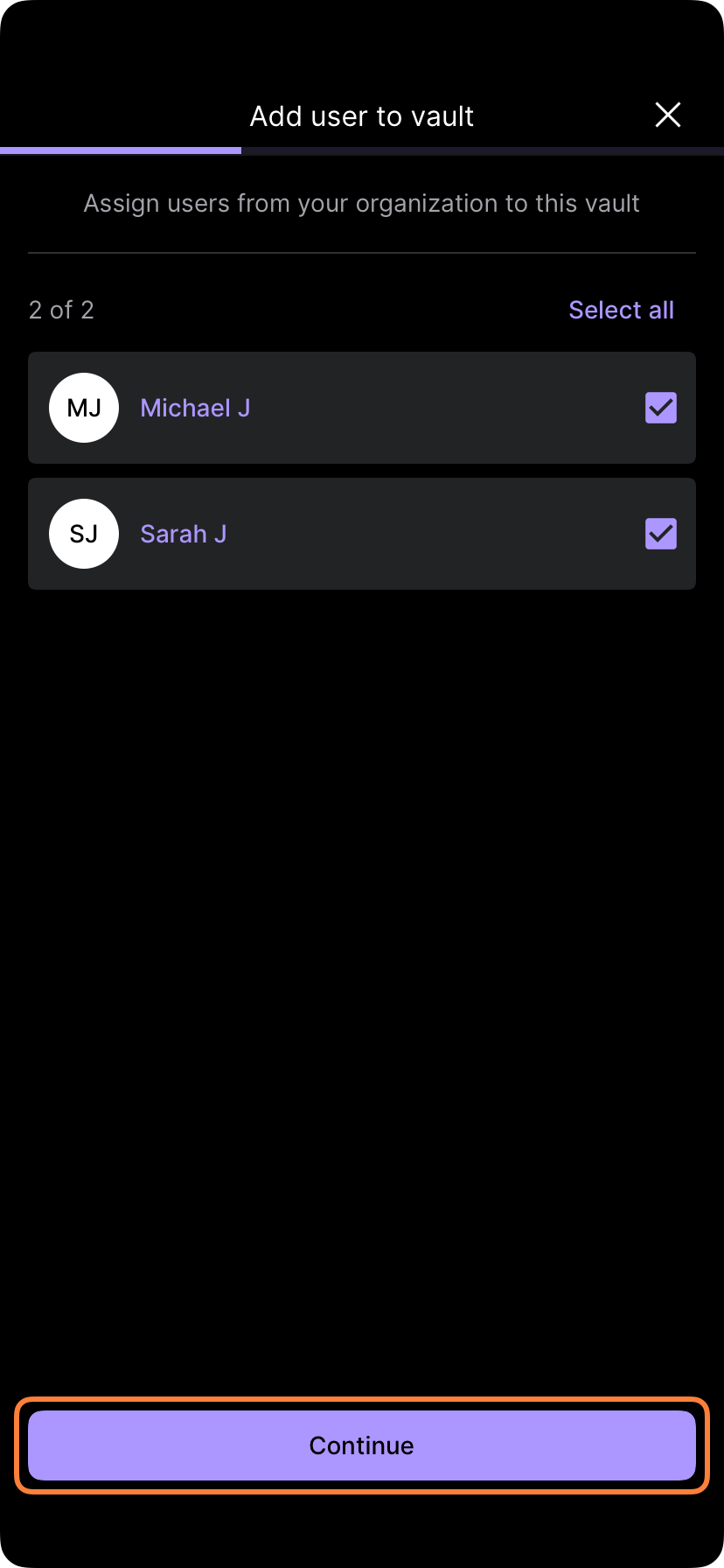
Tap Add user and select the user(s) to add them to the vault.
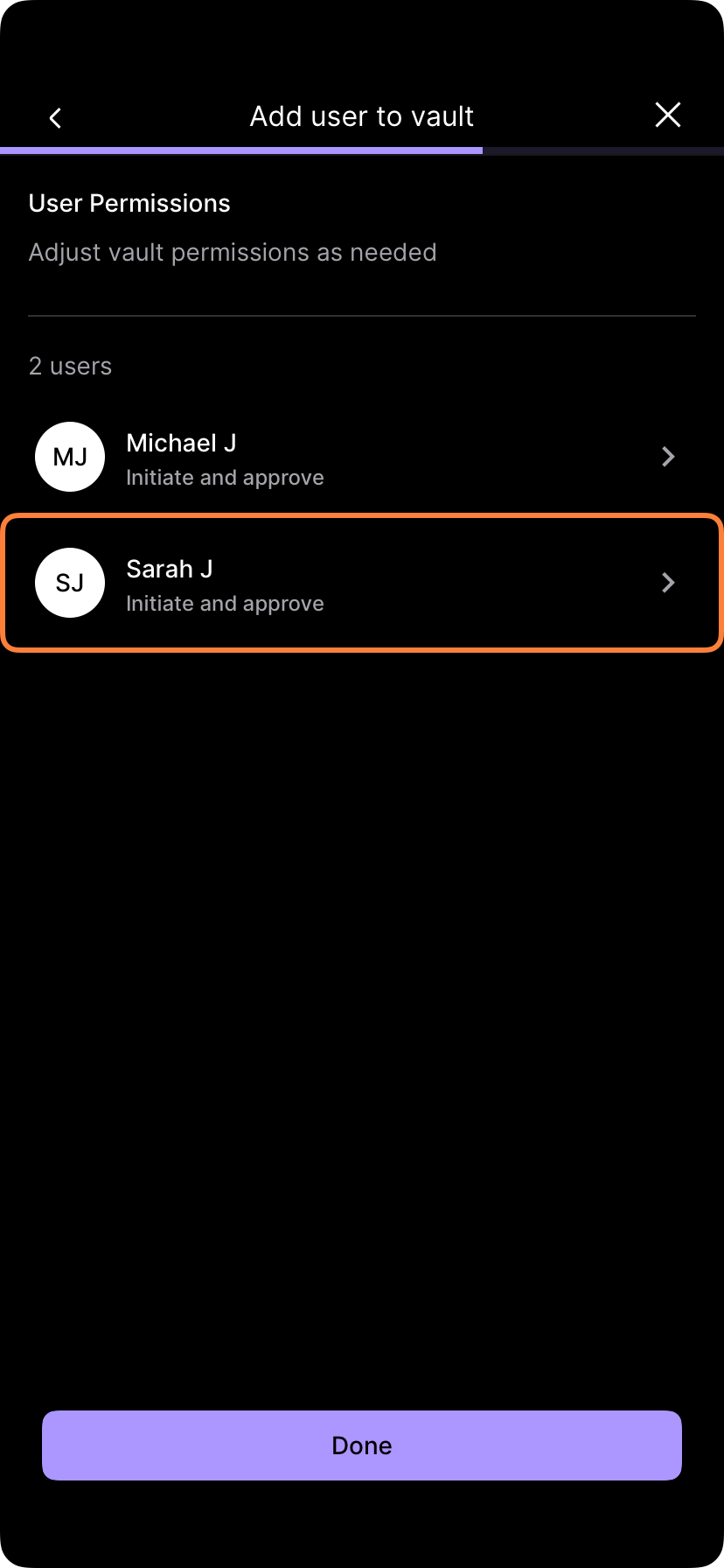
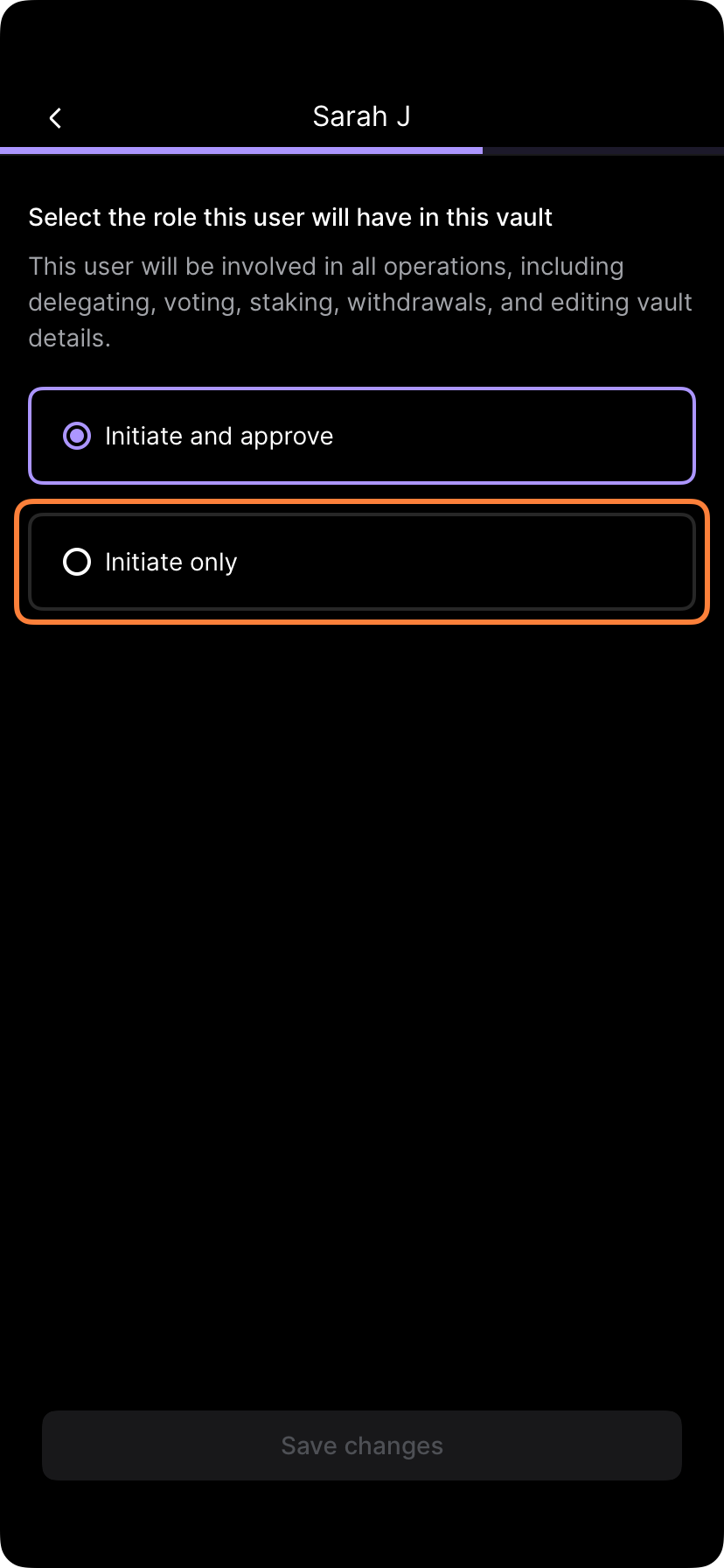
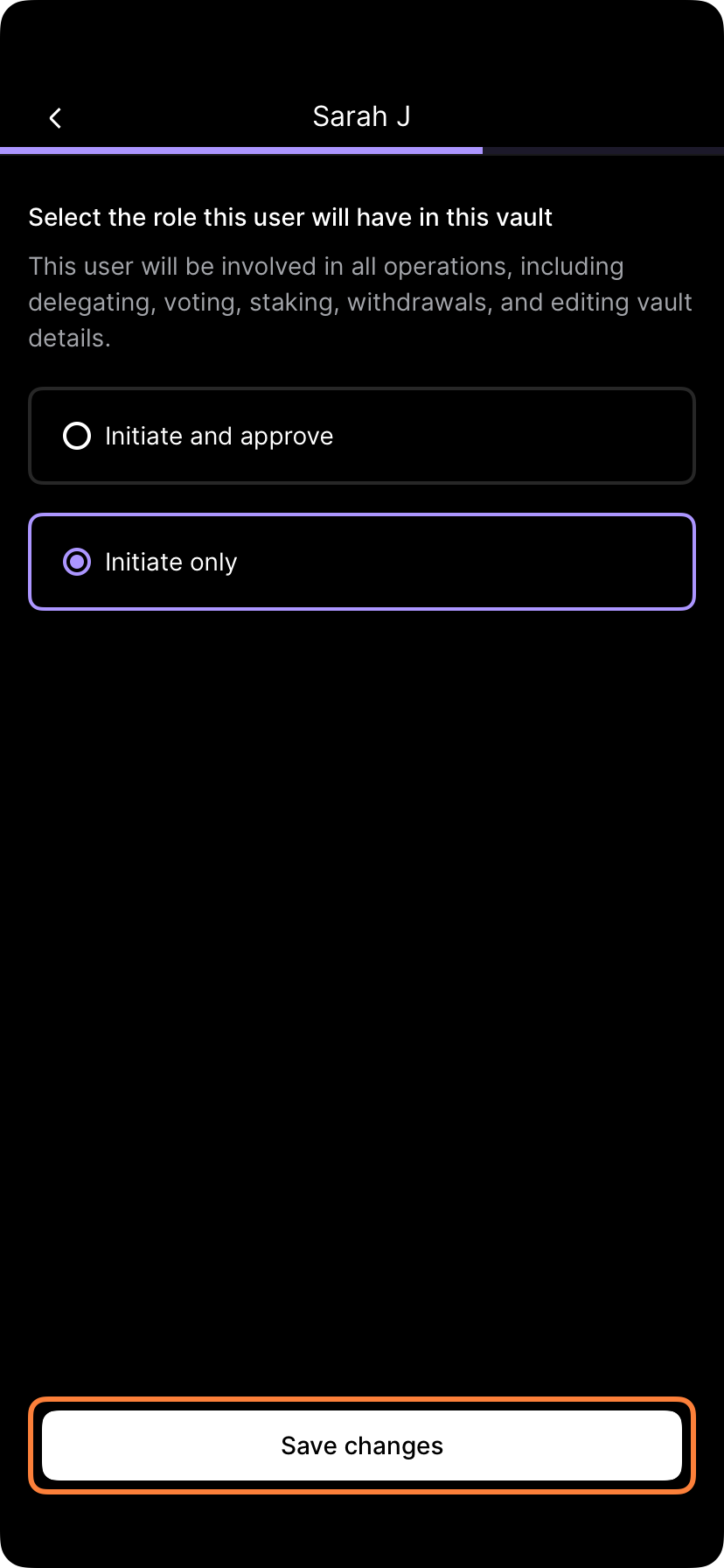
To change the privileges of users in the vault from Initiate and approve to Initiate only, tap the user, select Initiate only and Save changes.
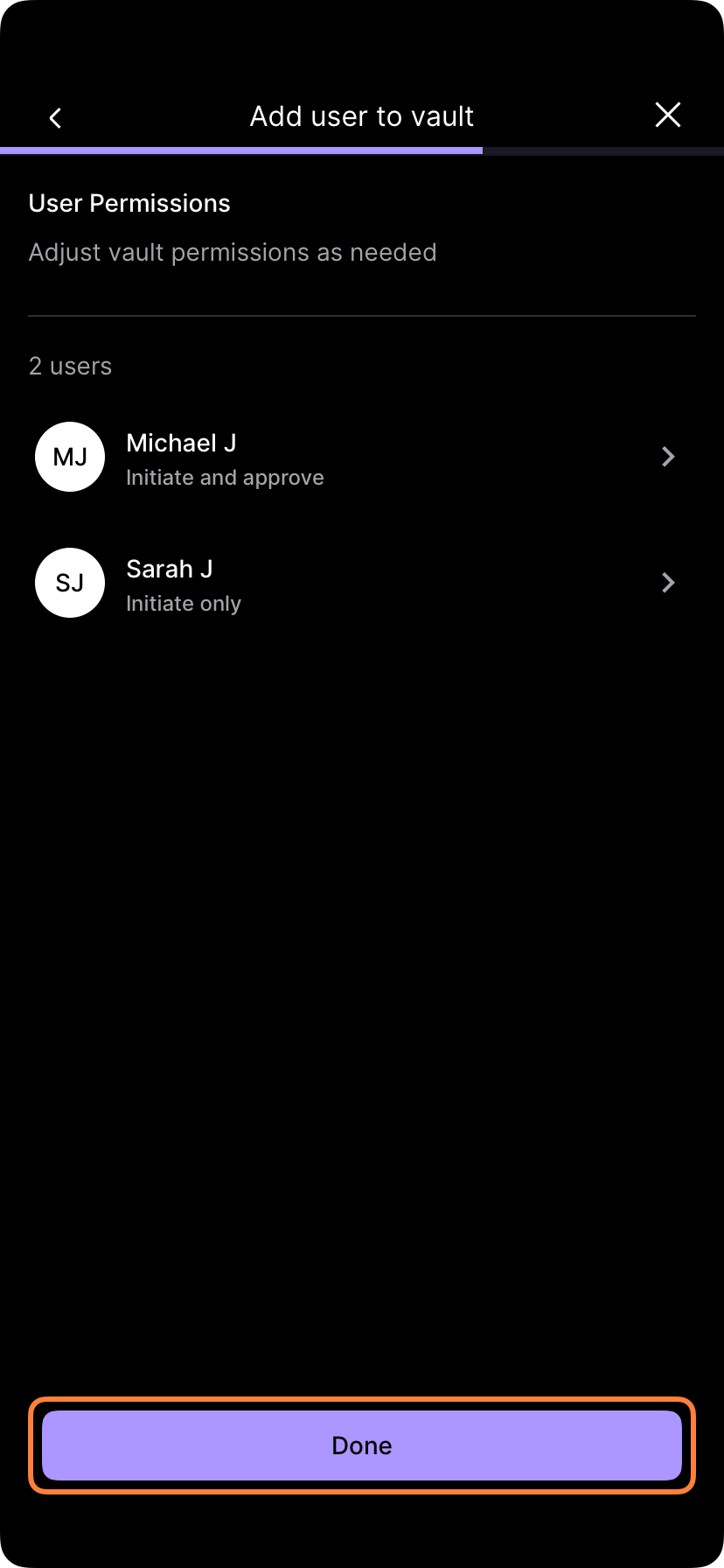

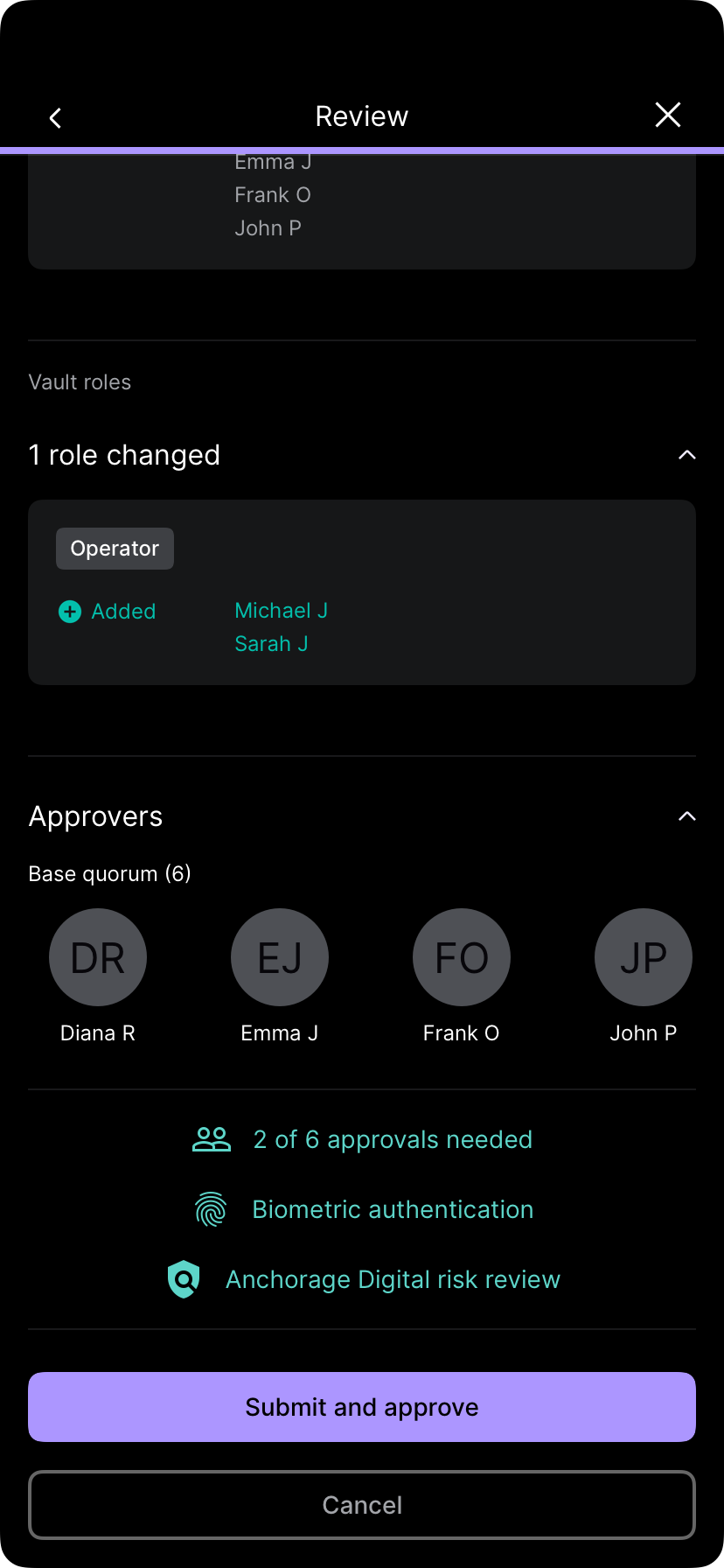
After finishing the changes, tap Done. Add a comment (optional) and tap Review to submit the operation. The other administrators will get a notification to approve it. Once the quorum is met, the operation will be completed.
Assigning users as administrators
Administrators may increase or decrease one user’s permissions to administrator by adding them to any administrator policy.
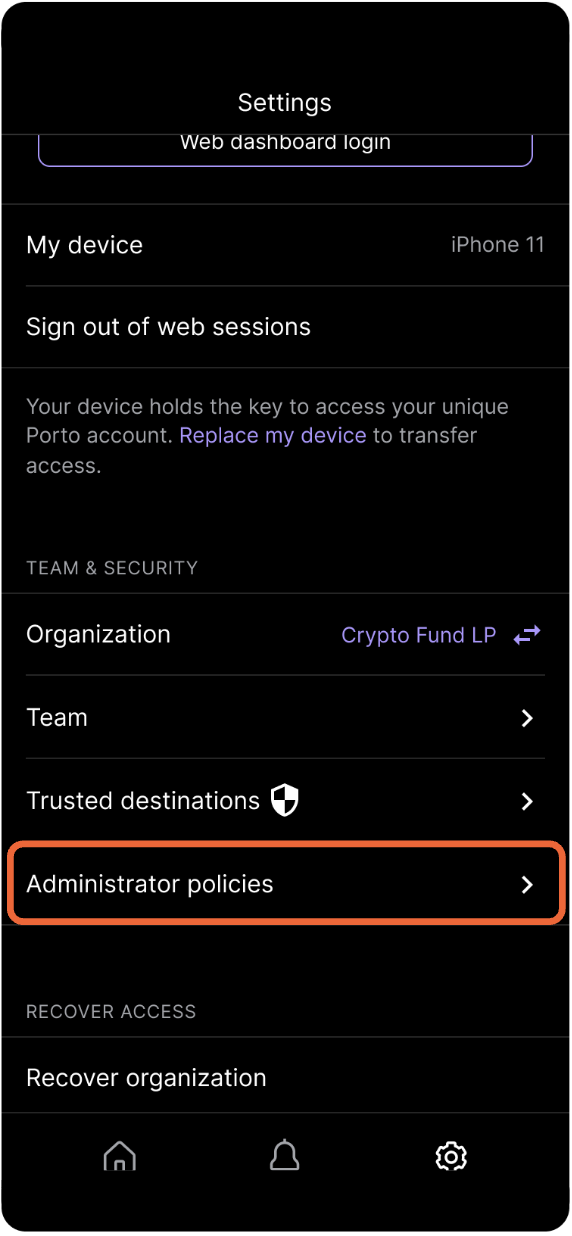
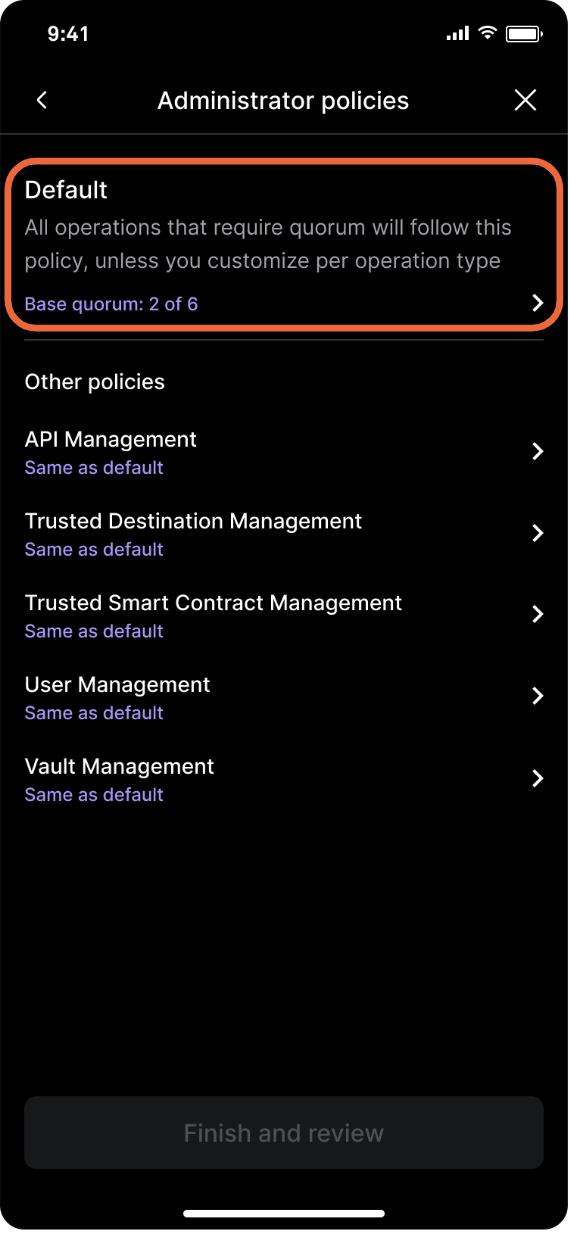
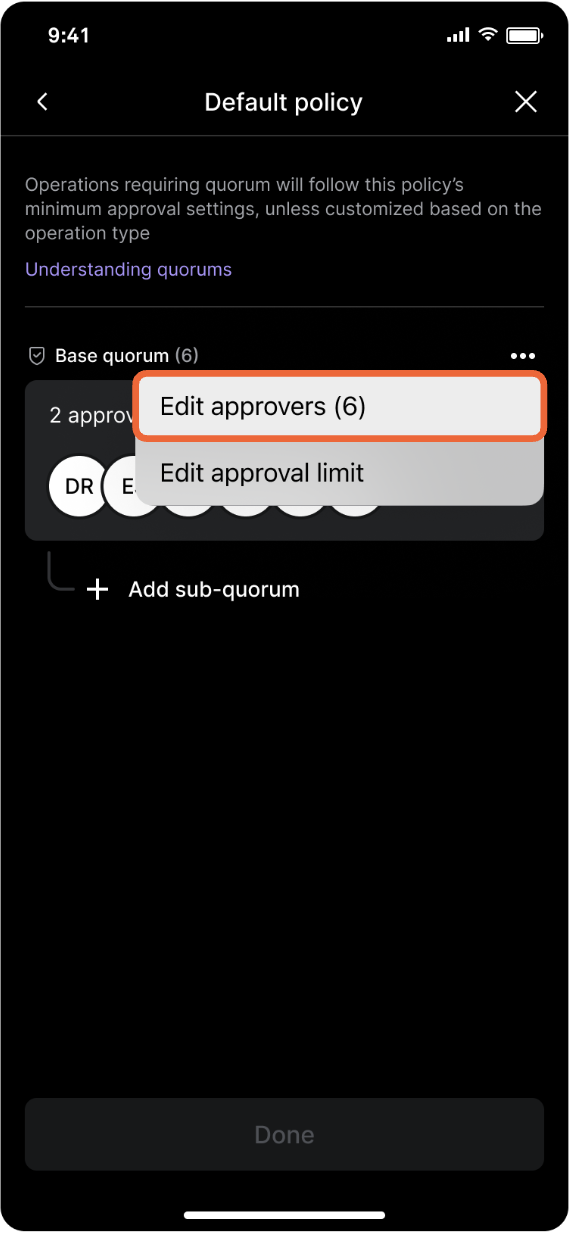
Tap Administrator policies, Default, then tap the three dots next to Base quorum and select Edit approvers.
Subsequently, the other quorum administrators will get a notification to approve this operation. Once quorum is met, the operation will be completed.
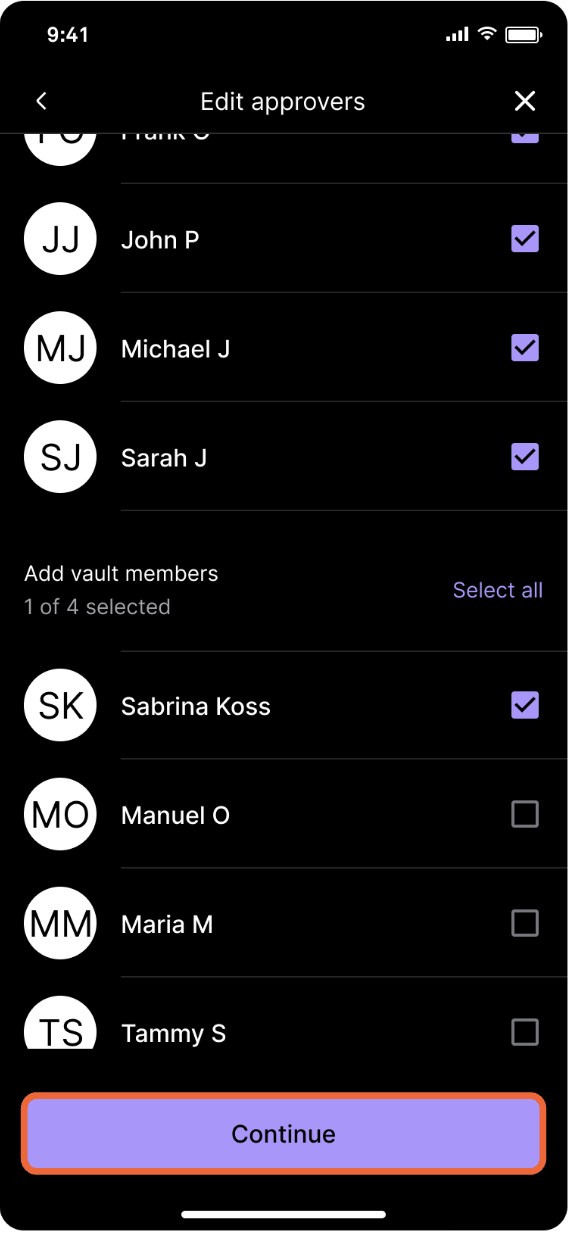
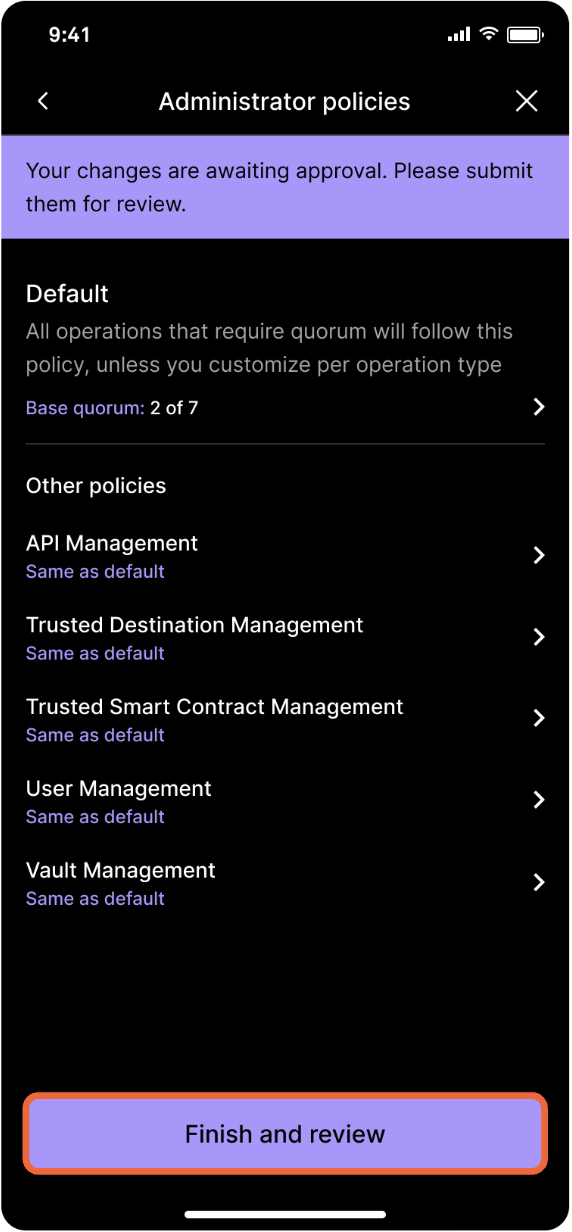
Select the user to add as an administrator and follow the prompts. Tap Finish and review to submit biometric approval—quorum approval is required.
Updated about 1 year ago